
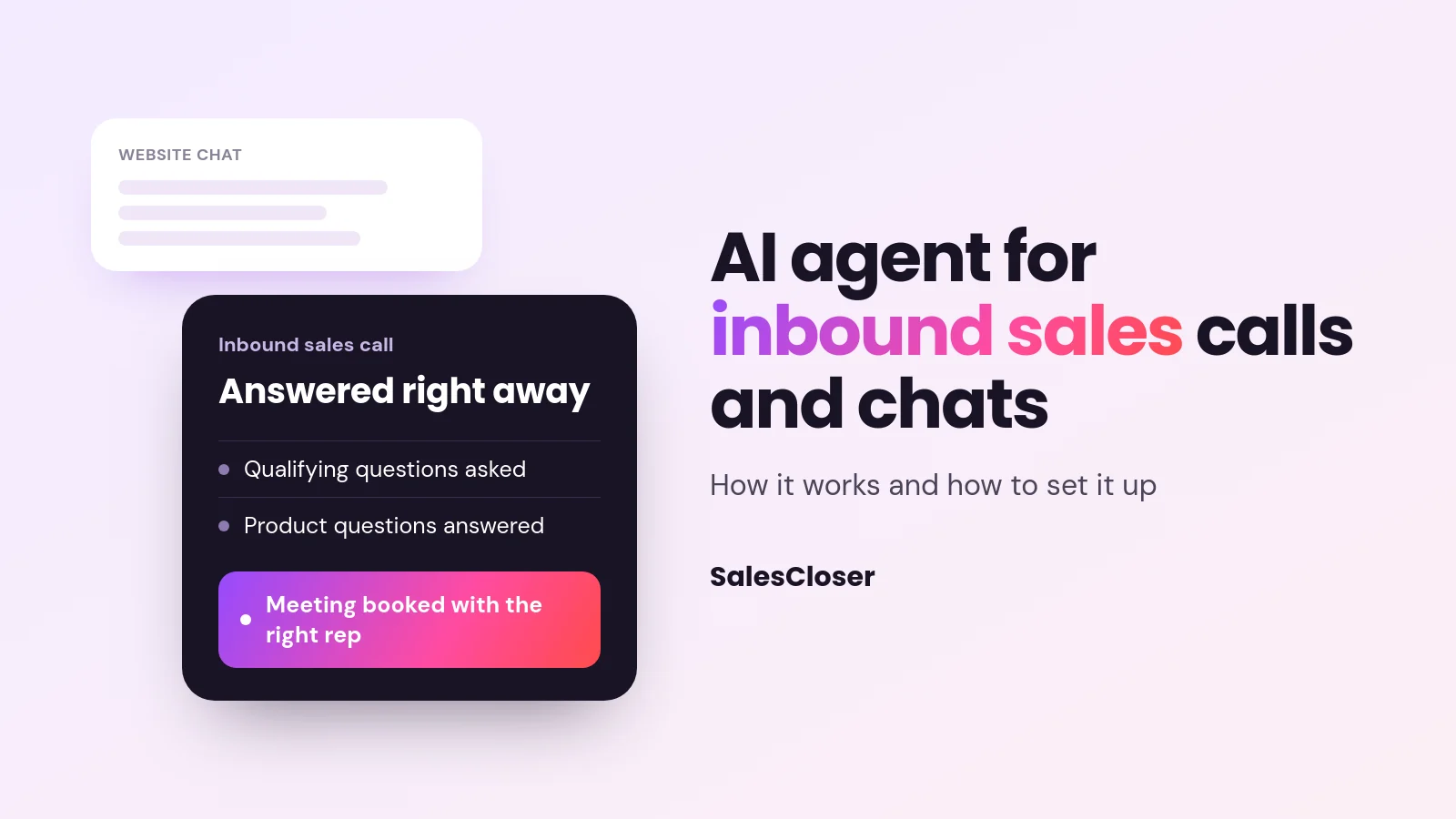
An AI agent for inbound sales calls answers your sales line and website chat the moment a buyer reaches out. It asks your qualifying questions, answers product questions from your knowledge base, can demo the product, and books qualified buyers onto your team’s calendar, following routing and handoff rules you set.
Inbound buyers are the easiest buyers you will ever get. They found you, they picked up the phone or opened the chat, and they want an answer now. The trouble is that your team cannot be on every line and every chat window at once, and the moment a buyer waits, the conversation starts to cool.
An AI agent for inbound sales calls fills that gap. This guide explains what it does on a live call or chat, how to set the rules for routing and handoff, how to cover after-hours and busy periods, how to set one up step by step, and how to tell whether it is working.
What an AI inbound sales agent does on a live call or chat
An AI inbound sales agent is software that answers your inbound sales conversations in real time and talks with the buyer, not at them. It is not a phone tree and it is not a scripted chatbot with buttons. It listens, understands the question, answers from what you have taught it, and moves the conversation toward a next step.

On a typical inbound conversation, the agent works through five jobs:
- Answer right away. It picks up the call or the website chat the moment it starts, at any hour, so nobody hits voicemail or an empty chat window.
- Qualify. It asks the questions your reps would ask: what the buyer is trying to solve, team size, timeline, budget range, who else is involved. It asks them in a natural order, not as an interrogation.
- Answer product questions. It draws on your website, documents and FAQs to explain features, use cases and how the product fits the buyer’s situation.
- Show the product. When a buyer wants to see it, the agent can run a demo, either by sharing a live screen or by presenting a product video, depending on the tool.
- Book the ready ones. When a buyer fits and wants to talk to a person, it puts a meeting on the right rep’s calendar while the buyer is still engaged.
Everything it learns along the way should be written back to your CRM so the rep walks into the meeting knowing what was said. For a deeper look at the qualification part, see our guide to qualifying leads with AI.
Inbound calls vs website chat: one agent, two front doors
Most inbound buyers arrive through two doors: they call the number on your site or ads, or they start a chat on your website. Treating these as separate projects usually leads to two sets of rules and two versions of the truth.
The better approach is one agent with one knowledge base and one set of qualifying rules, available on both channels.

| Inbound phone calls | Website chat | |
|---|---|---|
| Buyer intent | Often high. Calling takes effort, so callers tend to be ready to talk. | Mixed. Ranges from casual browsing to ready to buy. |
| What buyers expect | A real conversation, right away, with no hold music. | A fast, specific answer without filling out a form first. |
| What the agent should do | Answer, qualify by voice, answer questions, book or hand off. | Answer, qualify in chat, offer a voice or video conversation or a demo, book. |
| Common failure without AI | Voicemail, long holds, after-hours calls never returned. | A form that promises a reply later, or a bot that only offers menu buttons. |
| What to review | Recordings and transcripts of calls. | Chat transcripts and where buyers dropped off. |
A chat that can turn into a voice or video conversation is useful for higher-intent visitors. Some buyers prefer to type; others would rather just talk. Let them choose.
Routing and handoff rules: when the AI books, transfers or steps back
The quality of an inbound AI agent depends less on the AI and more on the rules you give it. Before you go live, write down what should happen in each situation. A simple rule set looks like this:
| Situation | What the agent should do |
|---|---|
| Buyer fits your criteria and wants to talk to sales | Book a meeting on the right rep’s calendar during the conversation. |
| Buyer fits but wants to see the product first | Run a demo now, then offer to book a follow-up with a rep. |
| Buyer asks for a person right away | Respect it. Book a time or route to the person on duty, per your rules. |
| Large or strategic account | Prioritize: book with a senior rep or account executive and flag it in the CRM. |
| Existing customer with a support issue | Route to support or a support agent, not to sales. |
| Poor fit (wrong size, region or use case) | Answer politely, point to self-serve resources, and log the reason. |
| Question the agent cannot answer | Say so honestly, capture the question, and promise follow-up from a person. |
Three principles keep handoffs clean:
- Pass context, not just contact details. The rep should get a summary of the conversation and the answers to your qualifying questions, so the buyer never has to repeat themselves.
- Route by your existing logic. Territory, segment, product line or round robin. The AI should follow the same rules your team already uses.
- Never trap the buyer. Anyone who asks for a human should get a clear path to one, even if it is a booked time rather than an instant transfer.
After-hours and overflow coverage
Two moments create most missed inbound opportunities: the hours when nobody is working, and the busy stretches when every rep is already on a call.
After hours
Buyers research in the evening, on weekends and across time zones. An AI agent can hold the full conversation at those hours, not just take a message. It qualifies, answers questions and books the meeting for the next business day, so your team starts the morning with a calendar of qualified conversations rather than a list of callbacks.
Overflow
During a campaign launch, an event or a seasonal peak, inbound volume can spike well past what your team can answer. Set the agent to pick up whenever no rep is free, or whenever a buyer has waited longer than you want. We cover this pattern in detail in our guide to handling inbound sales call overflow with AI.
Both scenarios are about response time. If you want the reasoning for why the first minutes after an inquiry matter so much, read our piece on speed to lead.
How to set up an AI agent for inbound sales calls
Setup with a modern no-code tool is mostly a content and rules exercise, not an engineering project. Here is a practical order of operations:
- Pick the first channel and the first job. Start with one: after-hours calls, overflow calls, or website chat on your pricing and product pages. Prove it there before expanding.
- Build the knowledge base. Give the agent your website, product docs, pricing explanations (in words your team is comfortable sharing), case examples you are allowed to share and your FAQs. Gaps here become wrong or vague answers later.
- Write your qualification criteria. List the questions, what a good answer looks like, and what makes someone a poor fit. Use the same criteria your reps use today.
- Set routing and handoff rules. Use the table above as a starting point. Decide which calendars the agent can book into and which situations go to a person.
- Decide on disclosure. Choose whether the agent introduces itself as an AI at the start. Either way, it should answer truthfully if a buyer asks. Check the rules for automated calls and recording that apply in your markets.
- Connect your CRM and calendar. Make sure each conversation creates or updates the lead with a summary and the qualification answers, and that bookings land on the right calendar.
- Test with your own team. Have reps call and chat as tough buyers. Ask odd questions, push back on price, ask for a human. Fix the knowledge base and rules where it stumbles.
- Go live and review daily at first. Read transcripts and listen to recordings for the first weeks. Most improvements come from small edits to the knowledge base and rules.
How to measure an inbound AI sales agent
Measure the agent the way you would measure a new rep: on coverage, on the quality of what it passes to your team, and on what happens next. Track these before and after launch so you have your own baseline:

| Metric | What it tells you |
|---|---|
| Answered conversations | How many inbound calls and chats got a real conversation instead of voicemail or a form. |
| Time to first response | How long buyers wait before someone, or something, engages with them. |
| Qualified rate | How many conversations met your criteria. Too high may mean the criteria are loose. |
| Meetings booked | How many qualified buyers got onto a rep’s calendar during the conversation. |
| Show rate | Whether booked meetings actually happen. A useful check on qualification quality. |
| Rep feedback on handoffs | Whether reps feel the summaries and qualification answers are accurate and useful. |
| Pipeline from AI-handled conversations | Whether those meetings turn into real opportunities in your CRM. |
| Unanswered questions | Topics the agent could not handle. Each one is a knowledge base fix. |
Look at the after-hours and overflow numbers separately. Those are conversations your team would likely have missed, so they show the agent’s added value most clearly.
Common mistakes to avoid
- Launching with a thin knowledge base. If the agent cannot answer common questions, buyers lose trust fast.
- Qualifying too hard. A long list of questions before any value feels like a gate. Answer questions first, qualify as you go.
- No clear path to a human. Buyers who want a person and cannot reach one will leave.
- Ignoring the transcripts. The agent improves through the edits you make after reviewing real conversations.
- Treating it as set and forget. Update the knowledge base when pricing, packaging or features change.
How SalesCloser fits
SalesCloser provides AI sales agents that hold real conversations by voice, video or chat: on the phone or in the browser.
For inbound sales, an agent answers new leads, asks your qualifying questions, runs discovery, answers product questions, gives demos by live screen share or by presenting your product video, and books qualified prospects onto your team’s calendar through Calendly or Cal.com.
You can set up demo, discovery, onboarding and support agents without code by giving them your website, documents, FAQs and rules. SalesCloser connects to HubSpot, Pipedrive, Zoho, GoHighLevel and Zendesk, saving the lead, a call summary and the qualification answers.
Creating or moving deals in the CRM is done through Zapier. Conversations are recorded and transcribed so your team can review them.
Agents work around the clock and in many languages. You control how the agent introduces itself, including whether it says it is an AI up front, and you can tell it to always answer truthfully when asked. See how it handles inbound lead response, or book a demo to try it on your own inbound flow.
Conclusion
Inbound buyers have already raised their hand. An AI agent for inbound sales calls and website chats makes sure each one gets a real conversation right away: questions answered, fit checked, product shown and a meeting booked with the right person.
Start with one channel and clear rules, review real conversations closely, and measure it like you would a new member of the team.