
You can train a SalesCloser AI sales agent on demo videos and recordings by uploading .mp4, .mp3 or .wav files up to 25 MB each to the knowledge base. Each file is transcribed, and the agent learns from the transcript, not the picture. It can also learn from private pages and APIs that use a token or basic auth.
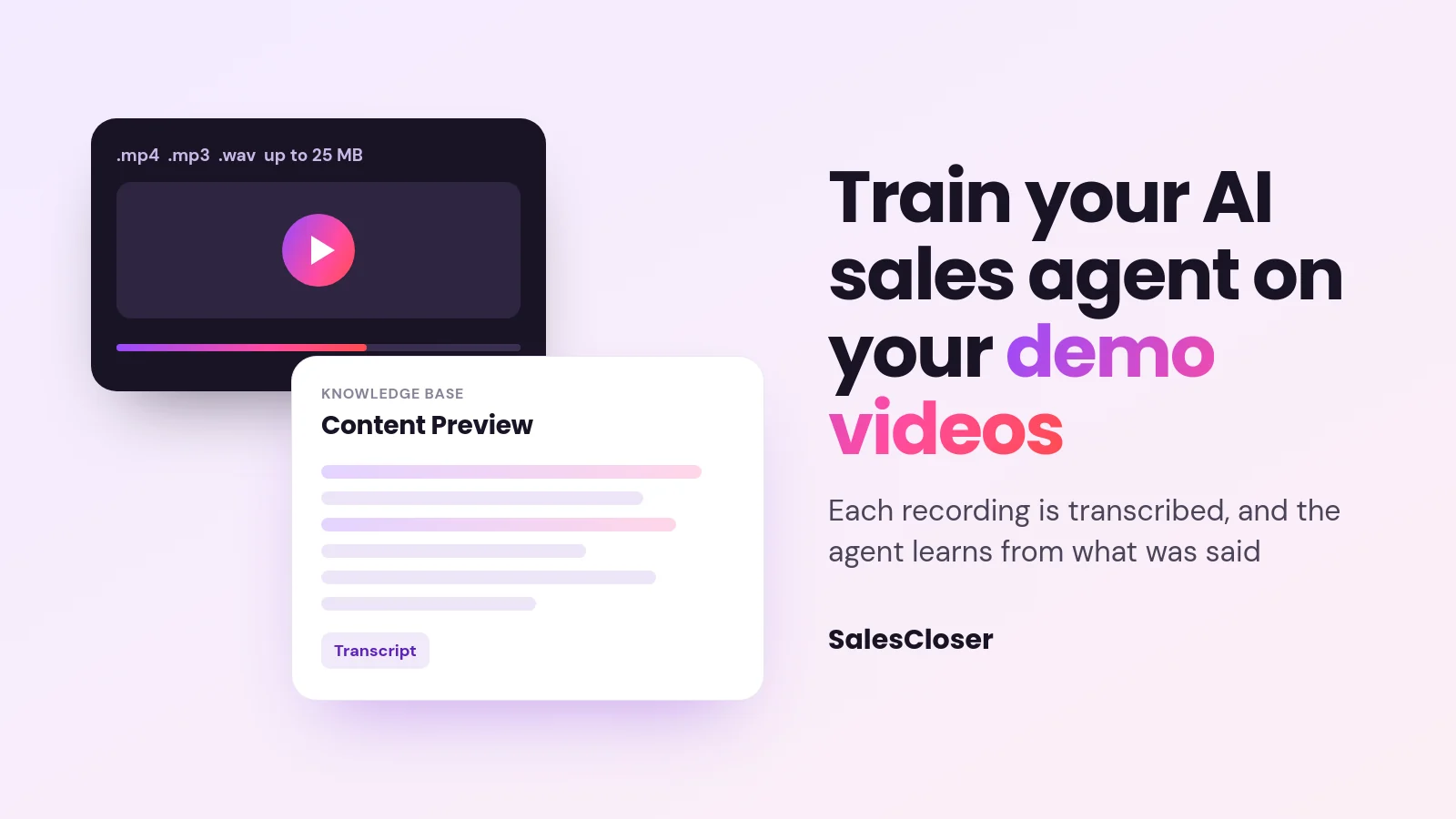
Your best sales explanations are probably already recorded. A product demo your founder gave, a webinar walkthrough, a training session where your top rep answers pricing questions. The trouble is that an AI sales agent cannot learn anything from a video file sitting in a shared drive.
SalesCloser lets you upload demo videos and recordings to the knowledge base. Each file is transcribed, and the agent learns from the transcript. You can also point it at private pages and APIs that use a token or basic auth. This guide covers how both work, how to set them up, and the limits to plan around.
What does it mean to train an AI agent on videos?
Training an AI agent on a video does not mean the agent watches it. The audio is turned into text, and that text becomes part of what the agent knows. When a lead later asks a question the recording answers, the agent can draw on what was said.
That difference matters. The agent learns from the transcript text, not from what is shown on screen. If a demo shows a dashboard but the presenter never says what is on it, there is nothing for the agent to learn from that part.
Why train your sales agent on demo videos and recordings?
Written docs rarely capture how your team actually explains the product. Recordings do. A good demo has the phrasing, the order of points and the answers to the questions buyers really ask. Turning that into agent knowledge helps the agent explain things the way your best people do.
It also saves writing. Instead of rewriting a walkthrough as a help article, you upload a recording you already have. For the lead, the result is simple: they ask a question on a call or in a chat, and the agent answers with the explanation your team already recorded. For the bigger picture, see our guide to AI for sales.
How do you add a video or recording to the knowledge base?
Have the file ready in one of the accepted formats, then follow these steps:

- Open Knowledge base in SalesCloser.
- Choose Add Video or Audio.
- Select Upload File and pick an .mp4, .mp3 or .wav file of 25 MB or less.
- Wait while the file shows Processing file… as it is transcribed. If processing fails, the file is marked as failed.
- Open Content Preview and read the transcript to check it caught what was said.
- Attach the knowledge base to the agents that should use it, then test them with questions the recording answers, phrased the way a buyer would ask.
The knowledge base is shared across your account, so you do not need to upload the same demo for each agent. Attach it to as many agents as need it, and one recording serves them all.
What does the agent learn from a video, and what does it miss?
Because the agent learns from the transcript, the question to ask about any recording is simple: was it said out loud? This table shows how common parts of a recording come through.

| In your recording | Does the agent learn it? | Why |
|---|---|---|
| What the presenter says | Yes | It is in the transcript |
| Audio-only recordings (.mp3 or .wav) | Yes | They are transcribed the same way as video |
| Questions and answers on a recorded webinar | Yes, if both are spoken | Questions typed into a chat window are not in the audio |
| Slides, on-screen text and product screens | No, unless someone reads or describes them | The agent does not see the picture |
| Product clicks with no narration | No | Nothing is said, so there is no text to learn from |
A useful rule of thumb: if you could not learn it with your eyes closed, the agent will not learn it either.
How do you check and fix a transcript?
Each uploaded file has three actions. Content Preview shows the transcript, so you can read exactly what the agent learned. Reprocess runs the file through again, which is worth trying if it was marked as failed. Delete removes the file when its content is out of date.
The transcript itself cannot be edited; only the title can be changed. If a transcript has a mistake, such as a misheard product name or an old figure, fix the recording instead. Re-record or trim the clip, upload the corrected file, and delete the old one so the agent does not learn both versions.
How do you prepare videos so the agent learns the right things?
A little preparation makes a big difference to what ends up in the transcript. These habits help:
- Split long videos into short clips under 25 MB. 25 MB is a few minutes of video. Cut a long webinar into one clip per topic, such as setup, pricing questions or a common objection.
- Export audio only when the picture adds nothing. The agent learns from what is said, and an audio-only MP3 export is usually much smaller than the video, so more minutes fit under the limit.
- Pick recordings where the speaker explains clearly. One main speaker, a decent microphone, little crosstalk and no loud background music give a cleaner transcript.
- Narrate what is on screen. When re-recording a demo, say what you click and why, and read out key figures from slides.
- Use current content. A recording that mentions old pricing or a retired feature teaches the agent outdated information.
- Leave out sensitive material. Skip recordings with customer personal details or internal discussion you would not want a lead to hear, because the agent can repeat what it learned.
Can an AI agent learn from private pages and APIs?
Some of your most useful knowledge is not public: an internal product catalog, a partner page or a docs endpoint. A URL source can include authentication, so the agent can learn from private pages and APIs that use a token or basic auth. To set one up:

- Add a URL source to the knowledge base and enter the address in URL.
- Set Update Frequency to how often the page should be read again, from Every Hour to Never.
- Select Add authentication.
- Choose an Authentication scheme: None (public URL), Bearer Token, API Key (custom header) or Basic (username / password).
- For API Key (custom header), fill in Header name and Header value. For Basic (username / password), fill in Username and Password. For Bearer Token, enter the token your system issued.
- Save the source, then test the agent with a question the page answers.
What the agent cannot do is sign in like a person. Pages behind a sign-in form, member areas, single sign-on (SSO) and OAuth are not supported. If someone has to type a password into a login page to see the content, the agent cannot read it this way.
Where your system allows it, create a dedicated, read-only key that only reaches the content the agent should learn. And because the agent can share what it learns with leads, only point it at content you are happy for a buyer to hear.
Reading a private page for knowledge is different from connecting the agent to your team’s tools. For that, see connecting your AI sales agent to your apps.
What are the limits of training an agent on videos?
Plan around these boundaries before you start:
- Three file formats, 25 MB each. Uploads must be .mp4, .mp3 or .wav, so long recordings need splitting or an audio-only export.
- Words, not pictures. The agent learns from the transcript text, not from slides, screens or anything else shown on screen.
- Read-only transcripts. You can preview a transcript but not edit it, so mistakes are fixed in the recording.
- Token or basic auth only. Private URL sources work with Bearer Token, API Key (custom header) or Basic (username / password), not with sign-in forms, member areas, SSO or OAuth.
How does SalesCloser fit?
SalesCloser AI sales agents hold real conversations by voice, video or chat. They answer inbound leads, ask qualifying questions, run discovery and book qualified prospects onto your team’s calendar. What they say depends on what they know, which is why the knowledge base matters as much as how natural the AI voice sounds.
Conversations are recorded and transcribed so your team can review them. That review is the best way to spot gaps: when a lead asks something the agent handled poorly, record a short clip that answers it and add it to the knowledge base.
Want to see how an agent handles your buyers’ questions? See it on a demo and bring the questions your team hears most.
Where should you start?
Start with one recording: the demo that best answers the questions buyers ask most. Trim it to the strongest few minutes, or export the audio, then upload it, check the Content Preview and test the agent with real buyer questions. Add more clips topic by topic, and keep every source current and safe for a buyer to hear.
Frequently asked questions
Can an AI agent learn from a video?
Yes, from what is said in it. On SalesCloser you upload the video to the knowledge base, it is transcribed, and the agent learns from the transcript text. The agent does not watch the video, so anything shown on screen but never spoken is not learned. Narrated demos and walkthroughs work best.
What file types and sizes can I upload?
You can upload .mp4, .mp3 and .wav files, up to 25 MB each. That is a few minutes of video. Go to Knowledge base, choose Add Video or Audio, then Upload File. Other formats, such as .mov, need converting to one of the accepted formats first.
Can I edit a transcript after uploading?
No. You can read the transcript with Content Preview, change the file’s title, Reprocess the file or Delete it, but the transcript text cannot be edited. If something was misheard or is out of date, fix the recording, upload the new file and delete the old one.
How do I upload a video longer than 25 MB?
Split it into short clips under 25 MB, ideally one topic per clip. Or export the audio only as an MP3, which is usually much smaller than the video, since the agent learns from what is said. Upload each clip separately through Add Video or Audio.
Can the agent read a password-protected site or member area?
Not through a login page. Under Add authentication, a URL source can use Bearer Token, API Key (custom header) or Basic (username / password), so the agent can learn from private pages and APIs that use a token or basic auth. Sign-in forms, member areas, SSO and OAuth are not supported.