
Automating Meeting Attendance Tracking and Follow-Ups with SalesCloser Analytics
A Complete Guide
Getting Started with Automating Meeting Attendance Tracking and Follow-Ups with SalesCloser Analytics
Streamlining meeting attendance tracking enhances engagement through automated follow-up sequences.
This guide covers how to effectively use SalesCloser Analytics, Zoom, and HubSpot for tracking meeting attendance and automating follow-up sequences, ensuring timely engagement based on attendance status.
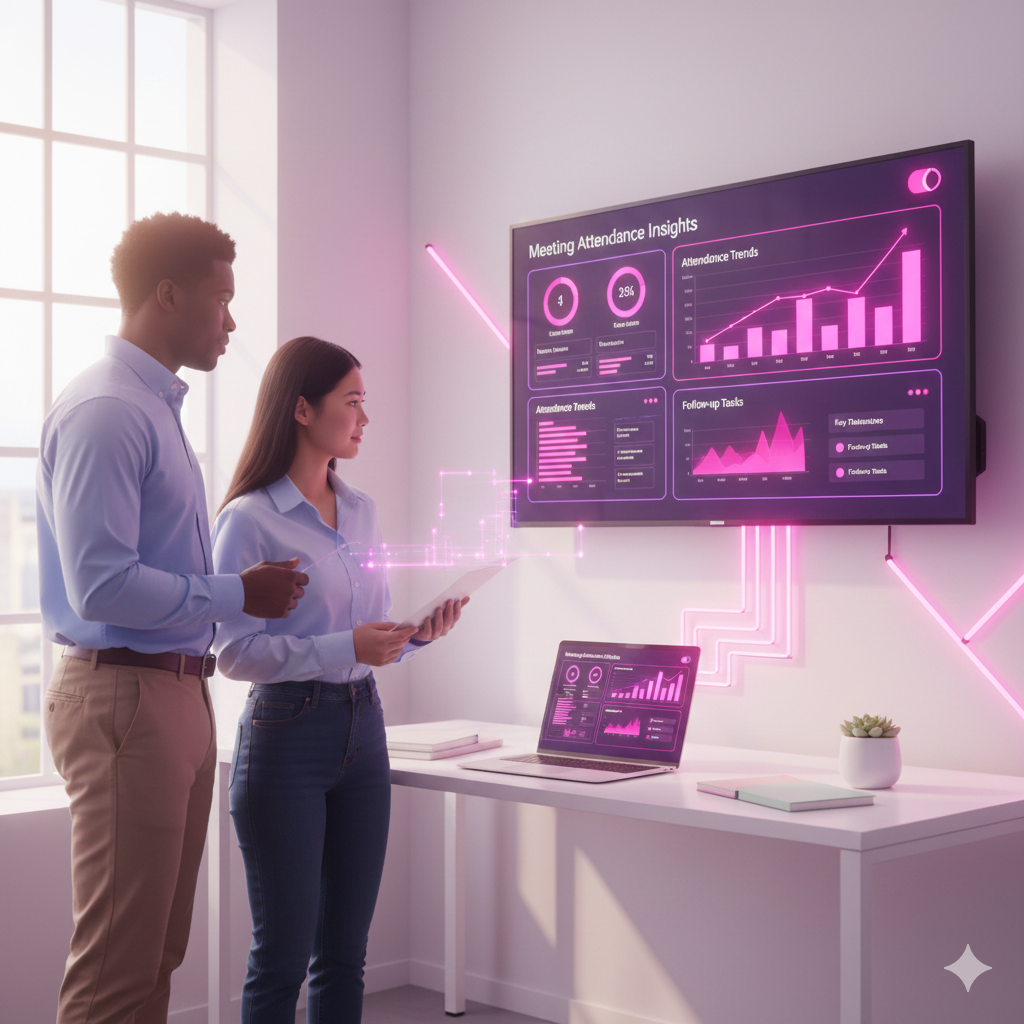
Understanding the Key Points of Meeting Attendance Management
Tracking attendance and follow-ups is challenging. SalesCloser automatically logs attendance, differentiates follow-ups, and analyzes engagement metrics.
Common Challenges and How SalesCloser.AI Solves Them
Traditional Challenges:
Managing meeting attendance poses challenges such as tracking engagement and following up effectively.
SalesCloser.AI Solutions:
SalesCloser solutions address these with:
• Automatic logging of attendance from Zoom to HubSpot.
• Differentiated follow-up sequences for attendees and no-shows.
• AI analysis of meeting duration and engagement metrics for personalized follow-ups.

Unlock The Power Of AI Sales Conversations
Say goodbye to missed opportunities — let AI handle your leads while you focus on closing.
Who This Guide Is For
This guide is beneficial for:
• Sales Teams
• Marketing Teams
• Customer Success Teams
• Operations Teams
Setting Up the Workflow for Attendance Tracking
To effectively manage meeting attendance and automate follow-ups, follow these structured steps.
Step 1: Integrate Zoom with HubSpot
Ensure that your Zoom account is integrated with HubSpot. Consider the following: • Verify API connections. • Test the integration to ensure data flows correctly.
Step 2: Configure Attendance Logging
Set up automatic logging of attendance statuses. Keep in mind: • Define criteria for marking attendance. • Ensure no-shows are flagged for follow-up.
Step 3: Design Follow-Up Sequences
Create tailored follow-up sequences based on attendance. For example: • Attendees receive a thank-you email and additional resources. • No-shows get a recovery email with a reschedule link.
Step 4: Implement AI Analysis
Utilize AI to assess meeting engagement metrics. Tip: Regularly review AI insights to refine your follow-up strategies.
SalesCloser.AI Solution: SalesCloser’s Attendance Tracking Solution
SalesCloser offers a comprehensive solution for tracking attendance seamlessly between Zoom and HubSpot.
Automatic Attendance Logging
Key features include: • Real-time attendance updates. • Automatic differentiation between attendees and no-shows.
Personalized Follow-Up Campaigns
This feature allows for targeted messaging, such as: • Sending resources based on meeting topics discussed.
SalesCloser.AI Solution: Measuring Performance Metrics
SalesCloser facilitates the evaluation of performance metrics post-meetings to enhance future engagements.
Engagement Duration
Measuring engagement duration helps identify interested prospects for follow-ups.
Attendance Rates
Attendance rates inform adjustments to scheduling and engagement strategies.
Follow-Up Response Rates
Tracking response rates aids in optimizing messaging and content delivered post-meeting.
Prospect Interest Level
Understanding interest levels enables prioritization of high-potential leads for follow-ups.
Strategic Implementation with SalesCloser
Implementing SalesCloser strategies enhances overall engagement and follow-up effectiveness.
Automate Attendance Tracking
Automating attendance tracking minimizes manual errors and saves time.
Utilize AI for Tailored Follow-Ups
Leveraging AI allows for personalized engagement based on meeting interactions.
Regularly Analyze Metrics
Continuous analysis of metrics ensures that strategies remain effective and relevant.
Step Into The Future Of Closing
SalesCloser.ai empowers your team with AI-driven insights to convert more prospects into customers.

Real-World Example Workflows
Scenario 1: Product Demo Meeting
In a product demo, attendees receive a follow-up with additional resources, while no-shows are prompted to reschedule.
Scenario 2: Sales Pitch Meeting
Post-sales pitch, attendees might receive a personalized thank-you, while non-attendees receive a special offer to engage them.
Scenario 3: Team Planning Session
For team planning, participants receive a summary of decisions made, and absentees are invited to review the recorded session.
Best Practices
Best Practice 1: Maintain Regular Updates
Consistently update your integration settings to ensure seamless data flow.
Best Practice 2: Customize Follow-Ups
Tailor follow-up messages based on individual attendee interests and engagement levels.
Best Practice 3: Leverage AI Insights
Use AI-generated insights to continuously improve your engagement strategies.
Summary of Meeting Attendance Management
Automating meeting attendance tracking with SalesCloser Analytics leads to more effective follow-up strategies.
Key Takeaways:
• Seamless integration of attendance tracking with automated follow-ups.
• Differentiated approaches for attendees and no-shows.
• AI analytics to enhance engagement and strategy refinement.