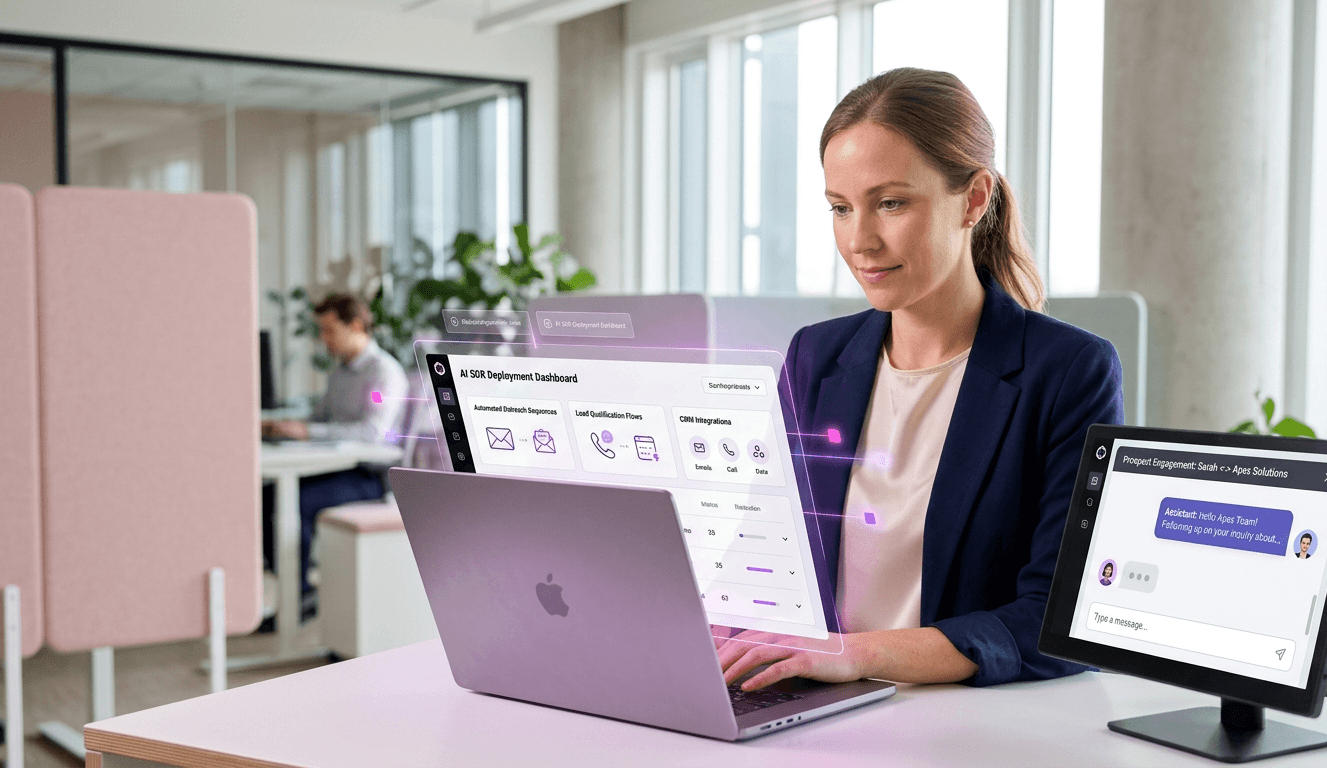
“Build a 24/7 demo room and automate a sales demo with AI. Learn how to script agents, trigger screen shares, and scale your pipeline.”
Gartner research shows that 33% of all B2B buyers now desire a completely seller-free sales experience. For millennial buyers, that number jumps to 44%. Buyers want immediate access to your product, but your account executives cannot work 24/7.
This creates a massive bottleneck in the middle of your funnel. Prospects request a demo, wait three days for a calendar slot, and lose interest before the call even begins. You lose momentum.
You can solve this by automating a sales demo. Turning a static slide deck into a conversational, responsive AI agent allows you to meet buyers exactly when their intent is highest.
This technical guide provides a complete blueprint for building a “24/7 Demo Room.” You will learn how to feed an AI product knowledge, map out conversational logic, and launch a system that actively pitches, answers questions, and qualifies the pipeline for your human reps.
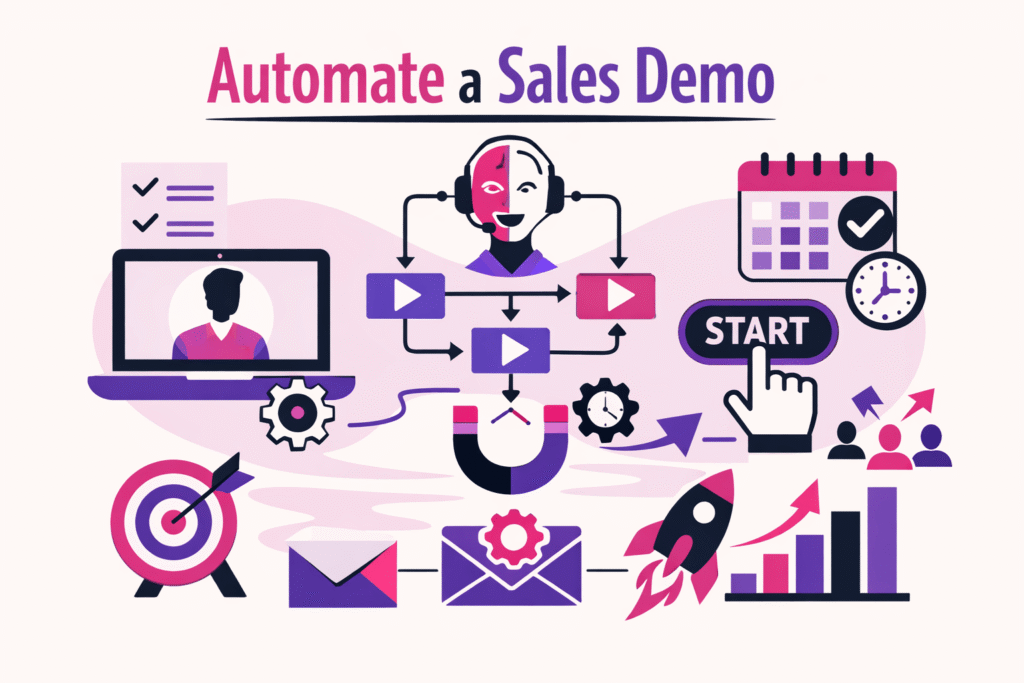
What is an automated AI demo?
What is an automated AI demo? An automated AI demo is software that uses artificial intelligence to conduct a live, two-way product walkthrough without a human representative. The AI agent actively speaks with the prospect, answers specific product questions, handles objections, and dynamically changes the screen presentation based on the buyer’s unique interests.
Do not confuse this with a pre-recorded Loom video or an interactive click-through tutorial. Those are static resources. A true AI demo acts as a digital sales engineer.
It listens to the prospect’s audio, interprets their intent, and formulates a real-time response. This creates high-quality mid-funnel automation. Buyers get the customized experience of a live discovery call without the scheduling friction.
The Shift to Self-Serve Sales Demos
Modern buyers do deep research before they ever fill out a contact form. When they finally click “Book a Demo,” they expect to see the software immediately. Making them wait for a human introduces unnecessary friction.
Self-serve sales demos bridge this gap. You provide a link on your website that immediately drops the buyer into a virtual meeting room with an AI agent. The AI introduces itself, asks a few qualification questions, and begins the walkthrough.
This approach dramatically lowers your Customer Acquisition Cost (CAC). Your human sales team stops wasting hours on unqualified introductory calls. Instead, they step in only when the AI hands off a fully educated, high-intent buyer.
Dynamic Screen Sharing vs. Static Decks
Human sales reps adjust their presentation based on the room’s energy. If a prospect asks about reporting features, a good rep skips ahead to the analytics dashboard. AI agents now replicate this exact behavior through dynamic screen sharing.
You do not force the buyer down a rigid, linear path. Instead, you feed the AI a repository of product screens, videos, and diagrams. When the buyer asks a specific question, the AI instantly pulls up the relevant visual asset.
This creates a highly customized experience. The prospect drives the conversation, and the AI supports them with immediate, visual AI-led product education.
Step 1: How to script a demo AI agent
You cannot simply copy and paste your website copy into an AI tool and expect it to sell. You must structure your product knowledge logically. The AI needs a framework to understand what to say, when to say it, and what visuals to show.
Scripting an AI agent requires building autonomous demo scripts. These are not traditional word-for-word scripts. They are behavioral guidelines and knowledge matrices that give the AI boundaries and goals.
Defining the Core Pitch
Start by defining the absolute must-hit points of your presentation. What are the three core value propositions every buyer needs to hear? You will hardcode these into the AI’s initial instructions.
Write clear, concise prompt instructions. Tell the AI its persona, its goal, and its constraints.
For example, your system prompt should look like this: “You are Alex, a senior product specialist at [Company]. Your goal is to guide prospects through our platform. Keep your answers under three sentences. Always end your response by asking a clarifying question to keep the prospect engaged.”
Building the Knowledge Base
The AI needs facts to draw from. You will create a structured document that acts as the agent’s brain. This document should include technical specifications, pricing details, and competitive advantages.
Organize this information into distinct categories. Break down your product features into modules. For each feature, provide a simple explanation, a list of benefits, and the specific use case it solves.
- Feature: Automated Lead Routing
- Simple Explanation: Our system instantly sends incoming leads to the right rep based on territory and availability.
- Benefit: Reduces lead response time to under five minutes.
- Use Case: A large sales team struggling with manual lead distribution.
The Objection Handling Matrix
Buyers will push back. They will ask about competitors, complain about pricing, or question your security standards. Your AI must handle these objections smoothly without sounding defensive.
Create a spreadsheet detailing the most common objections your human reps face. Map out the exact response you want the AI to deliver.
If a prospect says, “Your competitor is cheaper,” the AI should not simply apologize. It should pivot to value. Script the AI to say: “Our upfront cost is slightly higher, but our customers see a 40% reduction in software churn, saving them money in the first year. Would you like to see how our retention dashboard works?”
Triggers for Interactive AI Walkthroughs
Next, you must connect the AI’s speech to your visual assets. You do this by setting up trigger keywords. When the AI detects specific topics in the conversation, it commands the system to change the screen.
If the prospect asks, “How do I integrate this with Salesforce?”, the AI recognizes the word “Salesforce.” It then answers the question verbally while simultaneously pulling up a diagram of your API integration.
These interactive AI walkthroughs keep the buyer engaged. The visual changes constantly match the audio track, reinforcing the learning experience.
Step 2: Setting up integrations (Zoom, calendar)
An isolated AI agent provides little value. To drive revenue, the agent must connect deeply with your existing revenue operations stack. It must log data, read previous interactions, and facilitate human handoffs.
The integration phase determines whether your automated demo acts as a simple toy or a serious revenue engine. You need seamless data flow between the AI platform, your CRM, and your scheduling tools.
CRM Syncing and Data Logging
Your AI agent must write data to your CRM immediately after the call ends. If a buyer spends 15 minutes talking to the AI, your human reps need an instant summary of that conversation.
Connect your AI tool directly to Salesforce, HubSpot, or your CRM of choice. Configure the integration to automatically generate a new lead record or update an existing one.
Map specific data points from the AI conversation to custom fields in your CRM. The system should log the call duration, the specific features discussed, and any objections the buyer raised.
Real-Time Calendar Booking
The ultimate goal of a mid-funnel automated demo is to qualify the prospect and book a meeting with a human closer. The AI must manage this transition smoothly.
Integrate the AI agent directly with your team’s Google Calendar or Microsoft Outlook accounts. You can also connect it to routing tools like Chili Piper or Calendly.
When the AI determines the prospect is qualified, it should actively suggest a meeting. “It sounds like you need our enterprise routing features. I can get an account executive on the line with you tomorrow. Does 2:00 PM work for you?” The AI then checks availability and automatically ends the calendar invite
Integrating with Meeting Platforms
You must decide where this AI demo takes place. Many companies host the 24/7 demo room directly on their website using an embedded widget. This removes all friction for the buyer.
However, you can also integrate AI agents into traditional platforms like Zoom or Microsoft Teams. The AI joins the meeting via the same link as a human participant.
Using tools like SalesCloser AI, you can deploy agents that seamlessly join scheduled video bridges. This allows the AI to screen-share naturally within the environment the buyer already uses daily.
Step 3: Testing the demo flow
Do not launch an AI demo room without rigorous testing. AI models can hallucinate, go off-topic, or fail to trigger the correct visuals. You must identify and fix these failure points internally.
Treat the AI agent like a newly hired human SDR. You would never let an SDR speak to a live prospect without extensive roleplaying. The same rule applies to automation.
QAing the Conversational Logic
Start with internal team testing. Have your account executives call the AI and pretend to be different buyer personas. Run through standard, happy-path scenarios first. Ensure the AI hits the core value propositions and triggers the right screen shares.
Check the pacing of the conversation. Does the AI wait long enough for the prospect to finish speaking? Does it interrupt? Adjust the latency and interruption thresholds in your platform settings to ensure a natural flow.
Red Teaming and Edge Cases
Once the basic flow works, you must try to break the AI. This process is called red teaming. You deliberately ask strange, aggressive, or completely off-topic questions to see how the agent recovers.
What happens if the prospect starts talking about the weather for five minutes? What happens if they curse? What happens if they ask the AI to write a poem?
You must implement strict guardrails. Instruct the AI to politely but firmly steer the conversation back to the product. “I’m afraid I can’t help with that, but I can show you how our reporting dashboard saves your team time. Would you like to see that?”
Comparing AI vs. Human Performance
Use a structured framework to evaluate your AI’s readiness. Compare the automated experience against your baseline human metrics.
| Testing Criteria | Human AE Expectation | AI Agent Requirement |
| Response Time | Under 1 second | Under 1.5 seconds |
| Objection Handling | Pivots to value immediately | Follows pre-scripted value matrix |
| Product Knowledge | Knows 90% of features | Knows 100% of documented features |
| Off-Topic Recovery | Gently redirects conversation | Triggers the strict guardrail prompt |
| Data Logging | Manual CRM entry post-call | Instant automated CRM update |
Only deploy the AI agent to your live website when it consistently meets or exceeds the baseline requirements in your testing matrix.
Step 4: Analyzing results with call analytics
Launching the AI demo is only the beginning. Once real prospects interact with the system, you generate a massive amount of conversational data. You must continuously analyze this data to improve your conversion rates.
Traditional web analytics tells you what a user clicked. Conversational AI analytics tell you exactly what the user is thinking. You capture the literal voice of the customer at scale.
Tracking Engagement and Drop-off Points
Look closely at your average call duration. If most prospects abandon the automated demo after 90 seconds, your introduction is likely too long or boring.
Identify specific drop-off points. Do prospects frequently hang up when the AI explains your pricing model? If so, you need to rewrite that section of the script. Simplify the pricing explanation, or instruct the AI to immediately highlight the ROI after mentioning the cost.
Extracting Intent Signals
Review the AI conversation transcripts daily. Look for recurring questions that you did not anticipate. If multiple buyers ask about a specific integration that the AI does not know about, you have identified a gap in your knowledge base.
Update the AI’s training documents immediately. Add the new integration details so the agent can answer the question correctly the next time it arises.
Track the frequency of specific feature requests. If 60% of prospects ask the AI about custom reporting, you should relay that data to your product team. The AI demo room doubles as an automated product feedback engine.
Measuring Pipeline Conversion
Ultimately, you must measure the ROI of your automated demo. Track how many AI interactions result in a booked meeting with a human rep.
Monitor the quality of those meetings. Are the prospects better educated? Do the human AEs close these deals faster than traditional inbound leads?
According to recent G2 software trends, companies utilizing AI for mid-funnel interactions see a significant decrease in their overall sales cycle length. The AI handles the basic education, allowing the human reps to focus entirely on negotiation and strategy.
How SalesCloser.ai Drives Mid-Funnel Automation
Building this infrastructure from scratch requires immense technical resources. You must string together language models, text-to-speech engines, and custom API integrations.
SalesCloser AI eliminates this technical burden. It provides a complete, out-of-the-box platform to deploy autonomous sales agents in minutes.
You simply upload your existing slide decks and product FAQs. SalesCloser automatically converts those static assets into a dynamic, conversational AI agent. The platform handles complex latency issues, screen-sharing triggers, and native CRM integrations.
By utilizing SalesCloser, you immediately unlock a 24/7 demo room that qualifies leads, handles objections, and fills your human team’s calendar with high-intent buyers.
Conclusion
You can no longer force modern B2B buyers to wait days for a basic product overview. Implementing self-serve automation is a mandatory step for scaling revenue teams.
When you automate a sales demo, you remove friction from the buying journey. You provide instant answers, dynamic visual education, and a seamless handoff to your human experts.
Stop wasting your account executives’ time on repetitive introductory pitches. Build your 24/7 demo room today and watch your pipeline velocity increase. Ready to see it in action? Book a demo with SalesCloser AI and experience the future of automated sales.
FAQ
What is an automated sales demo?
An automated sales demo uses an AI agent to conduct a live, interactive product walkthrough with a prospect. The AI speaks, answers questions, and shares its screen dynamically based on the conversation.
How does an AI agent handle sales objections?
You provide the AI with a predefined knowledge base and objection-handling matrix. When a prospect raises a concern, the AI matches the intent to your approved responses and pivots the conversation back to product value.
Can an AI demo book meetings for human reps?
Yes. Modern AI sales agents integrate directly with calendar tools and CRMs. Once the AI qualifies the prospect during the demo, it can instantly offer available times and secure a meeting on a human representative’s calendar.