
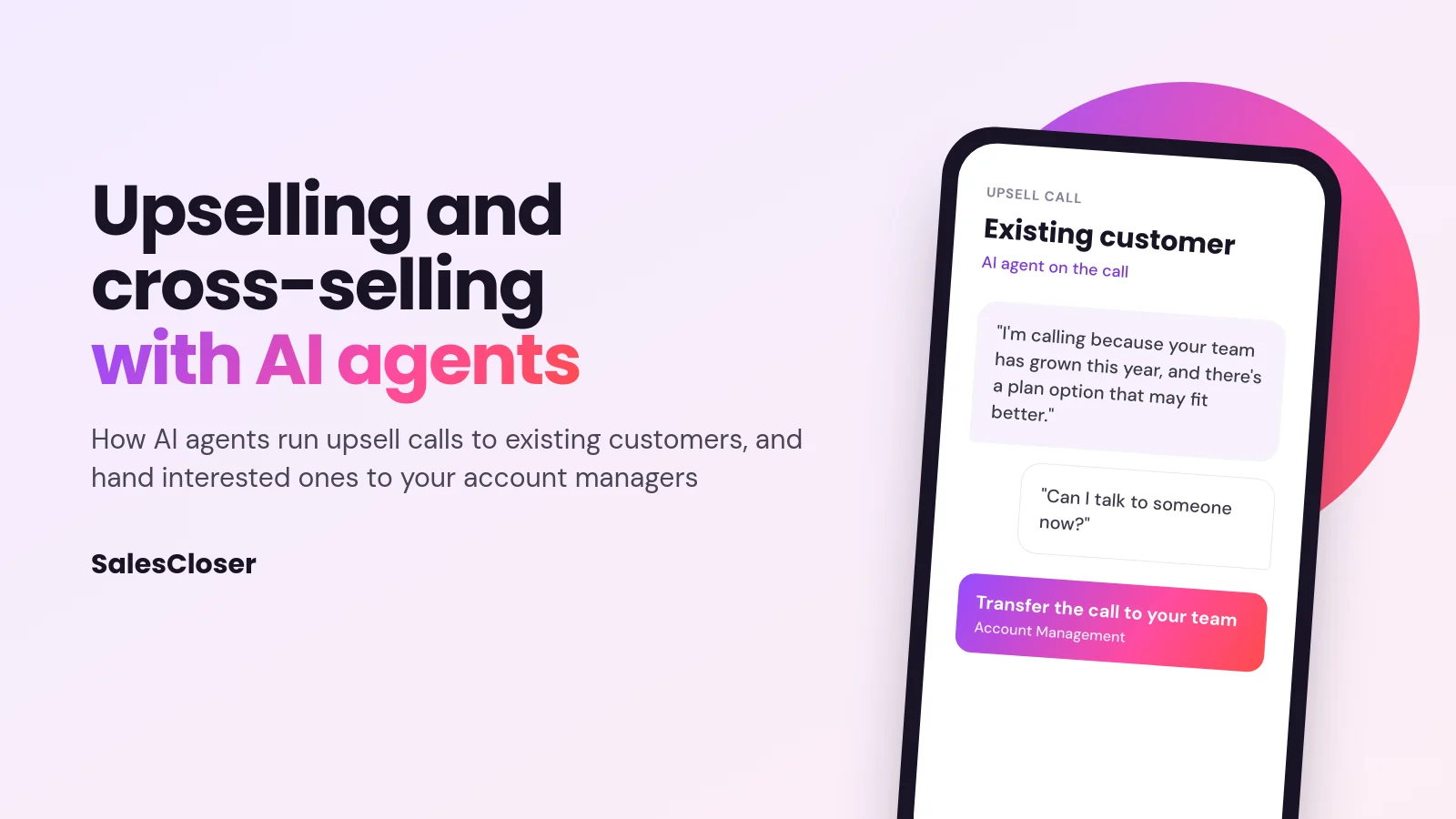
AI upselling and cross-selling means using an AI voice agent to call existing customers about an upgrade or an add-on. You choose who to call and what to offer. The agent has the conversation, answers questions from your knowledge base, books a callback when the customer says not now, and books or transfers interested customers to an account manager.
Most upsell plans fail for a plain reason: nobody makes the calls. Account managers spend the week on renewals and escalations, and the customers who are ready for more never hear about the upgrade.
An AI agent changes who makes the first call. You choose who to call and what to offer. The agent runs the conversation, books a callback when the customer says not now, and books or transfers interested customers to a person. A recommendation engine tells you who to call; an AI agent makes the call. Here are four expansion moments and what each one sounds like.
Moment 1: an account near its seat limit
Accounts close to a seat, storage or volume limit are the cleanest upgrade conversation, because the offer removes a problem they are about to hit. Run it as an outbound calling campaign for that one segment.
Agent: I’m calling because your team is close to its seat limit, and I wanted to check how that’s going before it gets in the way.
Customer: Yeah, we’re adding three people next month.
Agent: Would it help to talk through the next plan with Dana, your account manager? I can connect you now.
Customer: Sure.
Once the customer agrees, the agent transfers the call. If your list holds each account manager’s direct number, the call goes to that person, with fallback numbers if they do not answer. Dana gets an email with the customer’s details, a call summary and next steps before she says hello.

Moment 2: the customer who says not now
It is the most common answer, so plan for it. The agent should offer a better time instead of pushing.
Customer: We’re mid-quarter, can you try me in January?
Agent: Of course. Would the second week of January work, morning or afternoon?
Customer: Tuesday the 12th, morning.
The agent books the callback and calls at the agreed time, even outside your calling hours, because the customer chose it. The callback does not remember the first conversation, so write instructions that also work for a second call.
Moment 3: an add-on during a website chat
Cross-sells also happen before the sale closes. A furniture store’s website agent, answering a shopper who is ordering desks for an office, can mention the matching monitor arms and cable trays from your catalog content, and share a link button to them.
Shopper: Do these desks fit dual monitors?
Agent: Yes, the larger top does. Many teams add the dual monitor arm so the screens sit at eye level. Want the link?
Keep these suggestions in the agent’s instructions short and relevant to what the shopper already chose. One helpful add-on reads as service; three reads as a pitch.
Moment 4: a service visit that becomes a plan
An HVAC company calls customers whose system was serviced last spring. The agent asks how the system has run since, mentions the maintenance plan, and answers what it covers from the company’s knowledge base.
Customer: What would the plan cost me?
Agent: That depends on your system, so the best person to price it is Marco on our service team. Can I book you a ten-minute call with him this week?
Pricing, exceptions and contract terms belong with a person. The agent confirms interest and books the meeting on your Calendly or Cal.com calendar.
Pick the right list
SalesCloser does not score your accounts. You choose the list, and the signals live in your own product, billing and support data:
- Usage near a limit: seats, storage or volume close to the cap.
- Team growth: new users, locations or markets the original plan no longer fits.
- Feature patterns: heavy use of a basic feature, or never touching a feature that pairs with what they use.
- Timing: the weeks before a renewal, or right after a successful rollout.
Build one campaign per segment and offer, so the agent’s opening is true for everyone on the list. Merge tags such as the first name fill in each customer’s details; use only fields that are always filled.
Set it up
- Pick one offer and one segment, such as more seats for accounts near their limit.
- Export the list from your CRM with the details the call needs and each account manager’s number.
- Give the agent the facts: offer details, plan comparisons and common questions.
- Write the instructions: the reason for the call, two or three questions, how to handle not now, and when to book or transfer.
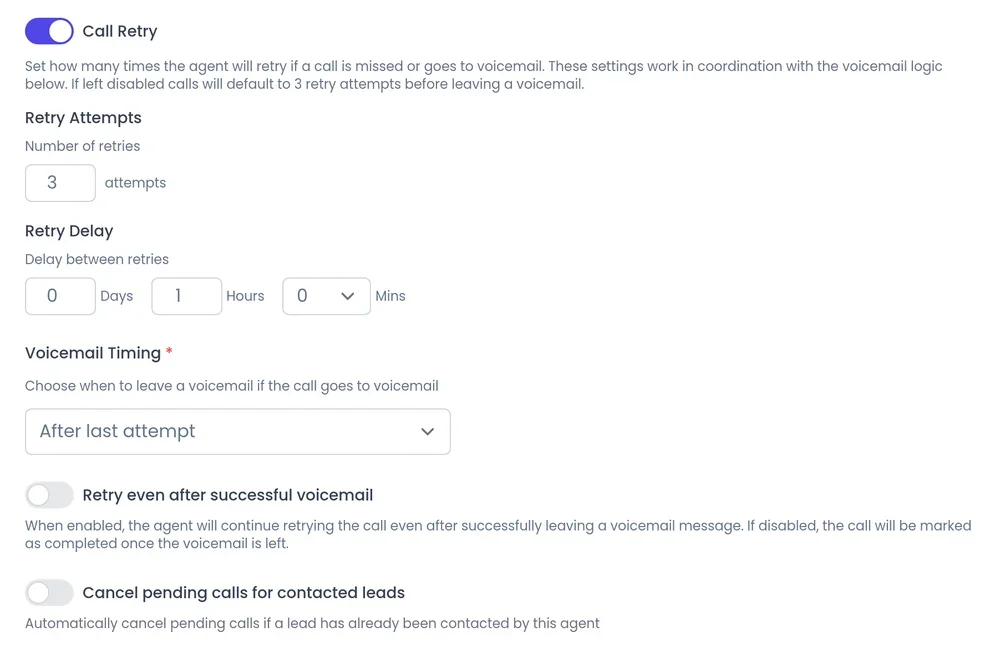
- Set calling hours and retries in calling controls, then start with a small group and read the transcripts.
What to check before you launch
- Being a customer does not mean someone agreed to sales calls in every market, so consent and Do Not Call rules stay your responsibility.
- Transfers work on phone calls, and if a customer’s transfer number field is empty the transfer is skipped, so check that column or add a fixed fallback number.
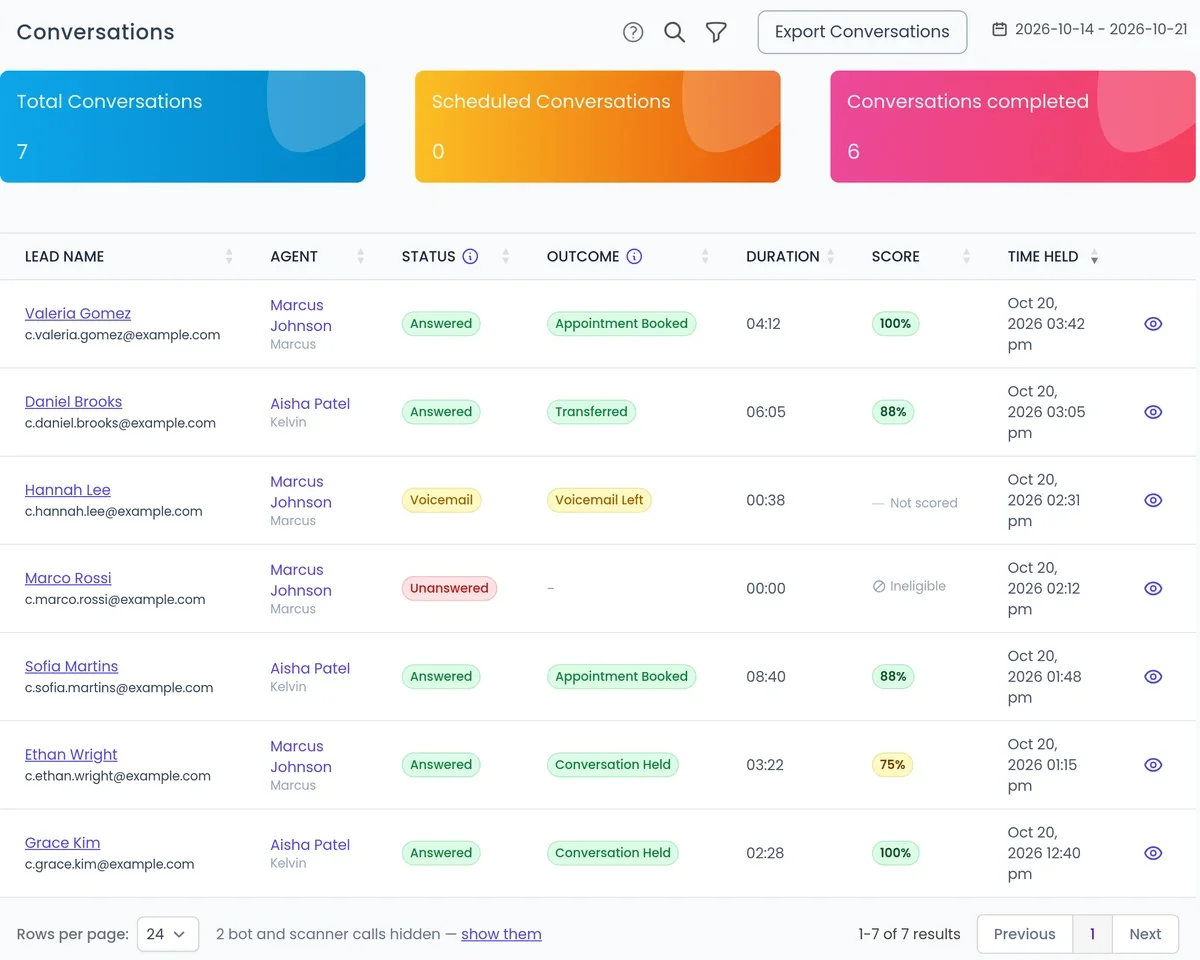
Call results, summaries and next steps go back to the customer record through CRM integrations for HubSpot, Pipedrive, GoHighLevel, Zoho, Zendesk and Intercom. To hear an upsell call built on your own offer, book a demo and bring the segment you would call first.
Frequently asked questions
Can AI do upselling and cross-selling?
Yes. An AI voice agent can call existing customers about an upgrade or add-on, explain it from your knowledge base, answer questions, and book or transfer interested customers to an account manager. You choose who to call and what to offer.
Will an AI upsell agent annoy my customers?
Not if the call is relevant. Call one segment with a reason that is true for each person, ask before telling, and offer a callback when they say not now. Conversations are recorded and transcribed so you can check the tone.
Does the AI close the upgrade itself?
It confirms interest and sets up the next step. Pricing, exceptions and contract terms belong with your account managers, so the agent books a meeting or transfers the call once the customer agrees.
Can the agent transfer a customer to their own account manager?
Yes. If your list includes each account manager’s direct number, the transfer goes to that person, with fallback numbers if they do not answer. Labelled transfer entries let the agent pick between teams such as account management and support.
What do I need before launching?
One offer, one segment, a clean list with the fields the call uses, the offer facts in the knowledge base, your calendar and CRM connected, and calling hours set. Start with a small group and review the calls.