Calling controls: AI outbound campaigns at the right time and pace
Campaigns call only within the calling hours you set, optionally in each lead's own local time. Cap how many calls start per minute, hour or day, stop calling a lead once they have talked, and block leads who ask not to be called. Live campaigns pause and show why if your calling connection breaks.
- Calling hours
- Each lead's local time
- Call caps
- Opt-outs blocked
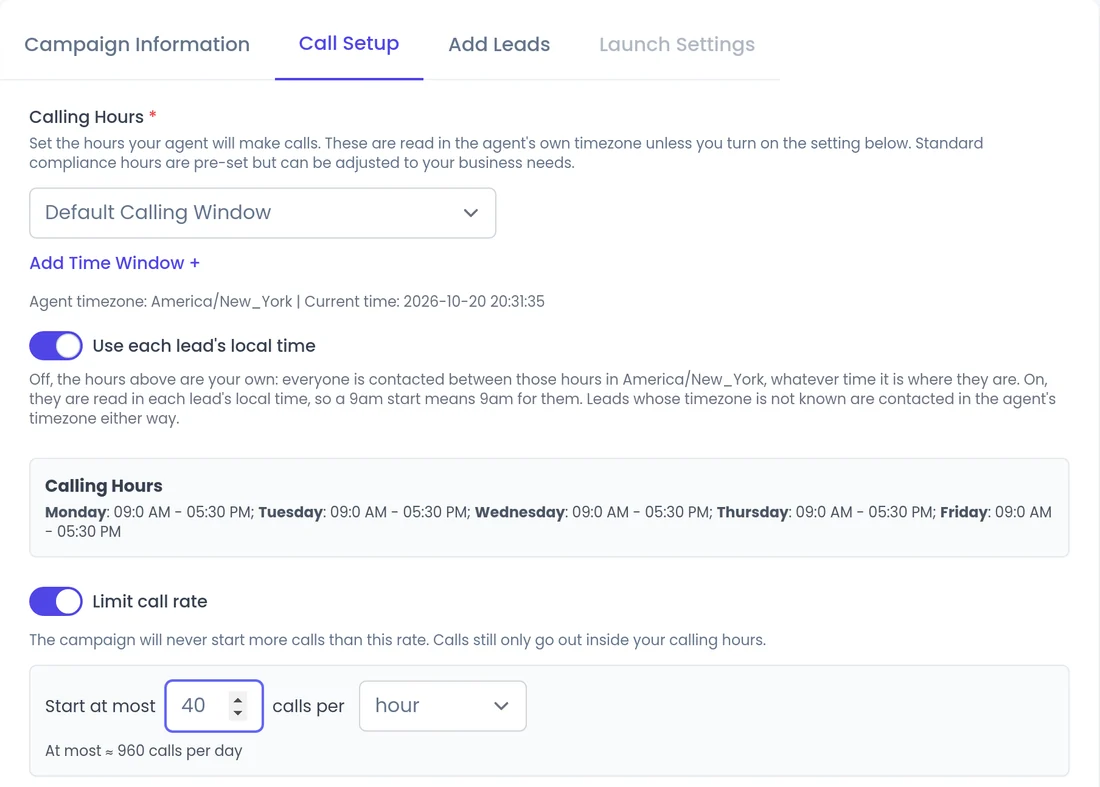
What can you control?
All of these sit in the campaign's Call Setup step.
Calling Hours
The windows when calls may start. Required for every campaign.
Use each lead's local time
Reads calling hours in each lead's timezone. Off by default.
Limit call rate
Starts at most a set number of calls per minute, hour or day. Off by default.
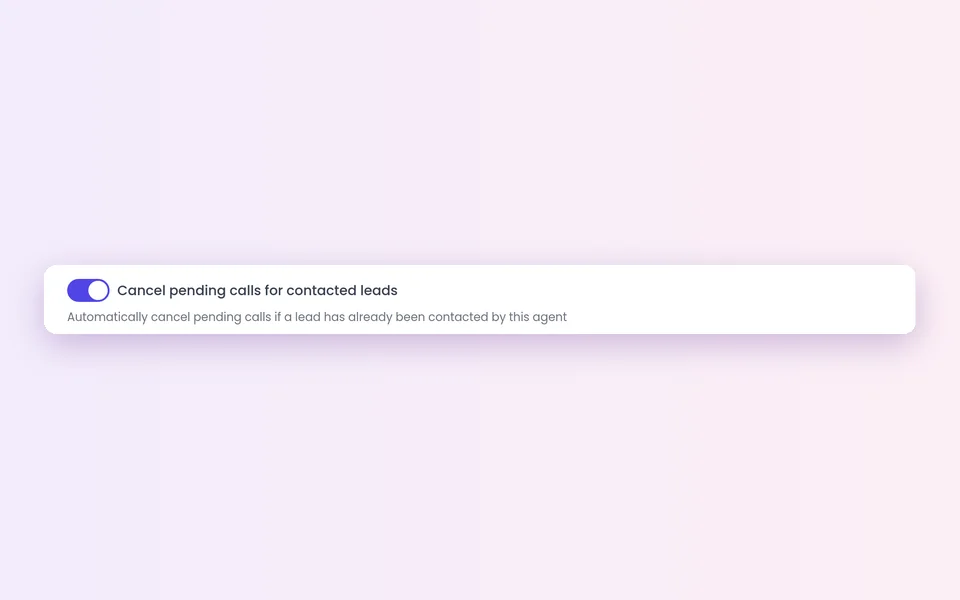
Cancel pending calls for contacted leads
Stops calling a lead once they have talked. Off until you turn it on.
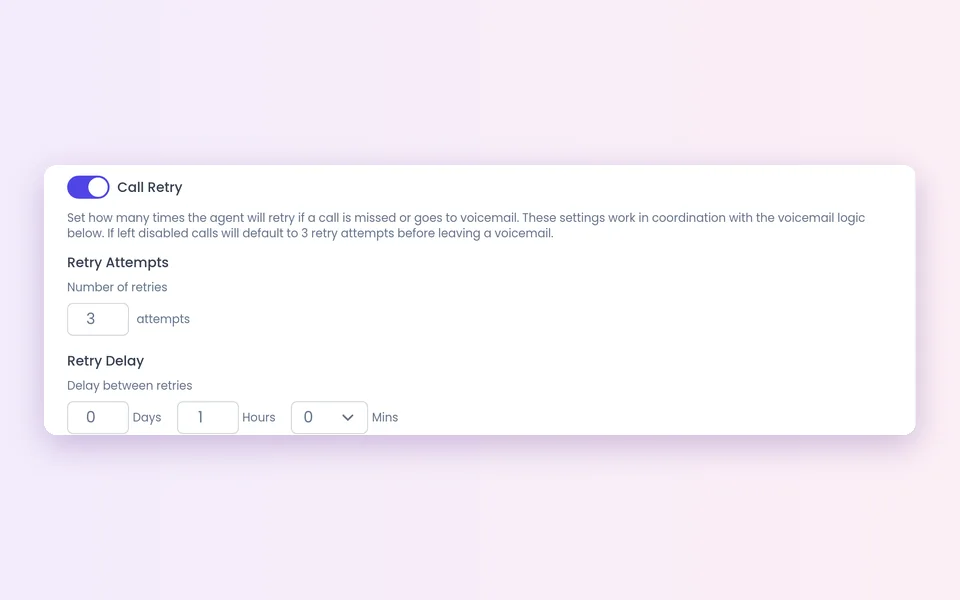
Call Retry
Off by default. With Call Retry on, up to 5 tries, with a delay you choose.
Ring Timeout
How long a call rings before it counts as unanswered. The default if left empty.
Hours and caps
How do calling hours and call caps work?
Use Add Time Window + to set when calls may start, in the agent's timezone. A call that falls outside a window waits for the next allowed time; it is not dropped.
- Turn on Use each lead's local time and a 9am start means 9am for each lead. If a lead's timezone is unknown, the agent's is used.
- One exception: a lead-requested callback dials at the time the lead chose, even outside your calling hours. See Callbacks.
- With Limit call rate, set Start at most [N] calls per minute, hour or day. Leads waiting on the cap keep their place and show as waiting.
- Caps keep the pace your team can follow up on.
How do campaigns keep your list clean?
Stop when the lead has talked
A campaign can stop calling a lead once they have had a conversation.
Cancel future calls
You can cancel future calls for a lead when you need to.
Opt-outs
Leads who ask not to be called again are blocked from future calls.
Dead numbers
Numbers that no longer work are removed automatically.
Safe stops
What happens if calling breaks?
If the campaign's phone connection stops working, for example its credentials are rejected, voice calling is turned off or the account is suspended, live campaigns pause themselves. The reason shows on the campaigns list and a banner explains it on your Communication settings.
- The campaign resumes on its own once the connection is healthy or working credentials are saved.
- Ongoing campaigns pick up leads that arrived in the meantime.
- A campaign you stopped by hand stays stopped.
- Other problems do not trigger this pause, so keep an eye on your campaign reports.
How do you set it up?
Create or edit a campaign and open Call Setup. Choose who gets the completion report in Notification Settings in your company profile; it arrives by email with the call spreadsheet attached for most campaigns.
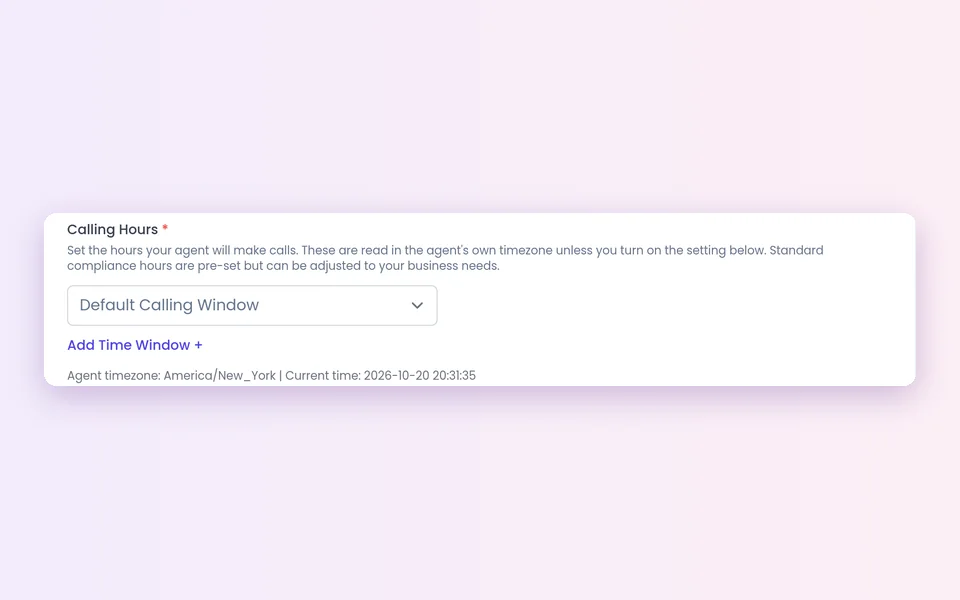 1
1Set calling hours
Under Calling Hours, use Add Time Window + for each window.
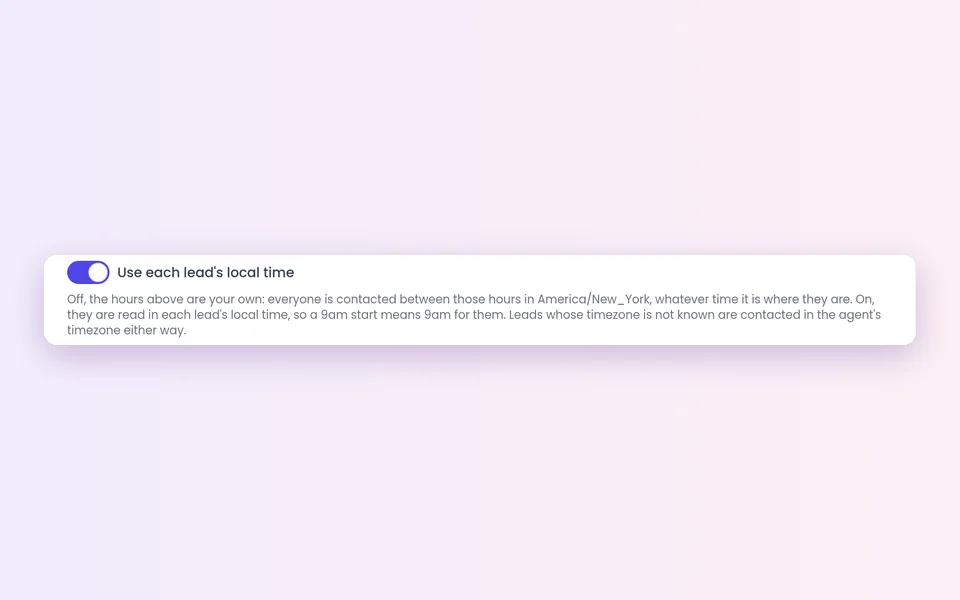 2
2Use local time
Turn on Use each lead's local time if leads span timezones.
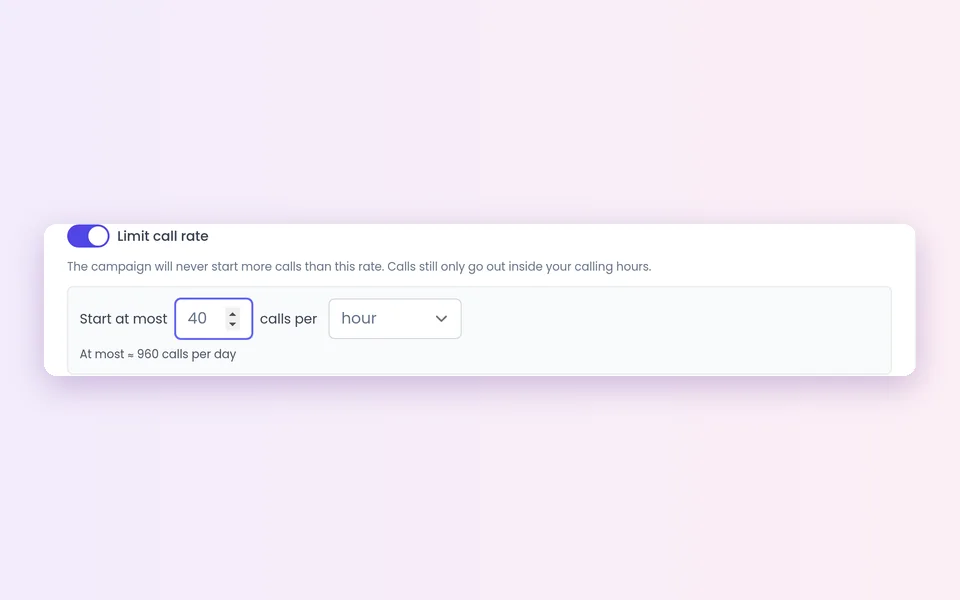 3
3Cap the rate
Turn on Limit call rate and set calls per minute, hour or day.
 4
4Set retries
Set Call Retry, the delay, Ring Timeout and which attempt leaves a voicemail.
 5
5Stop after a talk
Turn on Cancel pending calls for contacted leads.
What should you know?
Compliance is yours
These settings help you call considerately, but they are tools, not legal advice. Calling rules, consent and do-not-call lists stay your responsibility.
Local time is off by default
Every campaign uses the agent's timezone until you turn it on. Turn it on for national lists.
Callbacks are the exception
A lead-requested callback dials at the chosen time, even outside calling hours, and no reminder is sent.
Auto-pause is for the phone connection
It covers phone connection problems only. Check your campaign reports for opt-outs and failed calls.
Start with a modest cap
Raise it once your team keeps up with the meetings and transfers.
Stop after a conversation
Turn it on for most campaigns, so nobody gets a second sales call after they have talked.
FAQ
Still wondering about something? Ask us on the call. We'll build your agent while we talk.
Will the agent call outside my calling hours?
Campaign calls wait for the next allowed time. The only exception is a callback the lead asked for, which dials at the time they chose.
Can calling hours follow each lead's timezone?
Yes. Turn on Use each lead's local time. If a lead's timezone is unknown, the agent's timezone is used.
What happens to leads over the call cap?
They keep their place in the queue and are called when the window opens again.
Does SalesCloser handle do-not-call compliance for me?
No. Calling rules, consent and do-not-call lists stay your responsibility. SalesCloser gives you controls such as calling hours, caps and blocking leads who opt out.
What if my phone connection stops working?
Live campaigns pause and show the reason, then resume on their own once the connection is healthy.
See a campaign set up for your leads
Book a demo and we will show you calling hours, caps and campaign reports for a business like yours.