
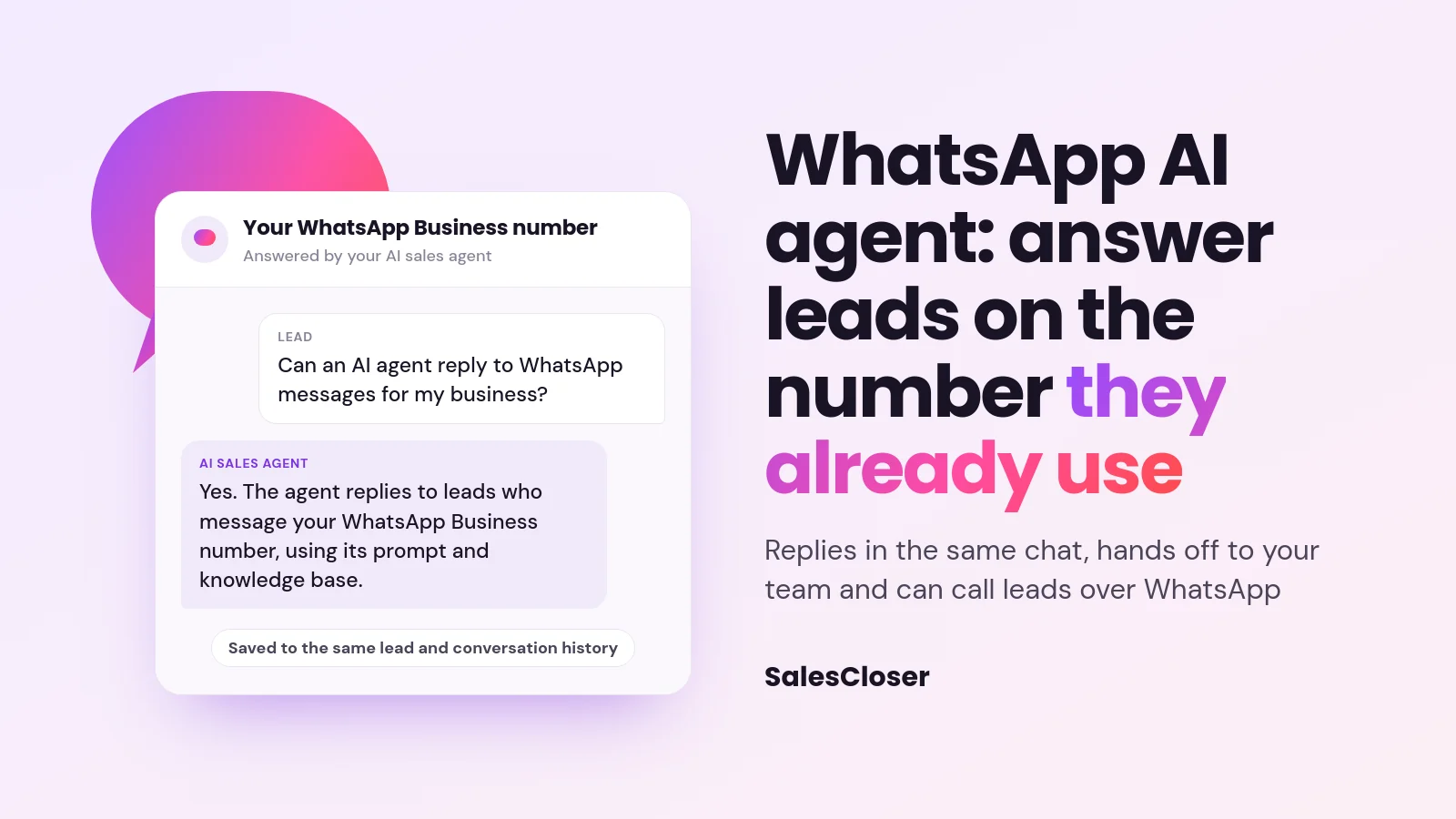
A WhatsApp AI agent replies to leads who message your WhatsApp Business number, using your agent’s prompt and knowledge base. On SalesCloser, it is available on every account. The agent answers within WhatsApp’s 24-hour window, hands the chat to your team from the Chats tab or when the lead asks for a person, and can call leads over WhatsApp.
Many buyers would rather send a WhatsApp message than fill in a form or wait on hold. They message the number on your ad, your website or your business card, and they expect a reply in the same thread. If nobody answers, the lead goes cold before the conversation even starts.
SalesCloser lets your AI sales agent answer those messages on your WhatsApp Business number, and it is available on every account. The agent replies with the same prompt and knowledge base it uses everywhere else, hands the chat to your team when needed, and can also call leads over WhatsApp. For the short version, see the WhatsApp AI agent page.
What is a WhatsApp AI agent?
A WhatsApp AI agent is an AI that reads messages sent to a business’s WhatsApp number and replies in the same chat. People also call it an AI chatbot for WhatsApp Business or a WhatsApp sales bot. For sales teams, what matters is what the agent knows and where the conversation ends up.
On SalesCloser, the agent on WhatsApp is the same AI sales agent you already set up. It answers with its normal prompt and knowledge base, and every message is written into the same lead and conversation history your team uses. For every place an agent can talk with leads, see SalesCloser channels.
Why answer leads on the WhatsApp number they already use?
Leads reach out where they are comfortable. For many of them that is WhatsApp, and a lead who has saved your number expects to keep talking there. Asking them to switch to email, a form or a phone call adds a step at the exact moment they are interested.
A WhatsApp AI sales agent removes that step. The lead messages your number, gets a reply in the same chat, and can keep asking questions without leaving the app. Your team sees the thread and can step in when it makes sense, instead of starting from an unread inbox.
It also keeps the record in one place. The chat lands in the same lead history, not on one person’s phone, so anyone on your team can read it before replying.
What can the SalesCloser WhatsApp agent do?
There are two separate parts: WhatsApp text chat and WhatsApp calls. Each has its own setup, and you can use one without the other.

| Capability | What happens | Good to know |
|---|---|---|
| Reply to inbound messages | The agent answers any lead who messages your number, using its prompt and knowledge base | Replies only within WhatsApp’s 24-hour window |
| Hand off to your team | A teammate replies from the Chats tab, or the agent pauses when the lead asks for a person | The agent stays out of the chat while your team handles it |
| Honor opt-outs | When a lead sends STOP, the opt-out is honored and a confirmation message is sent | SalesCloser handles this, because WhatsApp has no carrier keywords |
| Call leads over WhatsApp | Campaigns can place calls over WhatsApp | Needs WhatsApp Business Calling enabled for the number |
| Keep one history | Messages are saved to the same lead and conversation history | Leads are matched by phone number |
What does the lead experience on WhatsApp?
For the lead, it is a normal WhatsApp chat with your business. They send a message to your number and get a text reply in the same thread. They can ask about anything your knowledge base covers.
If the lead wants to talk to someone on your team, they can just say so. The agent stops replying and lets your team take over, so the lead is not left going in circles with a bot. If the lead sends STOP, they get a message confirming they have opted out.
You control how the agent introduces itself, including whether it says it is an AI up front, and you can tell it to always answer truthfully when asked.
How does handoff to your team work on WhatsApp?
A good AI to human handoff matters even more on WhatsApp, because the chat feels personal. SalesCloser gives you two ways to bring a person in:

- Your team steps in from the Chats tab. A teammate opens the conversation in the Chats tab and replies. The AI stays quiet until handed back, so the lead never gets two answers at once.
- The lead asks for a person. The AI stops, emails your team and holds the thread. If nobody picks it up, the agent resumes on its own after a quiet period.
Because every message is saved to the same conversation history, whoever replies can see what the agent already said. Read more about live handoff across SalesCloser.
Can an AI agent make calls over WhatsApp?
Yes. Separately from text chat, SalesCloser campaigns can place calls over WhatsApp, and this has been running since March. When a campaign is set to use WhatsApp for outbound calls, the agent calls leads through WhatsApp instead of a regular phone line and talks with them by voice.
This can help if your leads live in WhatsApp and are more likely to answer a call there.
Calls need one extra piece on the WhatsApp side: WhatsApp Business Calling must be enabled for the sender. If it is not, SalesCloser shows a warning that WhatsApp Business Calling may not be enabled. Who you call, and when, stays your responsibility, so check consent and local calling rules before you launch.
How do you set up a WhatsApp AI agent?
Before you start, you need a WhatsApp Business account with your number registered as a WhatsApp sender, plus Meta business verification. Meta’s registration can take some time, and our team can help you with it.

Once the sender is registered and online, set up text chat:
- Register the number on your SalesCloser account as a WhatsApp sender, linked to your WhatsApp Business account.
- Assign an agent to the number.
- Go to Account Settings > Communication, or open the number’s own settings, and choose Enable WhatsApp.
- Turn on Answer WhatsApp messages.
- Send a test message from your own phone, then check the reply and the conversation in the Chats tab.
SalesCloser connects incoming messages to your agent automatically once this is on, so there is nothing else to wire up. To add calls over WhatsApp:
- Make sure WhatsApp Business Calling is enabled for the sender.
- Use Configure WhatsApp Voice on the number.
- In a campaign, turn on Use WhatsApp for outbound calls.
One thing to know before you switch: a number set up this way cannot be used in the WhatsApp Business app at the same time. If your team answers from the app today, plan that change with them first.
What are the limits of the WhatsApp AI agent?
WhatsApp has its own rules, and the agent works inside them:
- Replies within the 24-hour window only. WhatsApp lets a business send open replies only within 24 hours of the lead’s last message. The agent does not start text conversations, so there are no outbound WhatsApp text campaigns, and it cannot message a lead who has been quiet for more than 24 hours.
- Text only. The agent reads and sends text. It does not handle images, voice notes, documents or locations, and it does not send media.
- One agent per number. Each WhatsApp number is answered by one agent.
- Matched by phone number. A WhatsApp chat is linked to a lead by phone number only.
- Not shared with the app. The number cannot be used in the WhatsApp Business app at the same time.
- Needs a registered sender. You cannot connect a personal WhatsApp app. The number must be a registered WhatsApp sender with a WhatsApp Business account and Meta business verification.
What are best practices for a WhatsApp sales bot?
A few habits make the agent more useful from the first message:
- Write for a phone screen. In the prompt, ask the agent to keep WhatsApp replies short and easy to read.
- Keep the knowledge base current. The agent answers from it, so out-of-date details turn into out-of-date replies.
- Staff the handoff. Make sure someone watches the Chats tab and the handoff emails, since the agent cannot reopen a thread after 24 hours.
- Test every path. Before you share the number, send a question, ask for a person and send STOP, and check what happens each time.
- Mind your obligations. Consent, your privacy notice and local messaging and calling rules stay your responsibility.
How does SalesCloser fit?
SalesCloser AI sales agents talk with leads across channels, and WhatsApp is one of them, available on every account. The agent answers leads on the WhatsApp number they already use, hands the chat to your team from the Chats tab or when the lead asks for a person, and can call leads over WhatsApp from your campaigns.
See it on a demo: book a SalesCloser demo to watch a WhatsApp AI sales agent answer a lead and hand the chat to a person, and ask how our team can help with Meta registration.
Frequently asked questions
Can an AI agent reply to WhatsApp messages for my business?
Yes. On SalesCloser, available on every account, the agent replies to leads who message your WhatsApp Business number, using its prompt and knowledge base, within WhatsApp’s 24-hour window. You need a number registered as a WhatsApp sender, a WhatsApp Business account and Meta business verification. Our team can help with Meta registration.
Can the WhatsApp AI agent start conversations or run text campaigns?
No. The agent only replies within 24 hours of the lead’s last message. It does not start text conversations, and there are no outbound WhatsApp text campaigns. Campaigns can place calls over WhatsApp, once WhatsApp Business Calling is enabled for the sender.
How do I hand a WhatsApp chat to a person?
A teammate can reply from the Chats tab, and the AI stays quiet until handed back. If the lead asks for a person, the AI stops, emails your team and holds the thread, then resumes on its own after a quiet period if nobody picks it up.
Can the AI agent make calls over WhatsApp?
Yes. WhatsApp Business Calling must be enabled for the sender. Then use Configure WhatsApp Voice on the number and turn on Use WhatsApp for outbound calls in a campaign. Calling rules and consent stay your responsibility.
Can I keep using the WhatsApp Business app on the same number?
No. A number set up for the AI agent cannot be used in the WhatsApp Business app at the same time. Each number is answered by one agent, and the agent handles text only, not images or voice notes.