Channels: where your AI sales agent talks with leads
Website chat, voice and video in the browser, phone calls, WhatsApp and SMS. Every channel uses the instructions and knowledge you give the agent, so leads get the same answers wherever they reach you, and your team can review the conversations afterward.
- Website chat
- Voice and video
- Phone calls
- WhatsApp and SMS
Website chat
One widget on your site
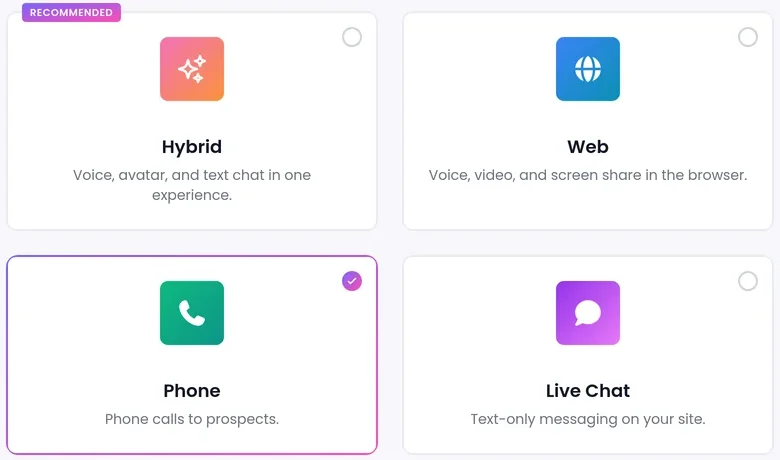
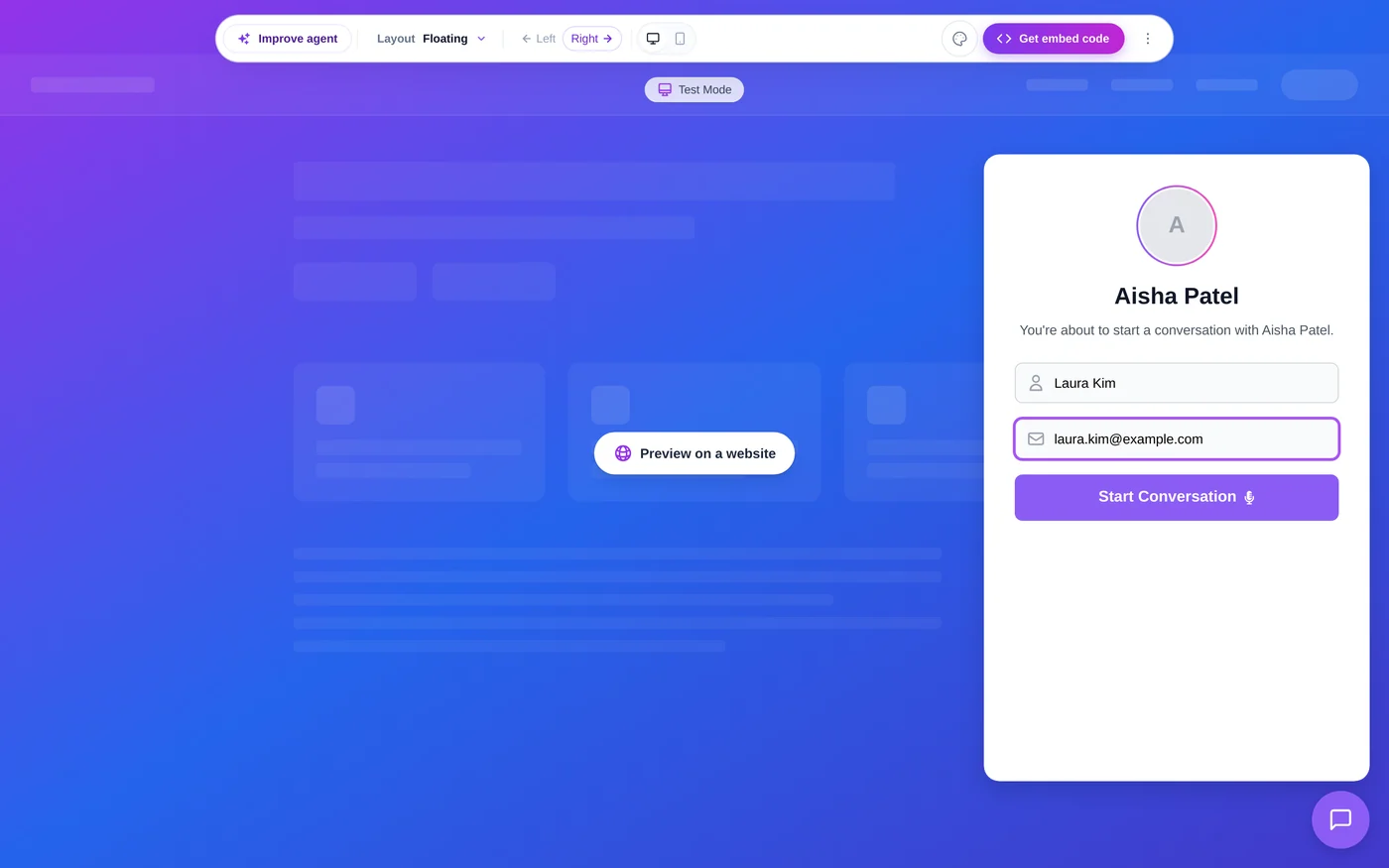
Run a text-only chat agent, or a Hybrid agent that also takes voice and video calls from the same widget. A visitor can start by typing, then switch to a call with the same agent without losing the thread.
- Floating and Inline layouts work for every agent. Bottom bar, Full screen and Sidebar are for Hybrid agents.
- Set your colours and header image.
- Hide the "Powered by SalesCloser" badge on paid plans.
- See the website chat widget
Phone calls
Your agent on your phone line
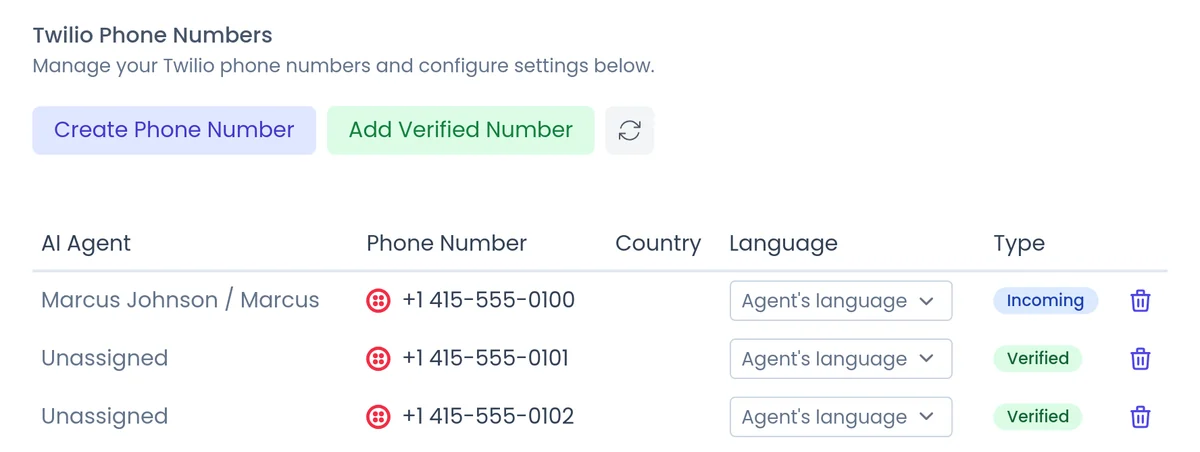
Agents answer inbound calls, make outbound calls, or both. Get a calling number from your dashboard right after billing, with no separate phone provider account.
- Each number takes its call language from the agent, from the caller's country or from a fixed setting.
- On outbound calls the agent gets through phone menus and leaves a voicemail when nobody answers.
- It can transfer the call to your team.
- Calling rules, consent and do-not-call lists stay your responsibility.
- See phone calls
Voice and video in the browser
Visitors talk to your agent by voice or face to face on video, with no download needed.
Stock or custom avatars
Pick a stock avatar that moves and reacts, or use your own face or a brand character. See video avatars
Live in the widget
In the widget the avatar moves live instead of showing a still image.
A rep can join
When a buyer is ready for a person, the agent can bring a rep into the live call. See team handoff
Which channel fits which lead?
Most teams run more than one. Each channel uses the same instructions and knowledge.
Website chat
Quick questions while someone browses.
- Text-only or Hybrid agent
Voice and video
Longer questions and a more personal conversation.
- No download
- Live avatar on video
Phone
Leads who call you, and outbound campaigns.
- Calling rules stay your responsibility
Customers who already message you there.
- Needs a WhatsApp Business account
- Text only
SMS
Two-way texting and text campaigns.
- US numbers need carrier registration
WhatsApp and SMS
Your agent answers messages to your WhatsApp Business number, and your team can reply from the Chats tab. When a lead asks for a person, it stops, emails your team and holds the thread. Available on every account; you need a WhatsApp Business account with a registered number. Replies follow WhatsApp's 24-hour window, and conversations are text only. See WhatsApp
SMS
Two-way text conversations and text campaigns, with the same persona and knowledge as on calls. Our team switches it on for your account, and US numbers need carrier registration. See SMS
FAQ
Still wondering about something? Ask us on the call. We'll build your agent while we talk.
Does the agent behave the same on every channel?
Yes. Each channel uses the instructions and knowledge base you give the agent, so the answers stay consistent.
Can one agent do chat, voice and video?
Yes. A Hybrid agent handles chat, voice and video from one widget, and the visitor can switch from typing to a call with the same agent.
Can I get a phone number without my own phone provider?
Yes. You can get a calling number from your dashboard right after billing, with no separate phone provider account.
Is WhatsApp available for my account?
Available on every account; you need a WhatsApp Business account with a registered number. Replies follow WhatsApp's 24-hour window, and a number used here cannot be used in the WhatsApp Business app at the same time.
See your channels in action
Book a demo and we will show you an agent answering on chat, voice, video and phone for a business like yours.