
Use Cases
Automated Webinar Workflow: Operational Insights
Understanding Automated Webinars for Marketing Professionals with SalesCloser.ai
Maximize engagement and efficiency through platform selection.
Effective automated webinar platforms utilize engagement tools and analytics to track performance and brand presentation.
Engagement Tools Functionality Polls and Q&A improved participant satisfaction; system routes chat to moderators.
Analytics and Reporting Logs watch time and feedback scores for data-driven future session improvements.
Customization for Branding Uploads logos/colors to ensure consistency across all webinar materials automatically.


Challenges in Execution
Navigating engagement drops and technical streaming limitations.
Audience Engagement Issues Metrics below 50% watch time trigger content and style review for improvement.
Technical Streaming Limits Bandwidth constraints trigger auto-notifications to tech support for resolution.
Resource Overload Scheduling >3 sessions per day mandates manual timeline adjustments for staff.
Capabilites
Identifying Common Pitfalls
Understanding where automated webinar workflows typically break down helps marketers proactively address risk before it impacts audience experience.
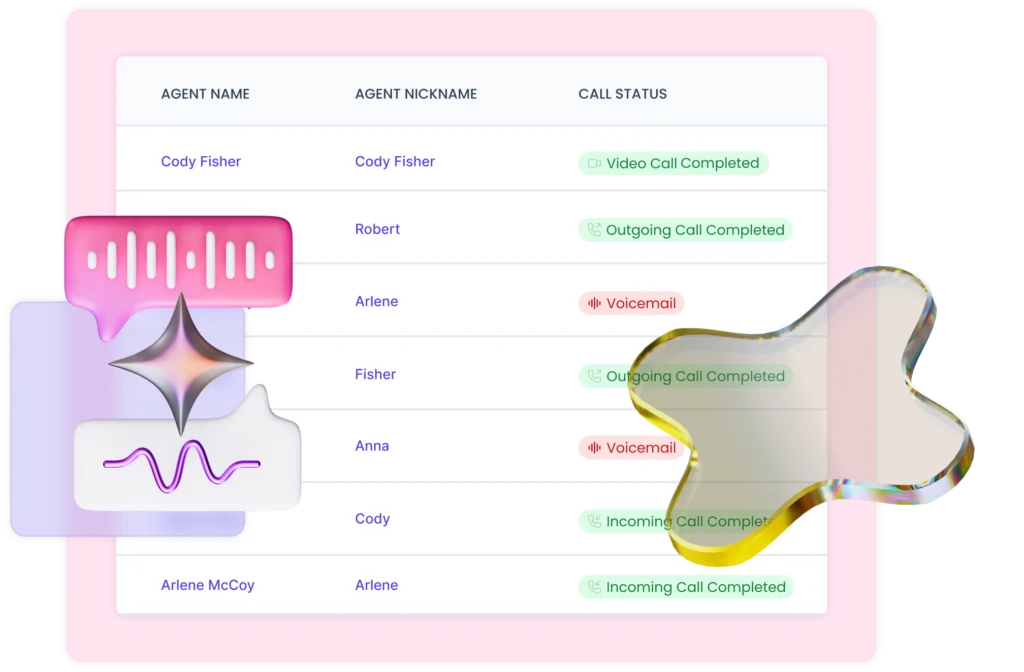
Declining Audience Watch Time
When watch time falls below 50%, it signals content or delivery issues that require immediate review of pacing, format, and messaging style.
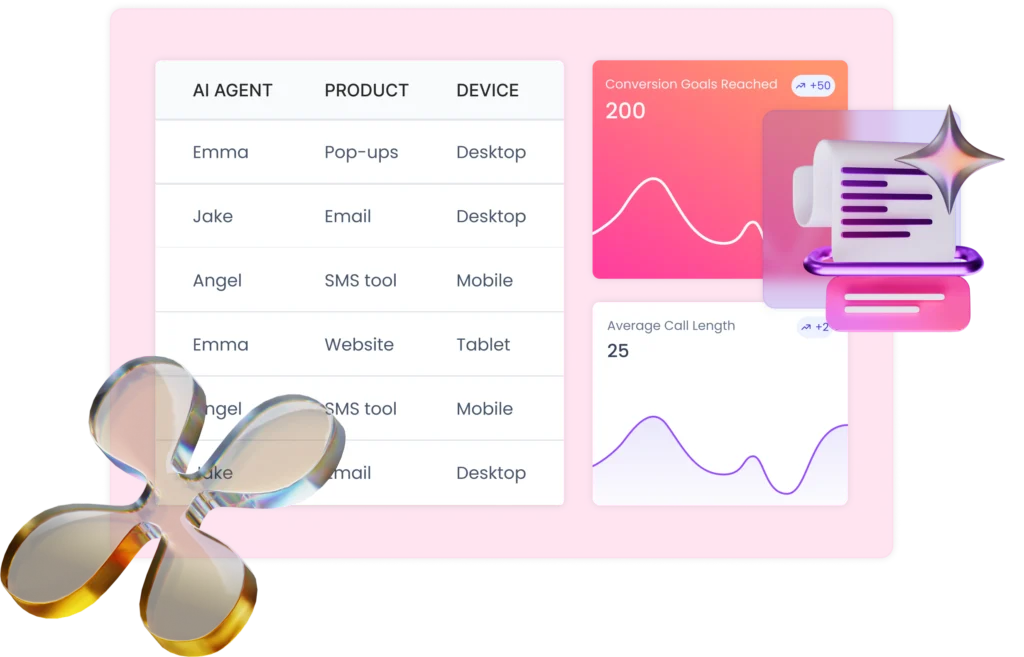
Bandwidth and Streaming Failures
Insufficient bandwidth during live sessions results in degraded stream quality, triggering automatic alerts to tech support and damaging attendee trust.
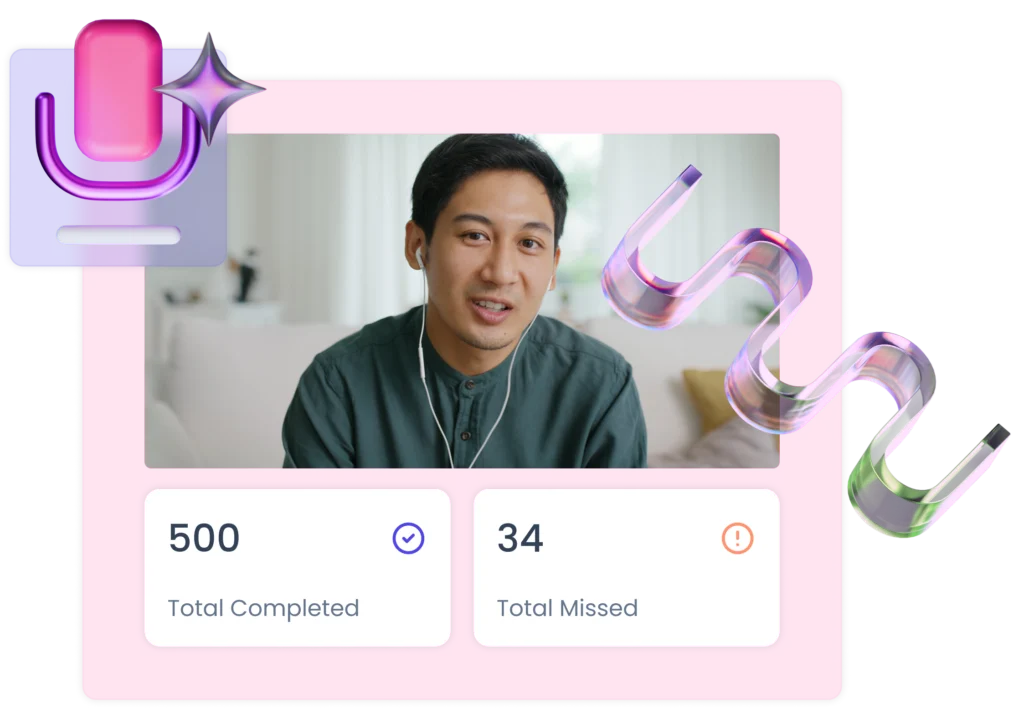
Over-Scheduled Session Load
Running more than three sessions per day strains moderation staff and automation logic, requiring manual intervention to maintain quality and timing.
The workflow
Optimizing Workflow for Automated Webinars
Actionable steps for marketer webinar execution.
Step 1
Evaluation & Selection
Decision matrix scores platforms on UI, integration, and support responsiveness.
Step 2
Content Prep
Scripting and slide deadlines set; adjustments required if not final in 2 weeks.
Step 3
Pre-Webinar Testing
Resolving discovered audio/video issues during test runs to avoid negative UX.
Step 4
Execution & Monitoring
Host implements spontaneous polls if real-time engagement drops below 40%.
Step 5
Analysis & Follow-Up
Detailed discussions require real-time expert interaction over automated formats.
Use Cases Exclusions
Exclusions for Automated Implementations
When live interaction is mandatory for webinars.
High-Stakes Presentations
Avoid automation where immediate feedback and dialogue are critical to the deal.
Niche Specialist Audiences
Detailed discussions require real-time expert interaction over automated formats.
Limited Technical Resources
Insufficient bandwidth results in poor quality; hosting becomes unfeasible.
FAQ
Frequently Asked Questions
Recommended platforms?
eWebinar and WebinarGeek are frequently cited for automation features.
Improve engagement?
Easy implementation of interactive elements like polls and Q&A sessions.
If technical issues arise?
Immediately notify the tech support team via your pre-established plan.
Conclusion and Next Steps
Marketers align goals with engagement tools to drive better automated results.
Learn More with SalesCloser.ai