
SalesCloser AI sales agents can hold sales calls in 50+ languages, and your team does not need to speak them. On web calls, reps open the call in the Waiting Room, read a live English transcript and can press Take over now. Each phone number can use the agent’s language, infer it from the caller, or use one fixed language.
Selling across borders used to mean a trade off. Either you hired people who spoke each language, or you asked buyers to switch to English. AI sales agents that speak many languages changed the first part of that. The harder question remains: how does your team stay in control of a call it cannot understand?
This post covers the newer SalesCloser features that answer it. For the broader case for selling in your buyer’s language, see our guide to multilingual AI sales agents. Here we focus on how a call in another language actually runs, how your team follows it in English, and how to set it up per phone number.
Why does language matter for speed to lead in multilingual markets?
Speed to lead is about reaching a prospect while their interest is fresh. In a market where your leads speak several languages, speed is not only about how fast you call. It is about whether the first conversation can happen at all in a language the buyer is comfortable with.
Picture a lead who fills in a form in Portuguese at night your time. If the only option is an English speaking rep the next morning, you lose hours, and you may lose the conversation too. An agent that calls back right away and speaks Portuguese keeps the moment alive.
The same applies inbound. A caller who dials your number and hears a language they do not speak is likely to hang up. For more on why the first minutes matter, see our post on speed to lead. Language is one of the quiet reasons that speed gets lost.
How does SalesCloser handle a sales call in another language?
A SalesCloser agent holds real conversations by voice, video or chat, on the phone or in the browser, around the clock. It works from the knowledge base you give it (your website, documents and FAQs) and the rules you set. That does not change when the language changes.

Here is how a call in another language runs from start to finish:
- The call starts in the right language. On phone calls, the language comes from the phone number’s setting: the agent’s language, a language inferred from the caller, or one fixed language.
- The agent handles a surprise. If the caller speaks a different language than expected, the language mismatch action you set decides whether the call continues or ends.
- The conversation runs as usual. The agent answers questions, asks your qualifying questions, runs discovery and books qualified prospects onto your team’s calendar.
- Your team follows along. On web calls, reps can open the call in the Waiting Room, read a live English transcript and take over if they need to.
- Follow up continues in context. Follow up messages are available in many languages, so the next touch does not have to switch back to English.
- The record is saved. Conversations are recorded and transcribed so your team can review them, and the lead, a call summary and the qualification answers are saved to your connected CRM.
On the website, the widget’s labels, such as Online and Speak, appear in the agent’s language. A visitor on a Spanish page does not meet English buttons before the conversation even begins. You can read more about phone set up in our inbound AI voice agent guide.
How can managers and reps follow a call in a language they don’t speak?
This is the part that used to be missing. An agent speaking Japanese to a prospect is useful, but a manager who cannot follow the call has no way to judge it, coach it or rescue it. You only found out how it went from the summary afterwards.

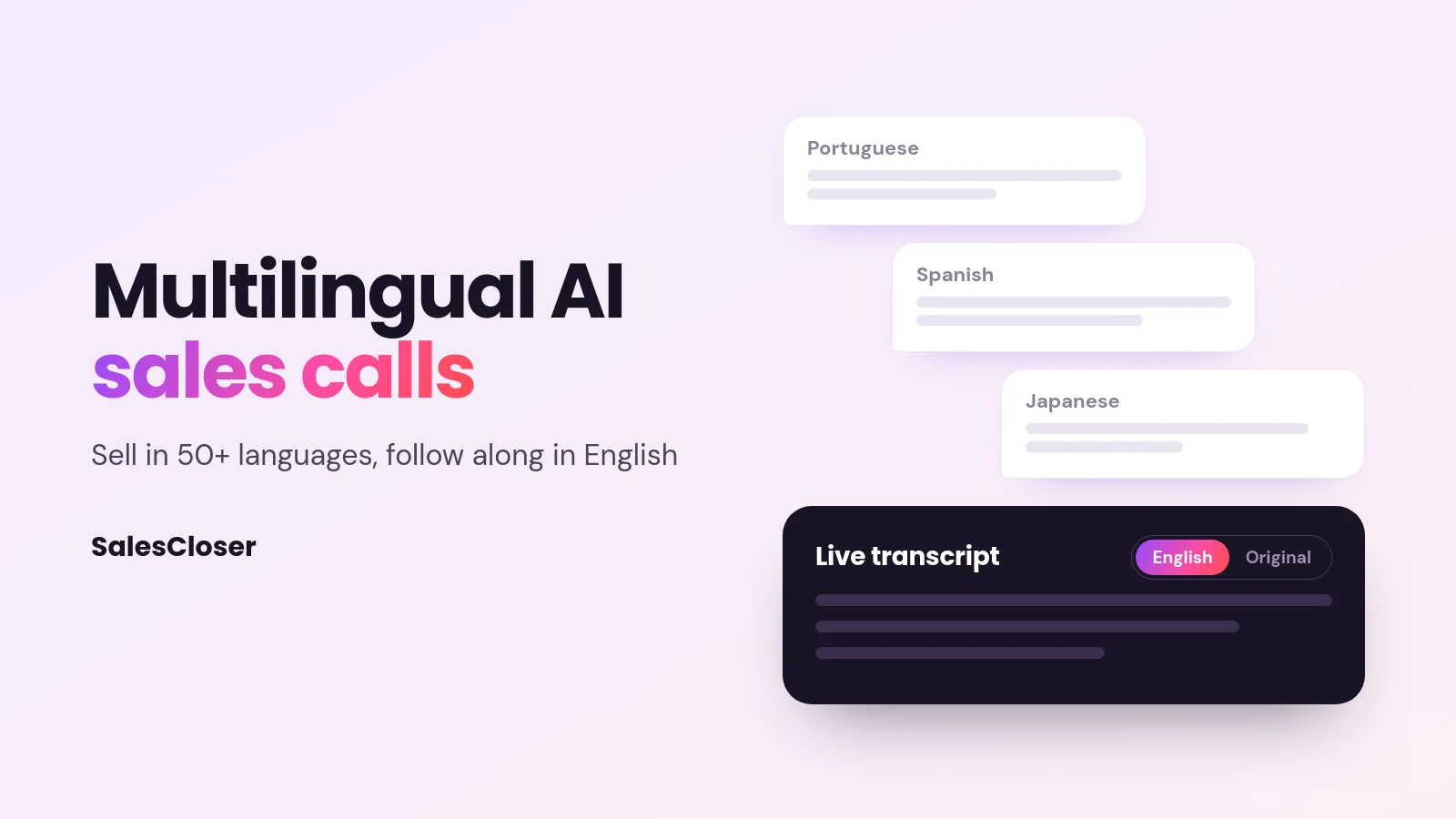
On web voice, video and hybrid calls, a rep opens a live call in the Waiting Room by listening in or joining. The call screen shows the live transcript with an English / Original switch. The English view turns on automatically when the agent runs in another language, so reps follow what the prospect asked and how the agent answered.
After joining, a Take over now button on the same screen lets a rep step into the call. The transcript and Take over now are both opt in. Takeover suits moments when a prospect asks for a person, raises something sensitive, or is clearly ready for a human conversation.
This works only on calls made in a browser. Ordinary phone calls show in the Waiting Room for monitoring only, and a rep cannot take them over. Phone agents hand off by call transfer instead.
Think through what happens after a takeover. If the rep does not speak the caller’s language, a takeover may not help unless the buyer is comfortable in English. Many teams use the transcript mainly for monitoring and coaching, and keep takeover for buyers who have said they are happy to switch.
A practical way to use the transcript:
- Have a manager watch the first live calls in each new language and note any answers that sound off.
- Compare the English transcript against your knowledge base to spot missing or outdated content.
- Agree in advance which situations call for a takeover, so reps do not jump in too early.
- Review recordings and transcripts afterwards with someone who speaks the language, at least at first.
How do you choose the call language for each phone number?
On phone calls, you pick how each number decides its language. Go to Account Settings > Communication > Phone Numbers and use the Language column. The right choice depends on who calls that number and how you advertise it.

| Setting | Best for |
|---|---|
| Agent’s language (default) | A number tied to one agent built for one market, such as a Spanish language campaign or a regional sales line. |
| Infer from caller | A shared number that receives calls from several countries. The language comes from the caller’s country, or from a Quebec area code. |
| A fixed language | A number promoted only in one language, or a market where the country does not tell you the language, such as places with several common languages. |
A few tips for choosing. If one number serves a single campaign, using the agent’s language keeps things simple. If you run one international line, Infer from caller is usually the better start. If country and language often differ in your markets, fix the language and rely on the language mismatch action for exceptions.
What happens when a caller speaks a different language than expected?
Even with good settings, some callers will not speak the language the call started in. A buyer may live abroad, or share a phone with a family member. The language mismatch action lets you decide what the agent should do when that happens.
In the agent settings, the language mismatch action has two options: Continue call, the default, or End call immediately. Next to it is a separate switch, Language Switch Detection, which lets the agent change language mid-call. Choose the combination that fits the languages you support, then test each case before you go live.
What should you prepare before launching a new language?
Most of the quality in a multilingual call comes from the material you give the agent, not from the language setting. Before you switch a new market on, prepare the following:
- A knowledge base in the right languages. Add your website pages, documents and FAQs for each market, including local offers, terms and contact details.
- Pronunciation of names. Use the pronunciation dictionary to add brand names, product names and other terms the agent should say correctly. It applies to the classic voice setup, not to speech-to-speech agents. It is opt in; you add the terms yourself.
- Qualifying questions that fit the market. A question that works in one country can sound odd or too direct in another. Have a native speaker check them.
- Calendar and handoff rules. Make sure booked meetings land with someone who can hold the next conversation in that language.
- The introduction. Decide how the agent introduces itself in each language.
On disclosure, you control how the agent introduces itself, including whether it says it is an AI up front, and you can tell it to always answer truthfully when asked. Set this per market, because expectations and rules differ.
What are the limits of multilingual AI sales calls?
Speaking 50+ languages does not mean every language will perform the same for your business. Quality can vary with the language, the accent of the caller and how well your content is written in that language. Treat each new market as a launch, not a switch.
- Always review in your markets. Listen to real calls, read the transcripts and have a native speaker check tone and accuracy before you scale.
- Disclosure and recording rules vary. Rules on AI disclosure, call recording and consent differ by country and sometimes by region. Check your own obligations and get proper advice.
- Takeover is for web calls. A rep can step in only on web voice, video and hybrid calls, only when someone is available, and a takeover helps most when the rep and buyer share a language.
- The transcript is a guide. A live English transcript helps you follow and coach. It is not a certified translation for contracts or legal terms.
- Some features are opt in. The live English transcript, Take over now, the per number language setting and the pronunciation dictionary need to be turned on.
Where should you start with multilingual AI sales calls?
Pick one market where you already get leads in another language and where slow follow up is costing you conversations. Build the knowledge base in that language, add pronunciation terms, choose the phone number setting and turn on the live English transcript so your team can watch the first web calls.
Once the first market works, repeat the same steps for the next one. For the bigger picture of where AI fits across your funnel, read our guide to AI for sales. If you would like to see a call in another language for yourself, you can book a demo.
Frequently asked questions
How many languages can SalesCloser AI sales agents speak?
SalesCloser agents work in 50+ languages. Performance can differ by language and by market, so test the languages you plan to sell in, listen to real calls and have a native speaker review them before you scale up.
Can my team follow an AI sales call in a language they don’t speak?
Yes, on web calls. In the Waiting Room, a rep opens a live call by listening in or joining, and the call screen shows the live transcript with an English / Original switch. The English view turns on automatically when the agent runs in another language. It is opt in, useful for monitoring and coaching, and a guide rather than a certified translation.
Can a rep take over a foreign-language AI sales call?
On web voice, video and hybrid calls, yes. After joining the call from the Waiting Room, a rep presses Take over now on the same screen. Ordinary phone calls cannot be taken over; phone agents hand off by call transfer. Plan for language: a takeover helps most when the rep speaks the buyer’s language or the buyer is happy to continue in English.
How does the AI agent know which language to use on a phone call?
Each number has a setting in the Language column under Account Settings > Communication > Phone Numbers: Agent’s language (the default), Infer from caller (the caller’s country, or a Quebec area code), or a fixed language. If a caller speaks something else, the language mismatch action decides: Continue call or End call immediately.
Do I need a separate knowledge base for each language?
It is a good idea. The agent answers from the website pages, documents and FAQs you give it, so content written for each market leads to clearer answers. Include local offers, terms and contact details, and add brand names to the pronunciation dictionary.