AI call transfer: hand phone calls to the right rep
Your AI phone agent passes a live call to a person on your team once the caller says yes, on inbound and outbound calls, with backup numbers and a call summary by email.
- Inbound and outbound calls
- Each lead's own rep
- Backup numbers
- Summary by email
What it does
What does call transfer do?
Your agent handles the first part of the call: it answers questions, qualifies and books a meeting when that is the next step. When the caller is ready for a person, it moves the live call to your team.
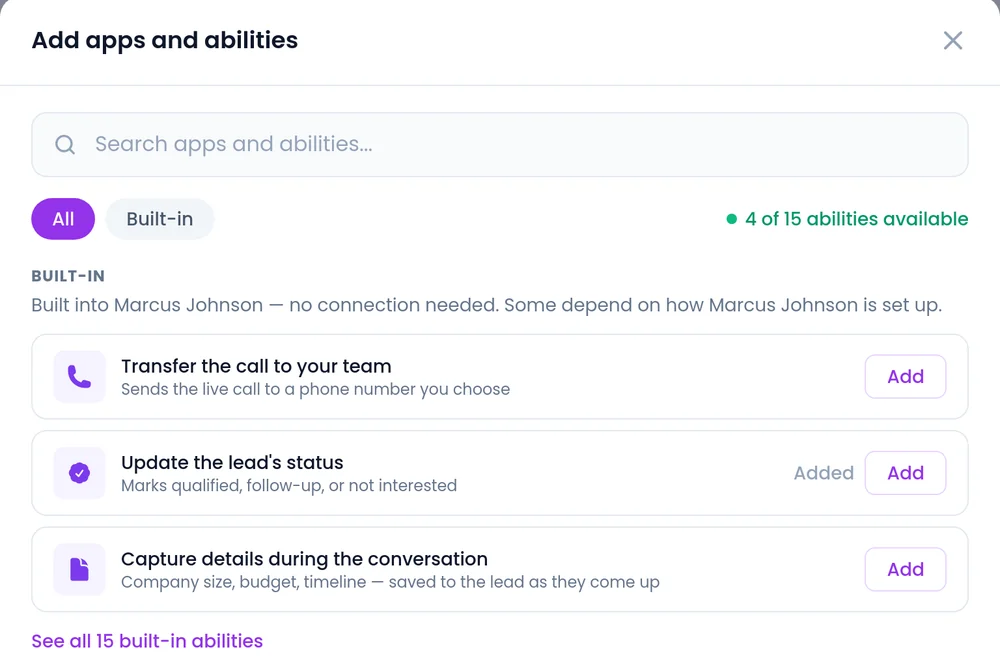
- Add it as a built-in ability: Transfer the call to your team.
- Create several labeled transfers, such as "Sales Team" and "Customer Success", and the agent picks the one that fits.
- Phone calls only. On web voice, video and hybrid calls, the agent brings a rep into the call with live handoff.
Where does the call go?
Each transfer can dial a fixed number, a number from the lead record, or both in order.
A fixed number
Type your sales line or any number of 7 to 15 digits, with an extension if needed.
- Good for a shared queue or front desk
- Works as the backup after a rep's own number
Each lead's own rep
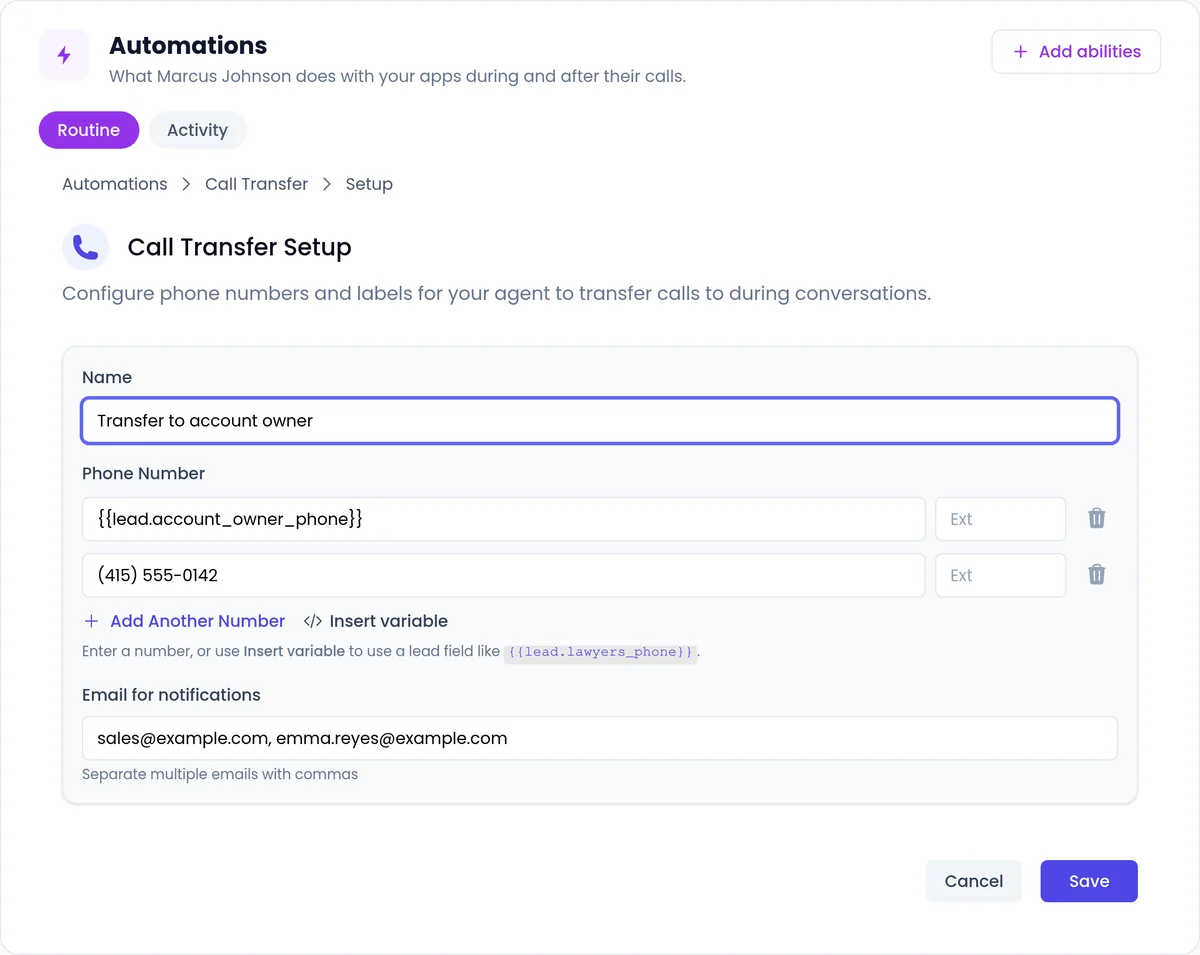
Click Insert variable and choose the lead field that holds the rep's number, such as the account owner's direct line.
- Every lead reaches the person who looks after them
- An empty or invalid field skips the transfer and logs why
How does a transfer sound to the caller?
These rules are built into every transfer, whether the number is typed or comes from the lead record.
Meeting first
If a meeting is part of the next step, the agent books it before transferring.
Only after a yes
By default, the agent transfers only after the caller clearly agrees.
Never before they speak
The agent does not transfer a caller who has not spoken yet.
Not to their own company
A number that belongs to the caller's own company is never dialed.
Backup numbers
If the first number does not answer, the agent dials the next one in the list.
Skips and logs bad fields
An empty or invalid lead field skips the transfer and logs the reason.
What your rep gets
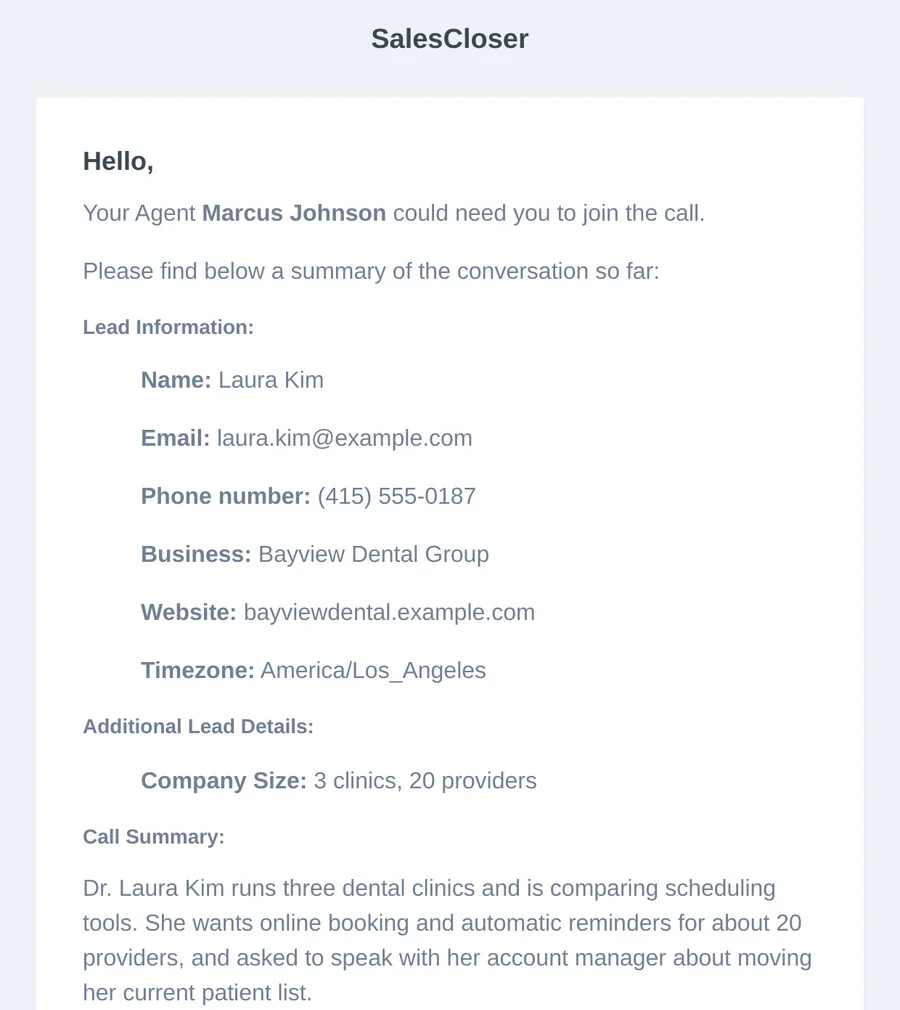
A call summary before they pick up
The summary is saved, the lead's number shows as caller ID where possible, and a Transfer Call Request email goes to the addresses you choose.
- The lead's name, email, phone, business, website, timezone, comments and custom fields
- A Call Summary and Next Steps
- A Join Call button when one is available
- On hot-lead transfers triggered by the live intent score, the rep also hears a short spoken briefing
How do you set up call transfer?
On an agent that takes phone calls. These steps are for prompt-based agents; with the sequence builder, you set the transfer on a flow step.
 1
1Add the ability
Open the agent, go to Automations > Add abilities and choose Transfer the call to your team.
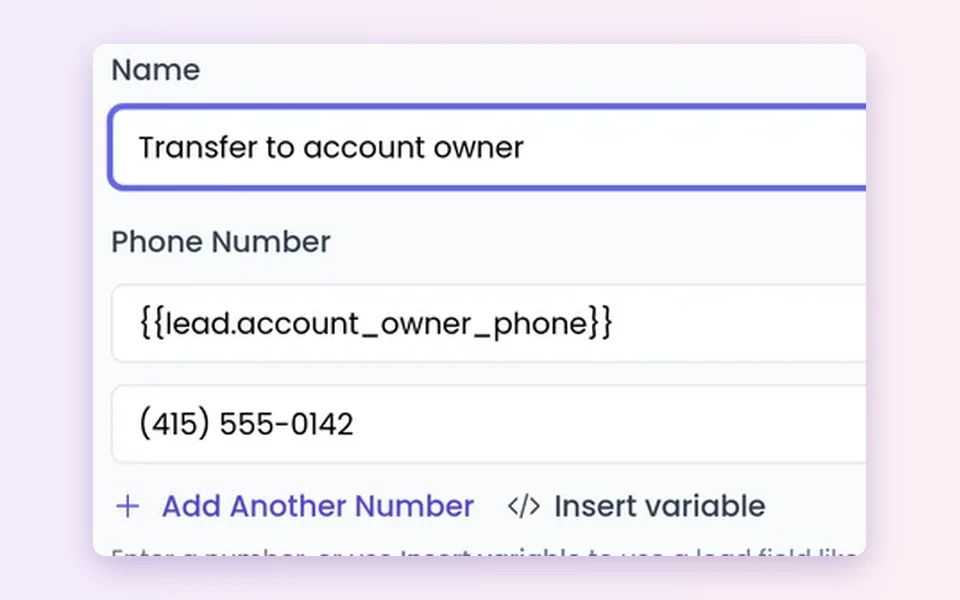 2
2Name it and set the numbers
Type a number or use Insert variable, then Add Another Number as a backup.
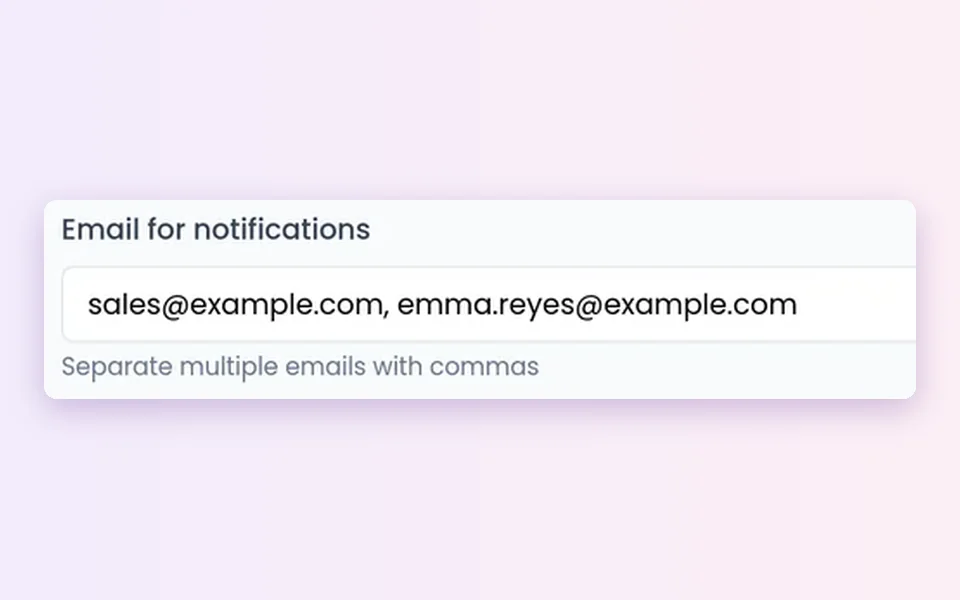 3
3Choose who gets the email
Add notification emails, separated by commas, for the Transfer Call Request.
 4
4Tell the agent when
Say in the prompt when to offer a transfer, then test with your own number.
Good to know before you switch it on
Phone calls only
Web chat, web voice, video and hybrid calls use live handoff.
Keep lead fields filled
If the field is empty, the caller stays with the agent and does not reach a rep. Add a backup number.
Your calling rules
Calling rules, consent and do-not-call lists stay your responsibility.
Label entries clearly
Tell the agent which labeled transfer fits which request.
Check the activity timeline
Every skipped transfer shows its reason and the record to fix.
Recording and AI disclosure
Conversations are recorded and transcribed so your team can review them. You control how the agent introduces itself, including whether it says it is an AI up front, and you can tell it to always answer truthfully when asked.
FAQ
Still wondering about something? Ask us on the call. We'll build your agent while we talk.
Does call transfer work on inbound and outbound calls?
Yes. It works on phone calls in both directions. On web voice, video and hybrid calls in the browser, your agent brings a rep into the live call instead.
Can the agent transfer each lead to their own account owner?
Yes. In Call Transfer Setup, use Insert variable in the Phone Number field and choose the lead field that holds the owner's number. Add a team line with Add Another Number as a backup.
Will the agent transfer someone without asking?
Not by default. It transfers after the caller agrees, never before the caller has spoken, and never to the caller's own company. Your instructions, or a hot-lead transfer rule, can tell it to transfer without asking. If a meeting is part of the next step, it books the meeting first.
What happens if the rep's number is missing or wrong?
The transfer is skipped and the reason is logged on the call's activity timeline, so a blank or broken number is never dialed. The caller stays with the agent and does not reach a rep, so keep the field filled and add a backup number.
See a transfer on a real call
Book a demo and watch a SalesCloser phone agent qualify a caller, book the meeting and transfer them to the right rep.