
Website actions let an AI sales agent run functions on your own website during a conversation, such as looking up a plan detail or creating an account from details the visitor shared. On SalesCloser, your developer registers each function in the widget, the agent calls it when its prompt says to, and the visitor can be asked to confirm first.
Most website chatbots can talk about your product. Fewer can do anything with it. When a visitor asks what a plan includes or says they want to sign up, a typical bot points them to a page or a form, and the visitor has to do the work.
SalesCloser website functions change that for the AI sales agent on your site. Your developer registers small JavaScript functions on your own website, and the agent can run them in the middle of a conversation. This guide covers what that means, what the visitor sees, how to set it up, and the limits to plan around.
What does it mean for an AI agent to take action on a website?
Taking action means the agent does more than reply with text. It calls a function, gets a result, and uses that result in its next answer. In AI terms this is often called tool calling: the model decides a tool is needed, passes the right inputs, and reads what comes back.
On SalesCloser, the tools are website functions. They are JavaScript functions that you write and register on your own site, on the page where the chat widget is embedded. The agent can only run the functions you register. It cannot click around your site or reach anything you have not exposed.
Website functions work in text chat and during voice calls in the widget. On a hybrid widget, when the voice or video part ends, the visitor is back in the text chat in the same widget, and the functions stay available there. Nothing runs after the visitor leaves the page, because the functions live on that page.
They are aimed at hybrid agents, but any customer who embeds the widget can use them. If you have not set up the widget yet, start with our guide to the AI chat widget with voice and video.
Why does acting during the conversation matter?
Every extra step between a question and an answer is a chance for a buyer to leave. If the agent says the details are on the plans page, the visitor has to navigate, search and come back. If the agent can look up the detail and answer in the chat, the conversation keeps going.
The same goes for next steps. A visitor who has already given their name and email in the chat should not have to type it all again into a signup form. With a registered function, the agent can pass those details to your site and confirm the result while the visitor is still engaged.
This is not about doing more for the sake of it. It is about removing small points of friction at the moment a buyer is interested. For a wider view of where AI helps across the sales process, see our guide to AI for sales.
What kinds of actions can the agent take?
The agent can take only the actions your developer registers. There is no built-in list. Each function does one job you define, returns text to the agent, and the agent uses that text in its reply. Here are some examples of functions a team might register:

- Look up a price or plan detail from your own site or system, so the agent answers with your current information.
- Create an account from details the visitor gave in the chat, such as their name and email.
- Check availability, for example whether an option the visitor asked about is available.
These are examples, not features that come out of the box. If you want the agent to do something, a developer writes a function for it and registers it. The table below shows how each example might look to the visitor.
| Example action | What the visitor sees | Needs confirmation? |
|---|---|---|
| Look up a price or plan detail | A short card in the chat while it runs, then the answer in the agent’s reply | Usually not, since it only reads information |
| Check availability | A card while it runs, then the agent’s reply with the result | Usually not, since it only reads information |
| Create an account from chat details | A confirmation step first, then a card while it runs, then the result | Yes, because it creates data |
Confirmation is a setting on each function, so the choice is yours. The last column shows a sensible default, not a rule the platform applies for you.
What does the visitor see when the agent takes an action?
For the visitor, the action feels like part of the conversation. The agent decides an action is needed based on what the visitor asked and the instructions in its prompt.

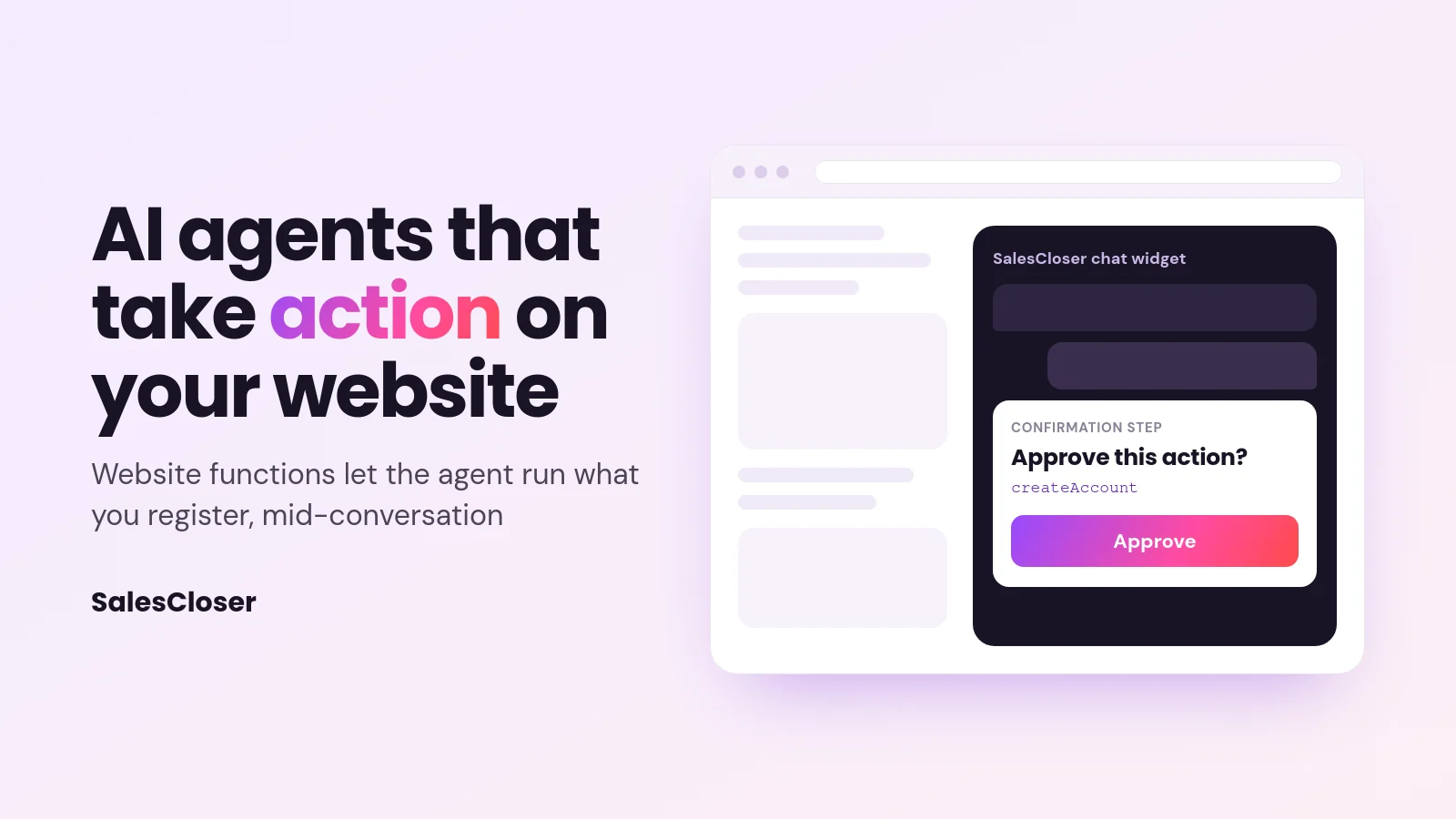
If the function is set to require confirmation, the visitor is asked to approve it first. This gives them a clear say before anything happens on their behalf, such as creating an account in their name.
While the function runs, a friendly card appears in the chat so the visitor knows something is happening. When it finishes, the agent reads the result and replies in plain language. Because the function returns text, a clear message, including a clear error message, gives the agent something useful to tell the visitor.
How does a developer set up website functions?
There is no dashboard switch to turn this on. Setup happens in your website code and in the agent’s prompt. A developer can follow these steps:

- Embed the SalesCloser widget snippet on your website, if it is not there already.
- Register each function with
SalesCloser.register, giving it a name, a description, the parameters it needs, the function to run, and whether it requires confirmation. - Tell the agent in its prompt when to use each function, and when not to.
- Test the flow in the chat on your own site, including the confirmation step and what happens when a function fails.
Each registered function follows this shape:
SalesCloser.register('name', {
  description,          // what the function does, in plain words
  parameters,           // the inputs the agent should pass
  fn,                   // your JavaScript function; it returns text
  requiresConfirmation  // true to ask the visitor first
});
The description matters. The agent uses it, along with your prompt, to decide when the function fits. Write it the way you would brief a new colleague: what it does, and when it should and should not be used.
In the agent’s prompt, be explicit. For example: “When a visitor asks what a plan includes, use lookupPlan before answering. Only use createAccount after the visitor has given their name and email and said they want an account.”
The full developer guide is in the SalesCloser documentation under Documentation > Guides > Hybrid Chat > Frontend actions.
What are the limits of website functions?
Website functions are useful, but they are a developer feature with clear boundaries. Plan around these before you start:
- Your own website only. Functions run on the site where you embed the SalesCloser widget. They do not run on phone calls, SMS or WhatsApp, or after the visitor leaves the page.
- Text results. Each function returns text to the agent, so design it to return a short, clear result the agent can use.
- One at a time. The agent runs one function at a time, not several at once.
- About 60 seconds at most. Keep each function well inside that limit and move slow jobs out of the chat flow.
- Needs a developer. Someone has to write, register and maintain the functions in your site code.
Website functions are also different from the SalesCloser MCP server, which lets an AI assistant work with your SalesCloser account itself. Website functions are about the agent acting on your site for a visitor.
How do you keep website actions safe?
A website function runs code on your site on behalf of a visitor, so treat it like any other public entry point. A few habits go a long way:
- Require confirmation for anything that changes data. Creating an account, submitting a request or updating a record should ask the visitor first.
- Keep each function narrow. One function, one job. A function that looks up plan details is safer than a general one that can query anything.
- Check inputs in your own code. Treat what the agent passes like any input from a web form.
- Return only what the visitor should see. The result goes back into the conversation, so leave out internal fields and other people’s data.
- Keep secrets off the page. Call your own backend for anything that needs a private key.
- Write clear prompt rules. Tell the agent when not to use a function as well as when to use it.
Also check your own obligations for the data you collect, such as account details, and make sure your privacy notice explains how chat details are used.
How does SalesCloser fit?
SalesCloser AI sales agents hold real conversations by voice, video or chat. They answer inbound leads, ask qualifying questions, run discovery and book qualified prospects onto your team’s calendar. Website functions add one more layer for the agent on your site: with a developer’s help, it can run the functions you register while the conversation is happening.
Everything else works as before. You give the agent your knowledge base and rules, and you control how it introduces itself, including whether it says it is an AI up front. Conversations are recorded and transcribed so your team can review them. To see an agent on a website, book a demo.
Where should you start?
Start small. Pick one question visitors ask often that your site can answer with a lookup, and register a single read-only function for it. Test it, refine the description and the prompt, then add an action that changes data, with confirmation turned on.
Acting during the conversation is about fewer steps for the buyer. Keep functions narrow, ask before changing anything, and have your developer follow the Frontend actions guide in the documentation.
Frequently asked questions
What is AI agent tool calling?
Tool calling is when an AI agent decides it needs outside information or an action, calls a defined function with the right inputs, and uses the result in its reply. On SalesCloser, the tools for the website widget are JavaScript functions your developer registers on your own site, so the agent can only call what you have exposed.
Can the agent take actions on phone calls or SMS?
No. Website functions run only on your own website where the SalesCloser widget is embedded. They work in text chat and in widget voice calls, and stay available in the text chat after the voice or video part of a hybrid widget ends. They do not run on phone calls, SMS, WhatsApp or after the visitor leaves the page. If you need the agent to work with other systems, look at app connections or a custom tool server instead.
Do I need a developer to set up website functions?
Yes. There is no dashboard switch. A developer embeds the widget snippet, registers each function in your site code with SalesCloser.register, and then you tell the agent in its prompt when to use each one. The step-by-step guide is in the documentation under Documentation > Guides > Hybrid Chat > Frontend actions.
Can the visitor approve an action before it runs?
Yes. Each function can require confirmation. When it does, the visitor is asked to approve before the function runs. Turn confirmation on for anything that changes data, such as creating an account. Read-only lookups, like checking a plan detail, can usually run without it, but the choice is yours for each function.
How long can a website function run?
A function can run for about 60 seconds at most, and the agent runs one function at a time. Each function returns text, which the agent uses in its reply. Keep functions fast and focused, and move slow jobs out of the chat flow so the visitor is not left waiting.