API and MCP server: build on SalesCloser your way
An API for agents, leads, campaigns and conversations, with sandbox keys and code samples in five languages. On paid plans, the MCP server lets Claude, Cursor and Codex read and manage your account in plain language, and asks you to confirm before anything costly or destructive.
- Agents, leads, campaigns, conversations
- Sandbox keys
- cURL, Python, PHP, JavaScript, Ruby
- MCP server on paid plans
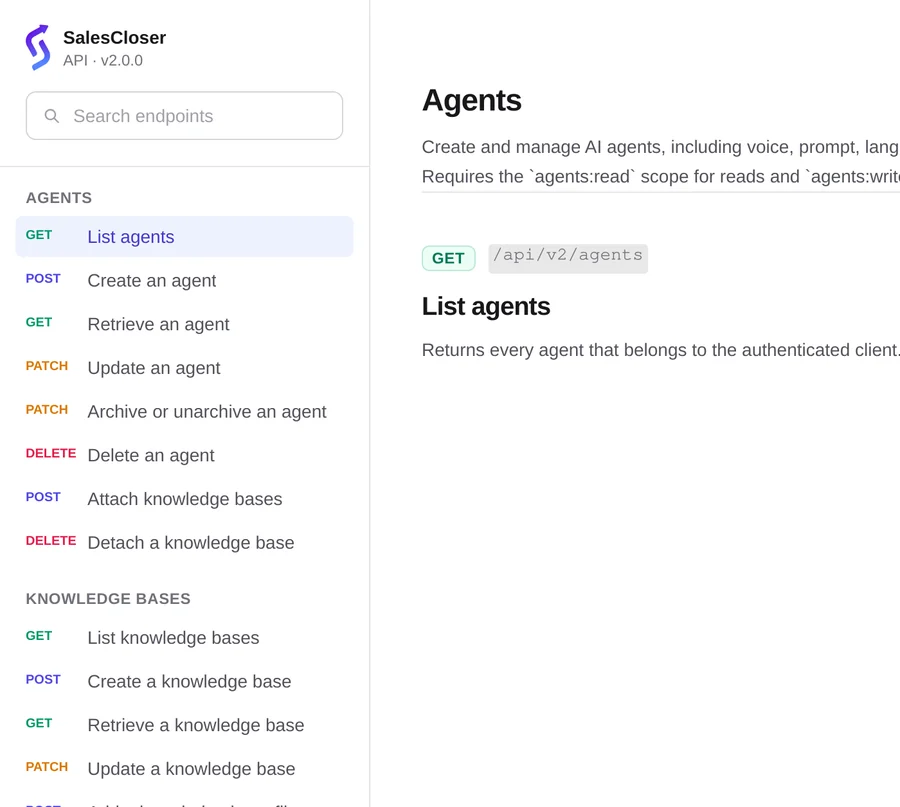
API
What can you build with the API?
The API is for software you or your developers write.
- Manage agents, leads, campaigns and conversations from your own systems.
- Add a lead to a campaign in one call. The lead is created or updated by phone number, and repeated requests never schedule duplicate calls.
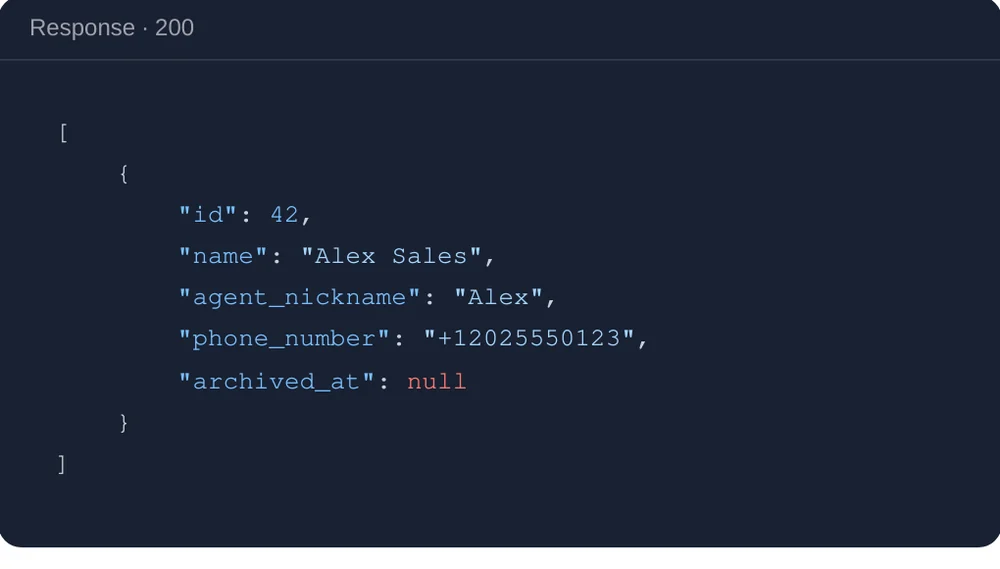
- Read conversations, one or every conversation for a lead, with links to the recording and transcript.
- Archive and unarchive agents, the same reversible pause as in the dashboard. Keys for connected tools are masked when you read an agent.
MCP server
What does the MCP server do?
MCP (Model Context Protocol) is a standard way for AI assistants to use outside tools. Ask in plain language and the assistant can create and update agents, leads, knowledge bases and campaigns, recap call outcomes and campaign performance, and place or schedule an outbound call.
- Placing or scheduling a call, setting a campaign live, archiving an agent and deleting a knowledge base file never run on the first try.
- The assistant shows you a preview, and nothing happens unless you confirm.
API or MCP: which should you use?
The credentials are not interchangeable. An API key will not connect to the MCP server.
API
Integrations your developers build, in code that calls the API.
- Your code decides what it sends
- Test with sandbox keys
MCP server
Ask an AI assistant to look things up and act, in Claude, Cursor, Codex or another MCP client.
- Preview and confirmation before costly or destructive actions
How do you set it up?
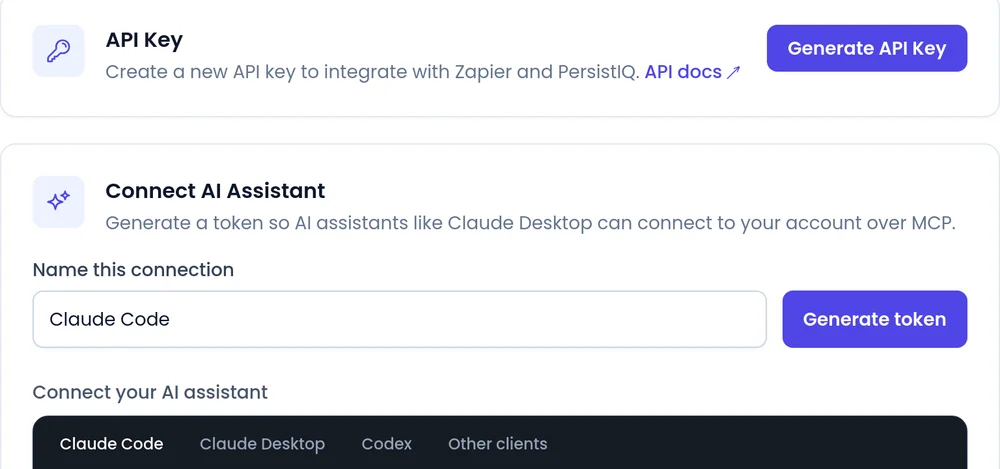
API keys and MCP tokens both live under Integrations > API Tokens.
- 1
Create a sandbox key
Give it a name. Live keys start with sk_live_ and sandbox keys with sk_test_.
- 2
Build from the docs
Run the samples, or download the OpenAPI spec and Postman collection. Then switch to a live key.
- 3
Generate an MCP token
Under Connect AI Assistant. If you do not see it, ask an admin on your account.
- 4
Connect your assistant
Copy the snippet from the MCP guide, add your token and ask it to test the connection.
What should you know?
API rate limit
60 requests per minute per access token, with headers showing what you have left.
MCP needs a paid plan
With an active subscription. If billing lapses, the connection works again once it is active.
MCP tokens expire after a year
Disconnect revokes a token at once. It carries your account permissions, so keep it private.
Connection limits
Up to 50 active MCP connections, and up to 10 new ones per minute.
Your account only
Every MCP request is scoped to your account.
White-label accounts
Webhooks, embeds, API docs and the Postman collection carry no SalesCloser name.
Best practices
Best practices
- Build on sandbox first, then swap in a live key.
- Name every key after the integration that uses it.
- Read MCP previews before you confirm a call, a campaign launch or a deletion.
- Use webhooks for events instead of polling. See CRM integrations.
- Bring your own tools the other way: connect your own MCP server to an agent. See integrations and automation.
FAQ
Still wondering about something? Ask us on the call. We'll build your agent while we talk.
Is there a sandbox for the API?
Yes. Sandbox keys work on every endpoint and cannot touch live leads, agents or conversations.
Which languages are the code samples in?
cURL, Python, PHP, JavaScript and Ruby, for every endpoint.
Which AI assistants work with the MCP server?
Claude, Cursor, Codex and other MCP clients. The guide has snippets for Claude Code, Claude Desktop and Codex, plus one for other clients.
Can my AI assistant place calls without asking me?
No. Placing or scheduling a call and setting a campaign live always show a preview and need your confirmation.
Do I need a paid plan?
The MCP server is on paid plans and needs an active subscription. Ask us about API access for your plan when you book a demo.
Can I use my API key with MCP?
No. Create a separate token under Connect AI Assistant.
Talk to us about your integration
Book a demo and bring your developer. We will walk through the API, sandbox keys and the MCP server on a real account.