Voicemail and phone menus: AI outbound calls that know what answered
On outbound phone calls, the agent works out whether a person, a voicemail greeting or a phone menu answered, and handles each one: it talks, leaves a voicemail from your prompt, or presses keys to get through.
- Outbound phone calls
- Voicemail from your prompt
- Presses keys in phone menus
- Up to 300 seconds in a menu
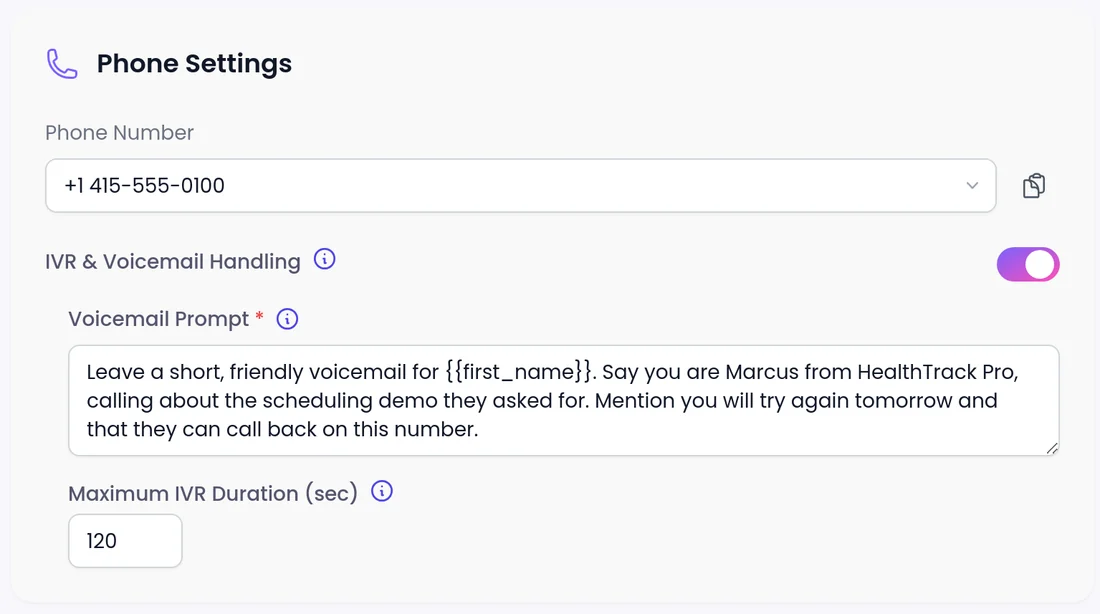
Who answered, and what the agent does
Most outbound calls do not reach a person on the first try. Detection is automatic once IVR & Voicemail Handling is on under Phone Settings.
A person
Starts the conversation.
- You control the prompt, knowledge and rules
A voicemail greeting
Leaves a short, personal voicemail guided by your Voicemail Prompt.
- You control the prompt, lead fields and which attempt gets a voicemail
A phone menu
Presses keys to work toward a person.
- You set Maximum IVR Duration, up to 300 seconds
A person picks up mid-message
Stops the message and starts talking with them.
- Covered by the same setting
For the lead
How does it feel for the lead?
If the lead answers, they get a conversation. If they miss the call, they get a short message that says who called and why, instead of a dead line or a generic recording.
- The voicemail is left in the agent's language.
- With Language Switch Detection on, it follows the language of the call, within the languages the agent allows.
How do you set it up?
If you use a sequence agent, also set up the "if a human responds" step. Then test by calling a few numbers your team controls before you launch.
 1
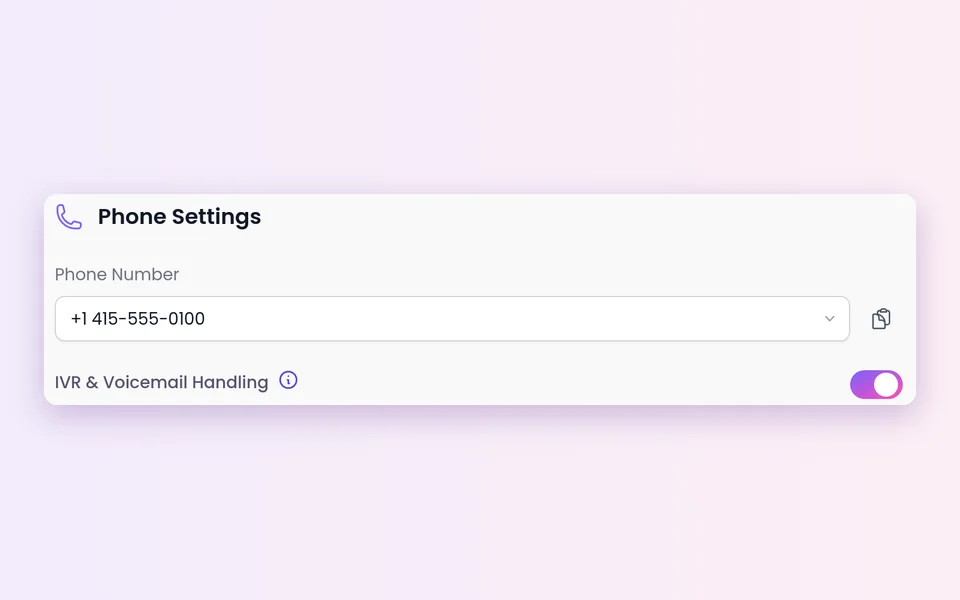
1Switch it on
Open the agent and go to Phone Settings > IVR & Voicemail Handling.
 2
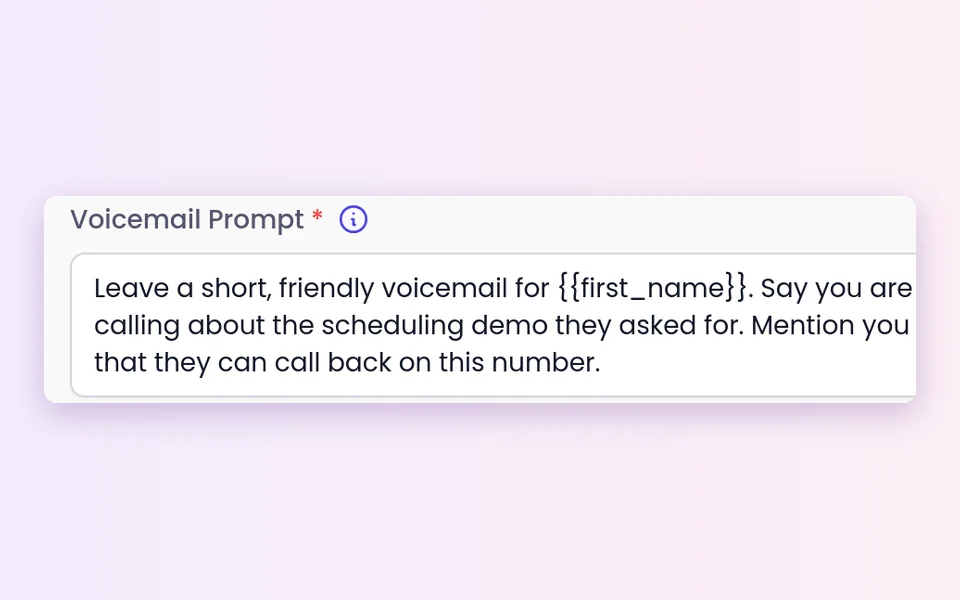
2Write the Voicemail Prompt
Required. The prompt guides the message and the AI writes the voicemail. Add lead fields such as {{first_name}}.
 3
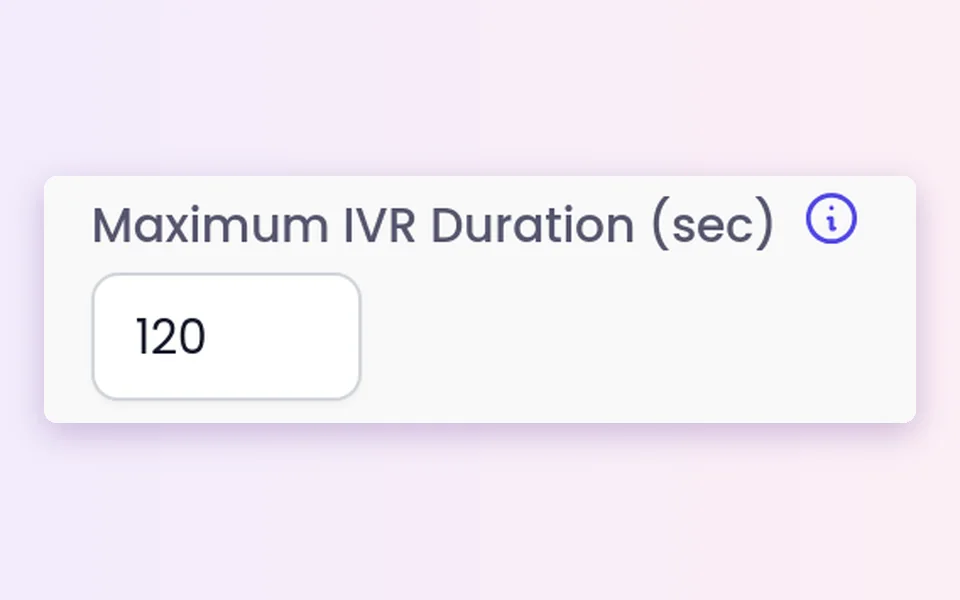
3Cap the phone menu time
Maximum IVR Duration (sec) caps time in a phone menu at up to 300 seconds.
 4
4Pick the attempt
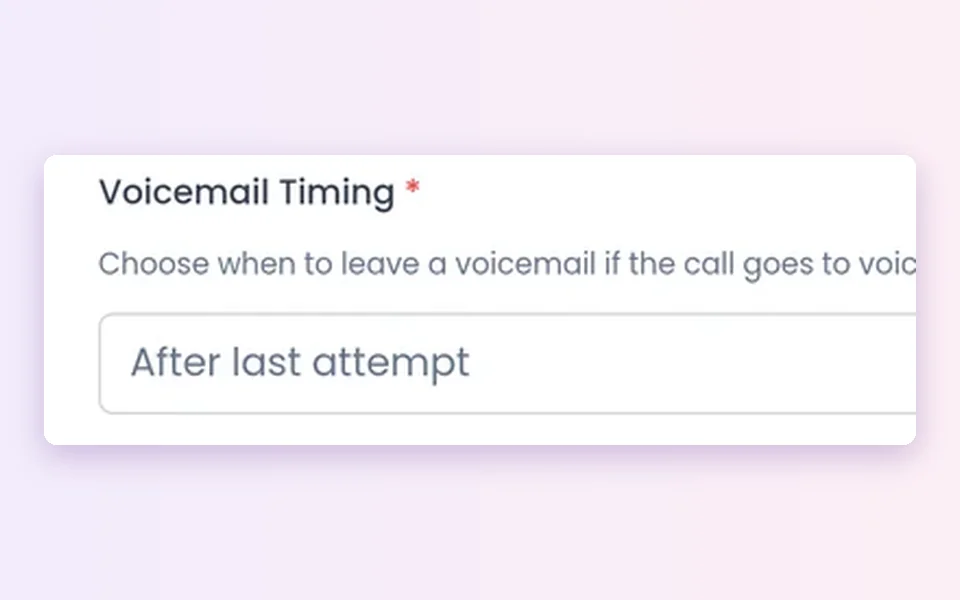
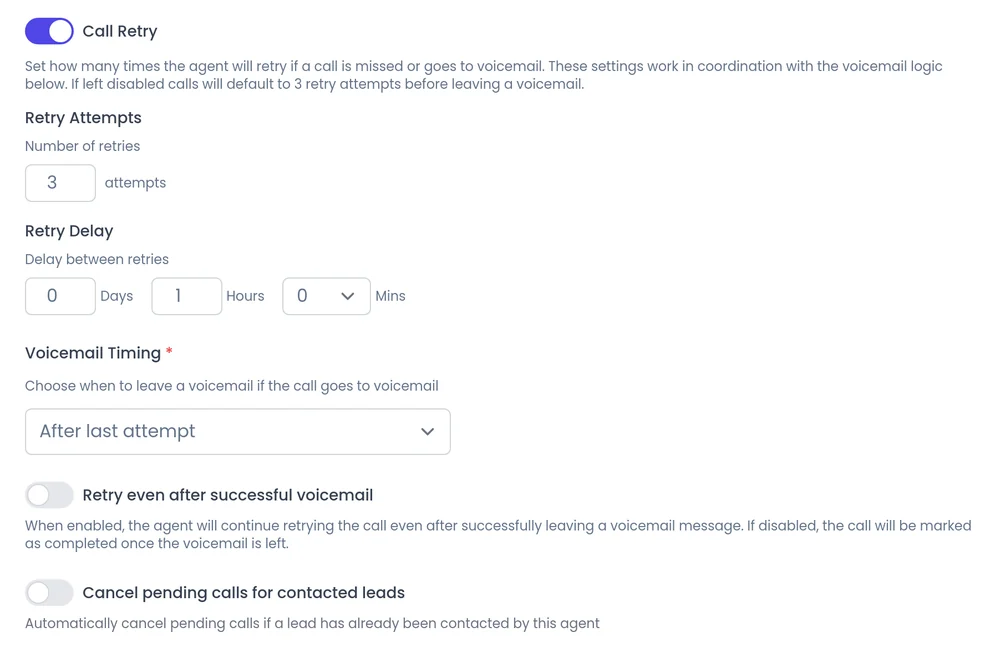
In the campaign, choose the first or last attempt and whether to keep retrying.
Campaign settings
First attempt or last attempt?
The first attempt puts your message in front of the lead early, so they know who you are before you call again. The last attempt gives the agent more chances to reach the person live first.
- Keep retrying if a live conversation is the goal and the message is a heads up.
- Stop if you would rather not call again once the lead has your message.
- Retries have a count and a delay between attempts. See Calling controls.
What should you know before you start?
Outbound phone calls only
It does not apply to inbound calls or website conversations.
Automatic, not perfect
Detection is automatic. Expect it to misread the odd call.
A person is not guaranteed
Some phone menus never lead to a person.
The phone menu cap
At the cap, the call ends with a short goodbye. Entering 0 is treated as the full 300 seconds.
Empty fields show as text
An empty field stays in the message as a plain tag. Use only fields that are always filled.
Compliance is yours
Calling rules, consent, do-not-call lists and rules on automated messages stay your responsibility. Conversations are recorded and transcribed so your team can review them.
Best practices
Best practices for AI voicemail
- Keep it short. Say who is calling, why, and what happens next.
- Use the lead's name carefully. Add {{first_name}} only if that field is always filled.
- Give one next step. A number to call back or a note that you will try again is enough.
- Match your retry choice. If you keep retrying, say you will call again.
- Decide how the agent introduces itself. You control how the agent introduces itself, including whether it says it is an AI up front, and you can tell it to always answer truthfully when asked.
FAQ
Still wondering about something? Ask us on the call. We'll build your agent while we talk.
Does the agent leave voicemails on inbound calls?
No. Voicemail and phone menu handling is for outbound phone calls only.
What happens if a person answers while the agent is leaving a voicemail?
The agent stops the message and starts talking with them.
How long will the agent stay in a phone menu?
Up to the Maximum IVR Duration you set, which caps at 300 seconds. When it is reached, the call ends with a short goodbye.
Can the voicemail use the lead's name?
Yes. Add lead fields such as {{first_name}} to the Voicemail Prompt. Use only fields that are always filled.
Will the agent always reach a person?
No. It presses keys to work through phone menus, but some menus never lead to a person, and detection is not perfect.
Hear how an agent handles voicemail
Book a demo and we will show you an outbound agent working through phone menus and voicemail for a business like yours.