Phone calls: an AI sales agent on your phone line
Your agent answers inbound calls, makes outbound calls, or both. Get a calling number from your dashboard right after billing, with no separate phone provider account. It qualifies callers, books meetings, schedules callbacks, leaves voicemails and transfers calls to your team.
- Inbound and outbound
- 50+ languages
- Books meetings
- Transfers to your team
What can the agent do on a phone call?
Answer and call
Mark each agent as inbound, outbound or both.
Speak the caller's language
50+ languages. Each number takes its language from the agent, the caller's country or a fixed setting.
Sound natural
Speech-to-speech voices listen and reply in voice directly for natural turn-taking. Add a light office background sound if you like.
Book and follow up
Books meetings during the call and schedules a callback when a lead asks.
Get past phone menus
On outbound calls it finds its way through phone menus and leaves a voicemail when nobody answers.
Hand off
Transfers the call to your team or each lead's own rep, and tries the next number if the first does not answer.
Inbound and outbound at a glance
Both answer from your knowledge base, ask your qualifying questions and offer a next step, such as a meeting.
Inbound
The lead dials your number and the agent answers in the language set for that number.
- Call transfer to your team
- No phone menus or voicemail to handle
Outbound
The agent calls leads from a campaign or a scheduled callback.
- Presses keys to get through phone menus
- Switches to talking if a person answers, even mid-voicemail
- Leaves a voicemail from your prompt
- Call transfer to your team
Voicemail and phone menus
Ready for menus and voicemail
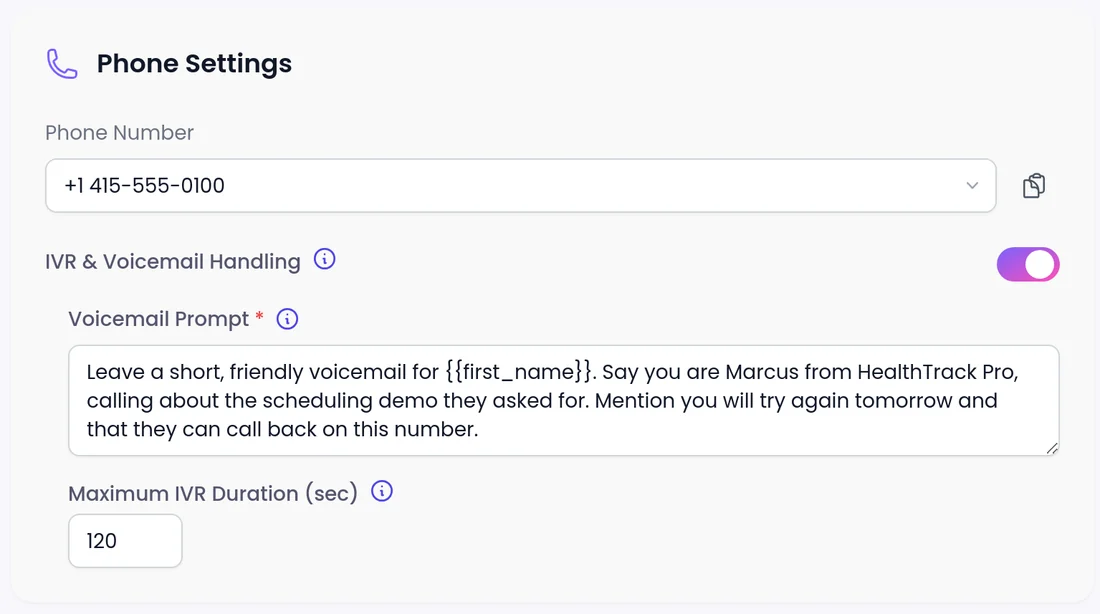
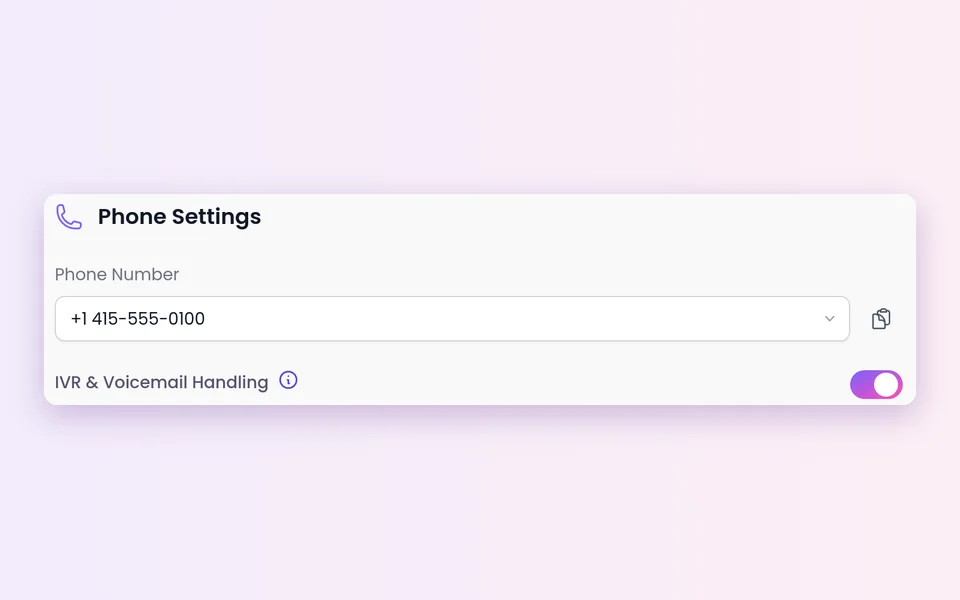
For outbound calls, turn on IVR & Voicemail Handling in the agent's Phone Settings (it's off by default) and write the Voicemail Prompt.
- Maximum IVR Duration caps at 300 seconds. When it is reached, the call ends with a short goodbye.
- Use only lead fields that are always filled in your voicemail prompt.
- See voicemail and IVR
When a person is needed
Transfer to the right rep
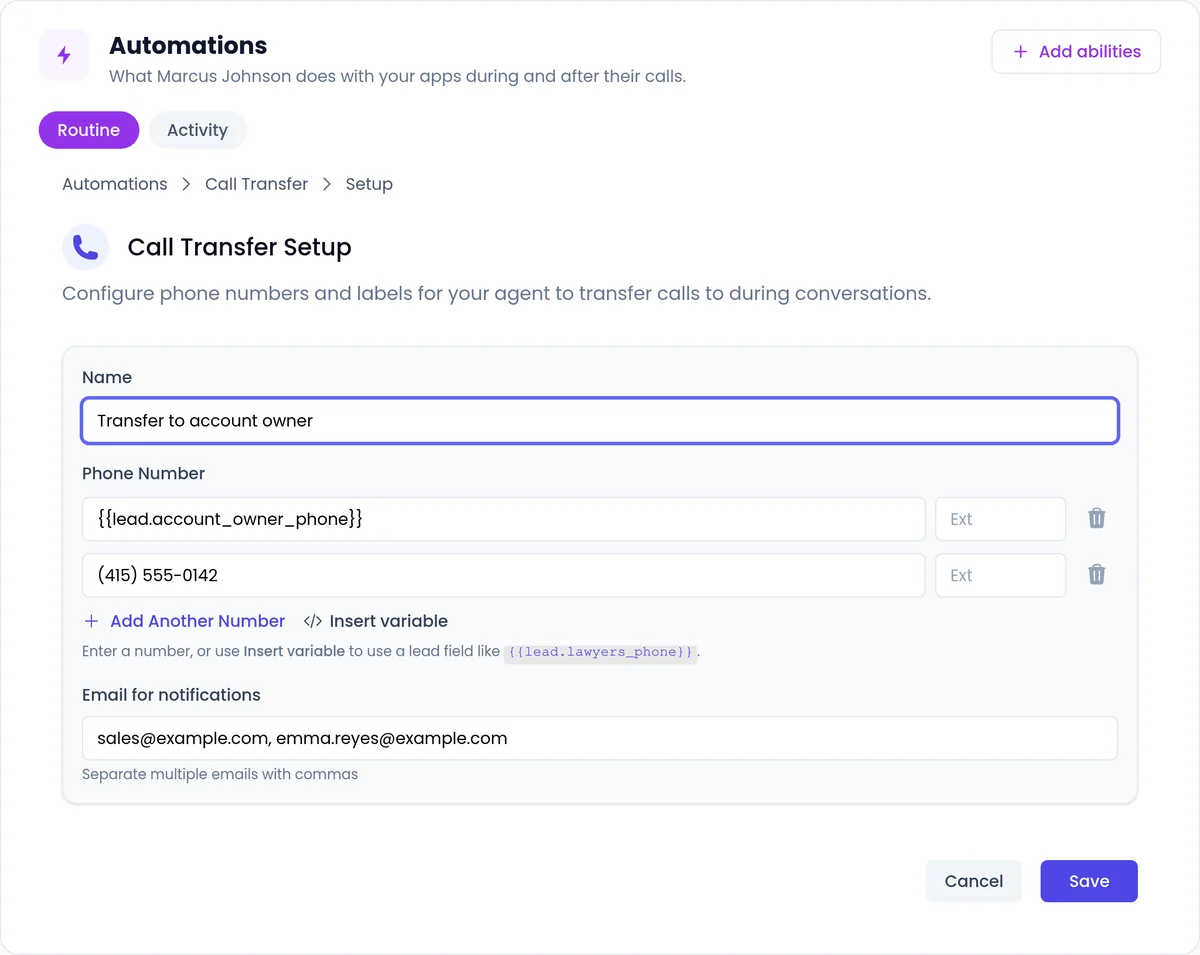
The agent says it is transferring the call and connects the lead to your number. The rep gets a Transfer Call Request email with the lead's details and a call summary.
- Route each lead to their own rep with a lead field, and use Add Another Number for a backup.
- Label transfers clearly, such as "Sales Team" and "Customer Success", so the agent picks the right one.
- See call transfer
How do you set up phone calls?
For campaigns, you also set the Calling Hours in the campaign's Call Setup step.
 1
1Create a phone agent
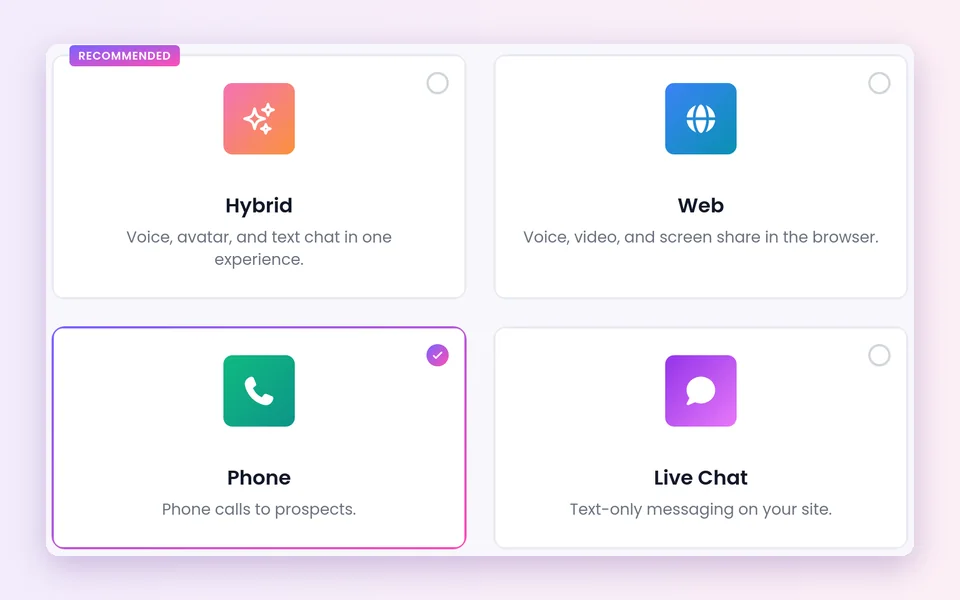
In AI Agents, create an agent and choose whether it takes inbound calls, makes outbound calls, or both.
 2
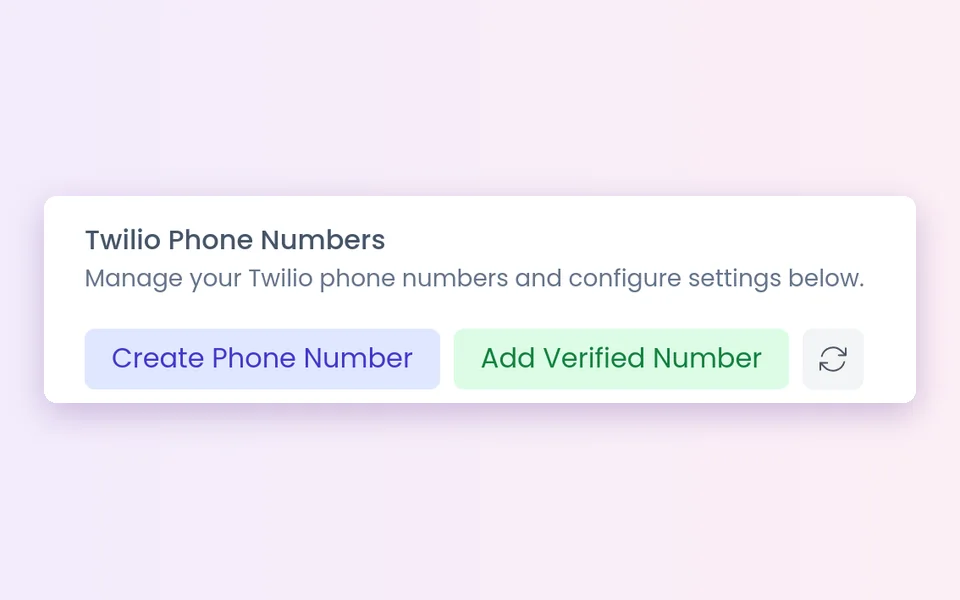
2Get a number
After billing, accept the calling terms and pick a country and area code.
 3
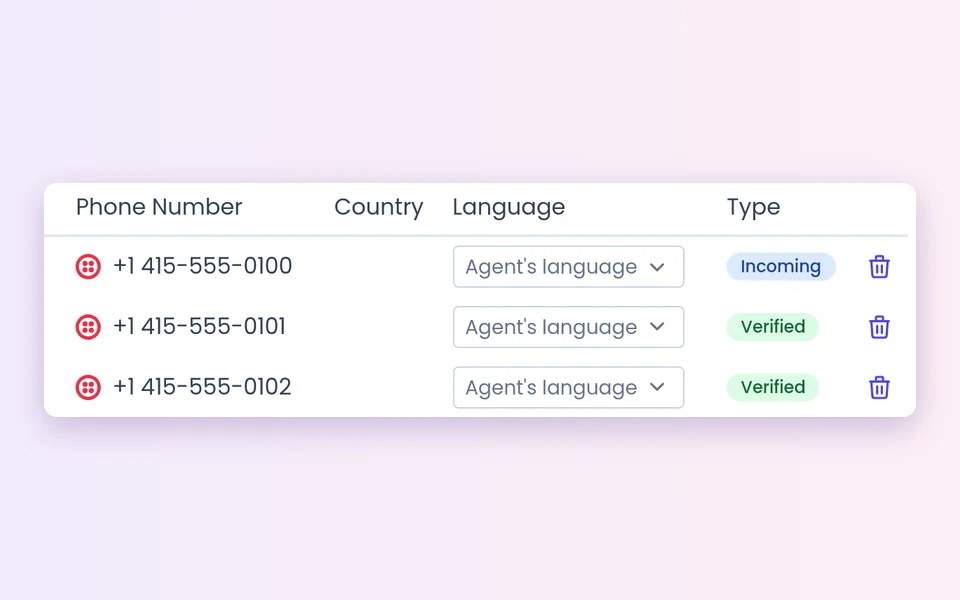
3Assign it and set the language
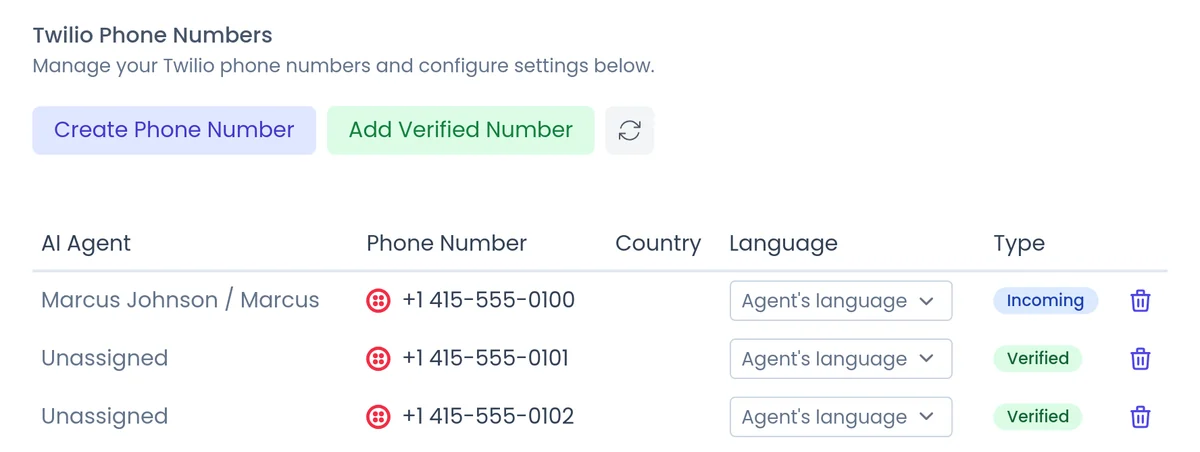
In Account Settings > Communication > Phone Numbers, set Language to Agent's language, Infer from caller or a fixed language.
 4
4Handle voicemail
For outbound calls, turn on IVR & Voicemail Handling and write the Voicemail Prompt.
 5
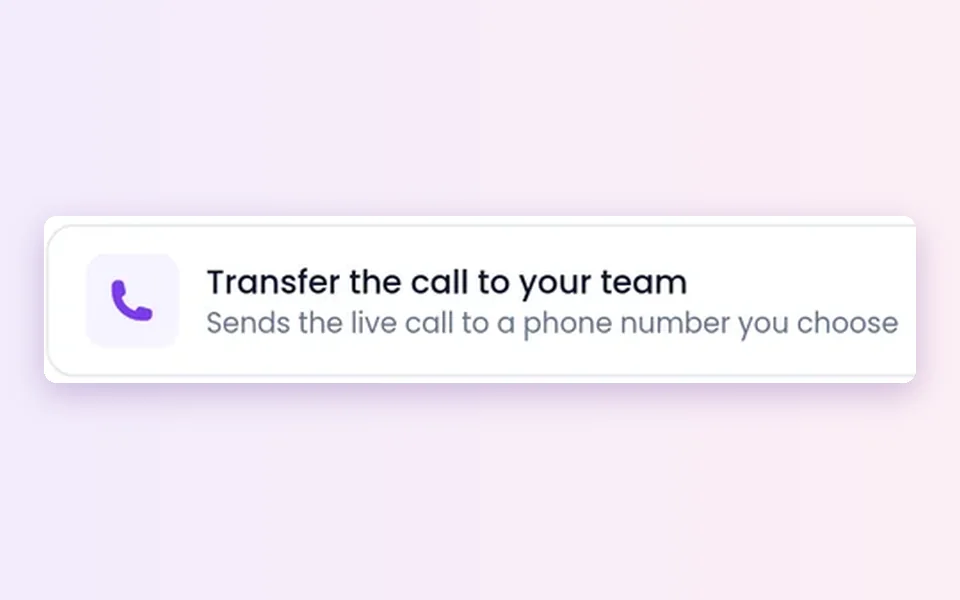
5Add transfers
Automations > Add abilities > Transfer the call to your team, then fill in Call Transfer Setup.
What should you know before you start?
Compliance is yours
Calling rules, consent and do-not-call lists stay your responsibility. Check the rules that apply where you call.
Calling hours and callbacks
Campaign calls wait for your calling hours. A callback dials at the time the lead chose, even outside them, and no reminder is sent.
Inbound callbacks
If a callback from an inbound call goes unanswered, it is not retried.
Transfers by lead field
An empty or invalid field skips the transfer and logs it, and the caller stays with the agent. Keep the field filled and add a backup number.
Waiting Room is for monitoring
Phone calls show in the Waiting Room for monitoring only. On the phone, your team comes in by call transfer.
Recording and AI disclosure
Conversations are recorded and transcribed. Open with who is calling and why. You control how the agent introduces itself, including whether it says it is an AI up front, and you can tell it to always answer truthfully when asked.
FAQ
Still wondering about something? Ask us on the call. We'll build your agent while we talk.
Do I need my own phone provider account?
No. You can get a calling number from your dashboard right after billing, with no separate phone provider account.
Can one agent handle inbound and outbound calls?
Yes. Mark the agent as inbound, outbound or both.
Can the agent transfer a call to my team?
Yes. It can transfer to your number, route each lead to their own rep using a field on the lead, and try the next number if nobody answers.
Does the agent leave voicemails?
Yes, on outbound calls. It finds its way through phone menus, and when nobody answers it leaves a voicemail based on your prompt.
Who is responsible for calling rules?
You are. Calling rules, consent and do-not-call lists stay your responsibility. Leads who ask not to be called again are blocked from future campaign calls.
Hear an agent on the phone
Book a demo and we will show you an agent answering and calling for a business like yours.