AI follow-ups: keep reaching leads until they talk, then put the next step in writing
In phone campaigns, your agent tries again on the schedule you set when a lead does not pick up, including after a voicemail, and can stop once the lead has talked. After a conversation, an automation you set up can send a follow-up email.
- Up to 5 retries
- Voicemail on first or last try
- Your calling hours
- Follow-up email after the call
What do follow-ups cover?
Two things working together. Callbacks a lead asks for have their own page: callbacks.
Retries in phone campaigns
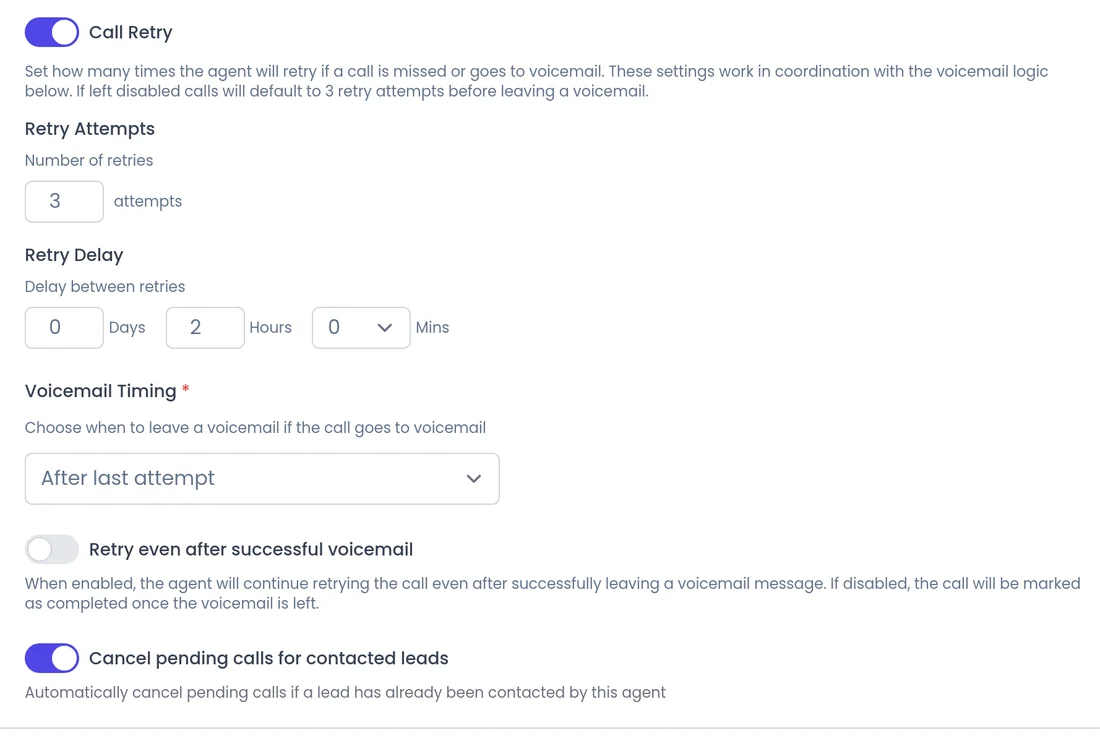
Off by default. When Call Retry is on and a lead does not answer, the agent calls again up to 5 times, with a delay you choose.
- Voicemail on the first or the last attempt
- Can stop once the lead has had a conversation
Email follow-ups
After a conversation, an automation you set up can send a follow-up email, so the next step is in writing.
- Sent after the call
- Set it up in the agent's Automations
For the lead
How do retries work for the lead?
A lead added to a calling campaign gets a first call. If nobody picks up, the agent waits the delay you set and tries again, up to the number of attempts you chose.
- If a voicemail greeting answers, the agent can leave a voicemail on the first or the last attempt, and you decide whether it keeps trying.
- Calls outside your calling hours wait for the next allowed time. With "Use each lead's local time" on, the hours follow the lead's timezone.
- Leads who opt out and numbers that do not work are blocked from future calls, and you can cancel a lead's future calls yourself.
How do I set up retries?
In the campaign's Call Setup. The voicemail itself comes from the agent's Voicemail Prompt: see voicemail and phone menus.
 1
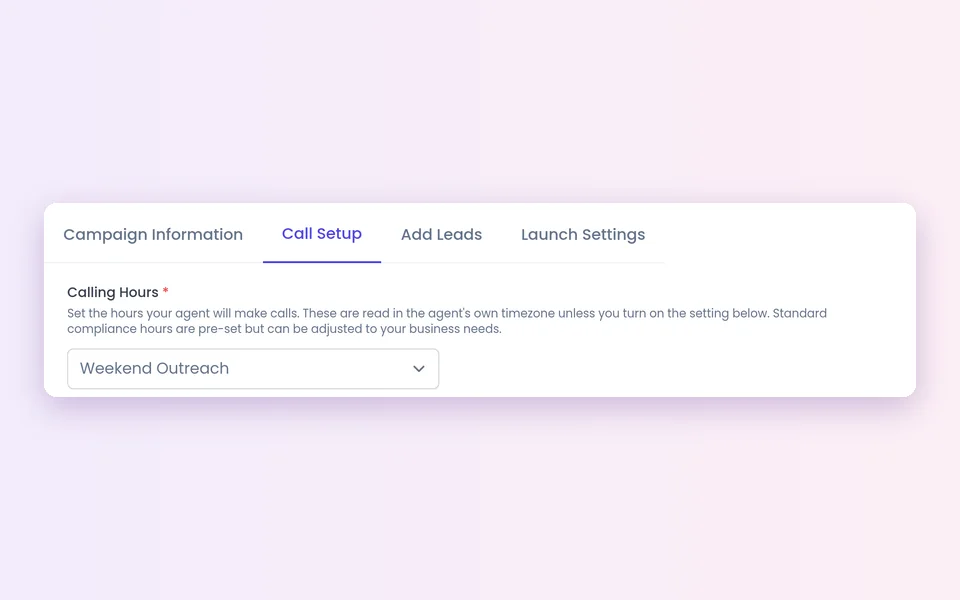
1Open Call Setup
Set your Calling Hours. Leave Ring Timeout empty to use the default.
 2
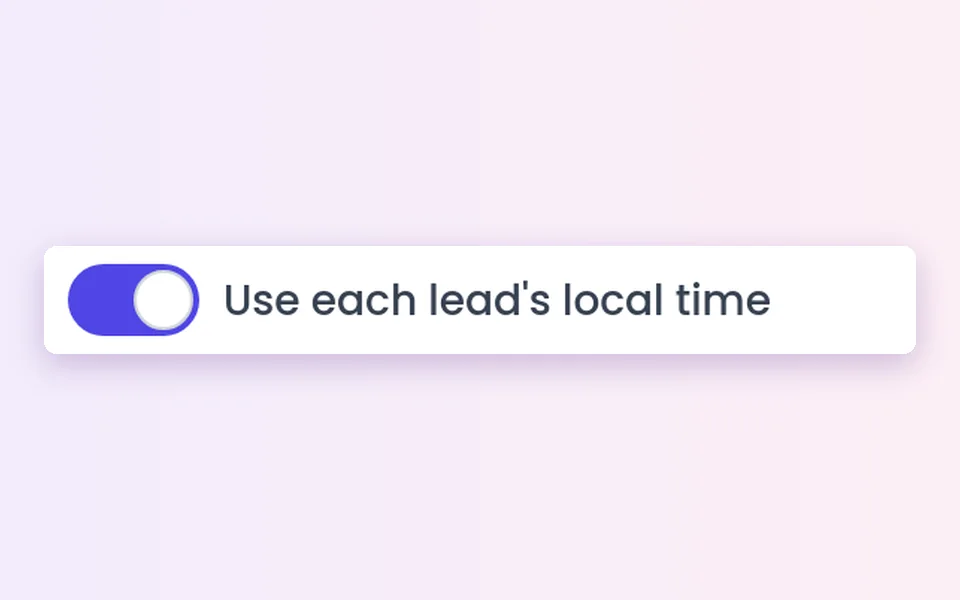
2Use local time
Turn on "Use each lead's local time" if your leads are in different timezones.
 3
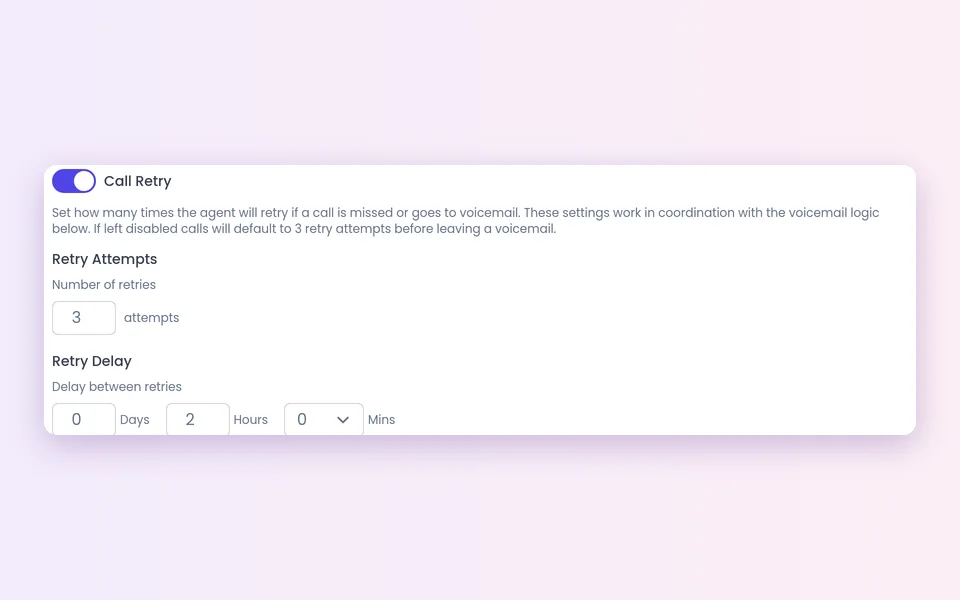
3Turn on Call Retry
Set up to 5 retries and the delay between attempts.
 4
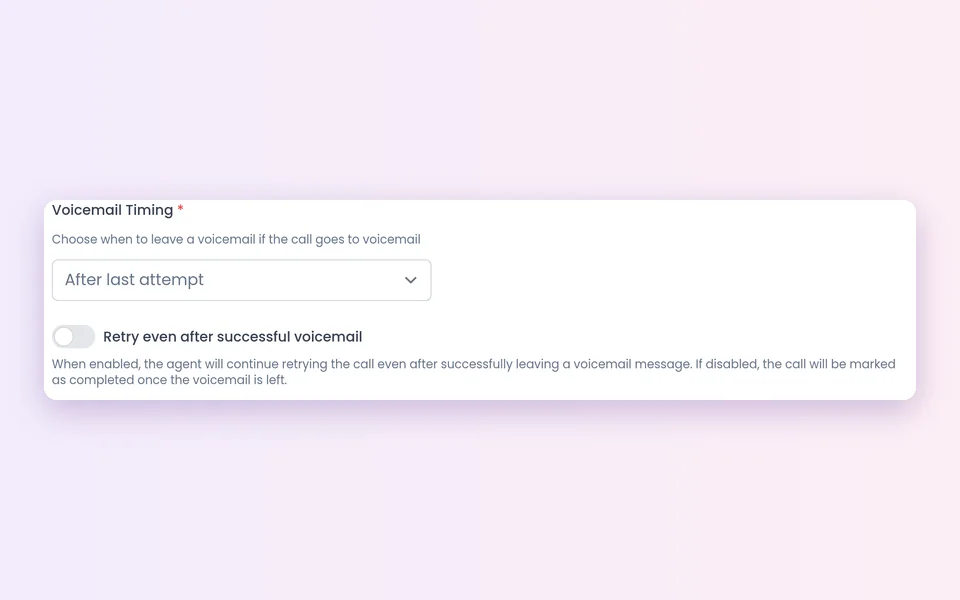
4Choose voicemail timing
First or last attempt, and whether to keep retrying after a voicemail.
 5
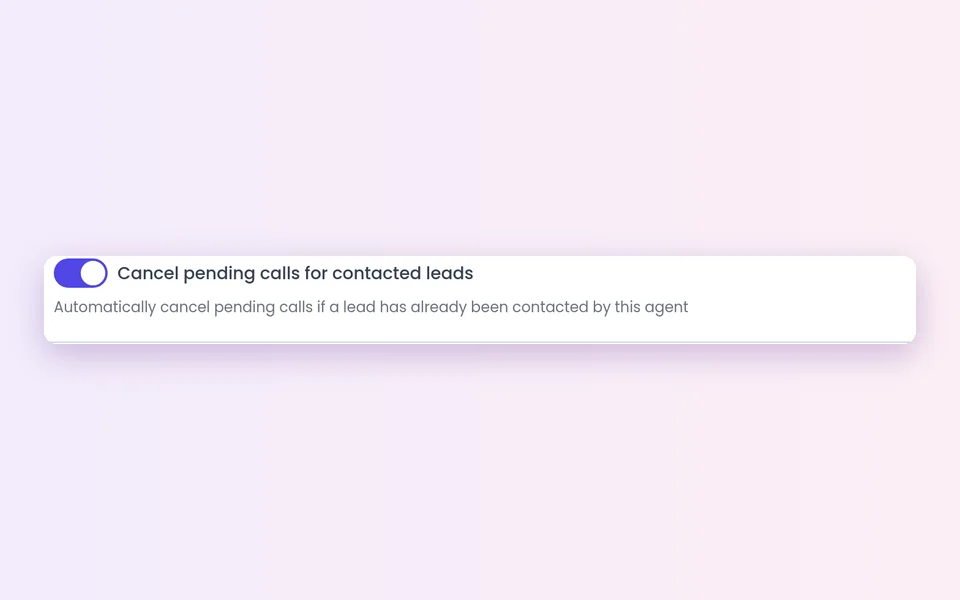
5Stop after a conversation
Turn on Cancel pending calls for contacted leads.
Retries, voicemail and callbacks at a glance
Retry
When a lead did not answer a campaign call. Controlled by the retry count and delay.
Voicemail
When a voicemail greeting answers. You pick first or last attempt, and whether to keep retrying.
Stop after a conversation
Once the lead has talked to the agent. A campaign setting.
Callback
Built in for phone agents. Unanswered campaign callbacks follow the campaign's retry settings.
Follow-up email
Sent after the call by an automation you set up.
Campaign report
When a campaign finishes, a report with the call spreadsheet goes to the people you choose.
What should I know before I start?
Retries are for phone campaigns
They apply to leads the agent calls through a campaign.
Inbound callbacks are not retried
A callback booked on an inbound call has no campaign, so it is not tried again. Campaign callbacks follow that campaign's retry settings.
Callbacks ignore calling hours on purpose
A lead-requested callback dials at the time the lead chose. Regular retries wait for the next allowed time.
Compliance is yours
Calling rules, consent and do-not-call lists stay your responsibility. Set retries, hours and voicemail to match them.
Best practices
Best practices for AI follow-ups
- Match the voicemail to the retry choice. If the agent keeps retrying, say you will call again. If it stops, make the message the main ask.
- Space attempts out, so the lead gets another chance without a burst of calls.
- Stop once they have talked for campaigns where one conversation is the goal.
- Book the meeting in the call. The best follow-up is a meeting already on the calendar. See calendar booking.
FAQ
Still wondering about something? Ask us on the call. We'll build your agent while we talk.
How many times will the agent try a lead who does not answer?
Retries are off by default. When Call Retry is on, there are up to 5 retries, with a delay you choose in the campaign.
Does the agent keep calling after it leaves a voicemail?
Only if you want it to. In the campaign, choose whether to leave the voicemail on the first or the last attempt, and whether to keep retrying after a voicemail.
Will the agent keep calling someone who already talked to it?
Not if you turn on stop calling after a conversation. The campaign then stops calling a lead once they have had a conversation.
How do I send a follow-up email?
Set it up in Automations > Add abilities with Send a follow-up email after calls.
Do retries respect my calling hours?
Yes. Campaign calls outside your calling hours wait for the next allowed time. The exception is a callback the lead asked for, which dials at the time the lead chose.
See follow-up that does not let leads go quiet
Book a demo and see how an agent retries, leaves a voicemail and follows up after the conversation.