AI calendar booking: the meeting is set before the conversation ends
Your agent books the meeting onto your Calendly, Cal.com or Cal.eu calendar while the lead is still in the conversation, adds your listed teammates and uses the location you chose.
- Calendly, Cal.com and Cal.eu
- Booked during the conversation
- Teammates on every booking
- Zoom, Meet, Teams or phone
What it does
What does calendar booking do?
Interested leads often go quiet between "sounds good" and "here is my calendar link". Your agent closes that gap: once the lead is ready, it offers times, agrees one and books it in the same conversation.
- The meeting lands on the calendar you connected, with the event type you chose.
- No separate scheduling email and no back and forth.
- The built-in assistant can help you connect a calendar while you set up your first agent.
How does it work for the lead?
Booking is part of the conversation, on calls and in chat.
- 1
A meeting comes up
The agent suggests one once the lead is a fit, or the lead asks.
- 2
The lead picks a time
The agent offers available times from your calendar.
- 3
Details are confirmed
On web voice and video calls, the chat panel opens so the lead can type the email instead of spelling it.
- 4
The meeting is booked
The lead gets the invite from your calendar.
How do I set up calendar booking?
Connect once, then switch it on for each agent that should book meetings.
 1
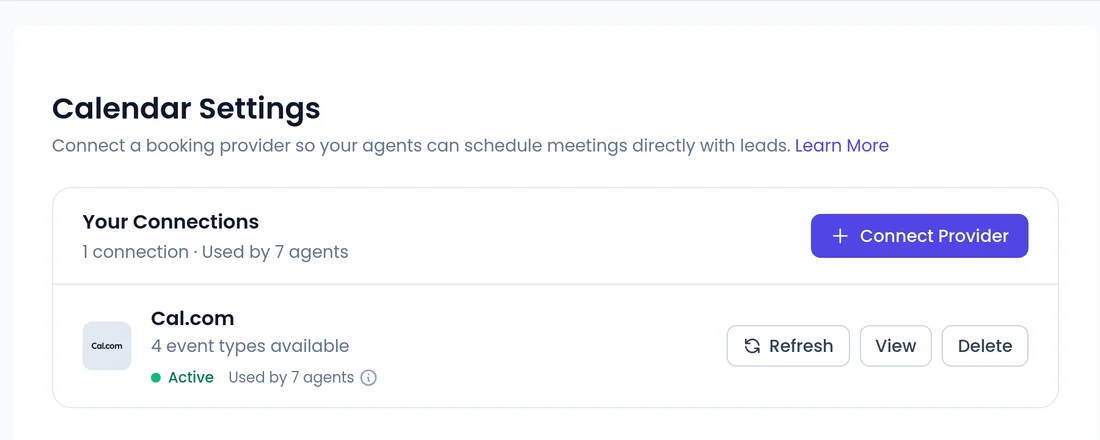
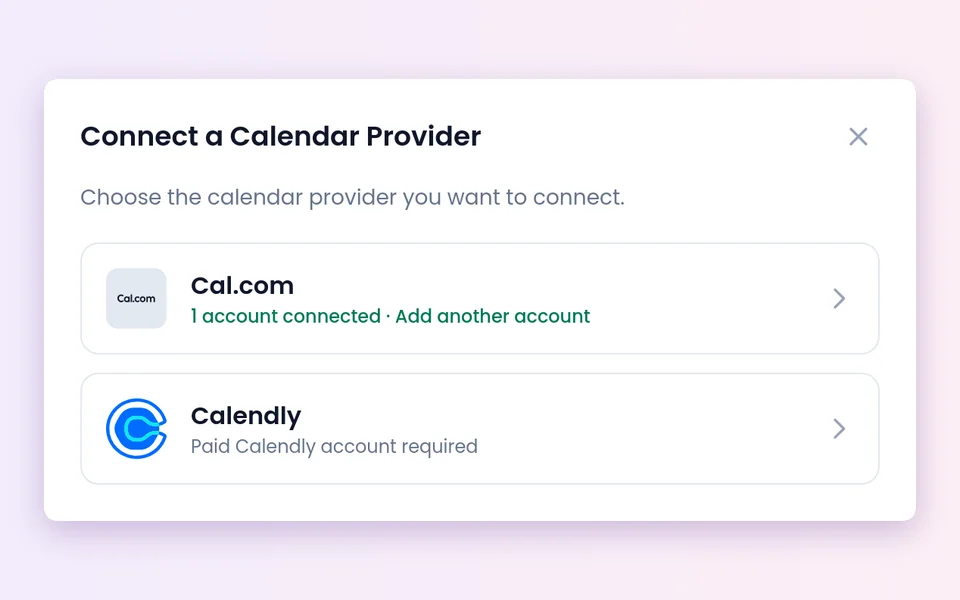
1Connect your calendar
Under Account Settings > Calendar, click Connect Provider and connect Calendly, Cal.com or Cal.eu.
 2
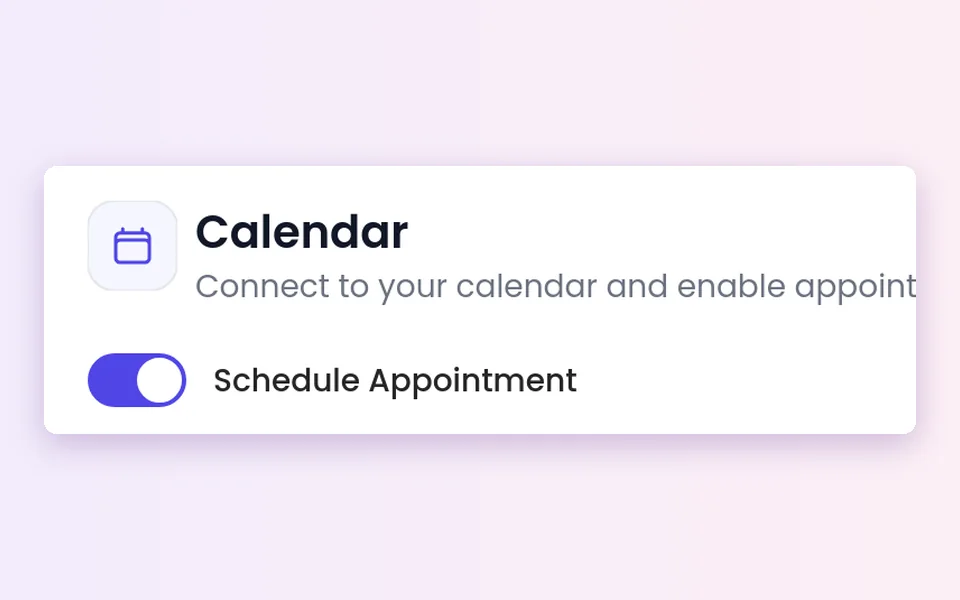
2Turn on Schedule Appointment
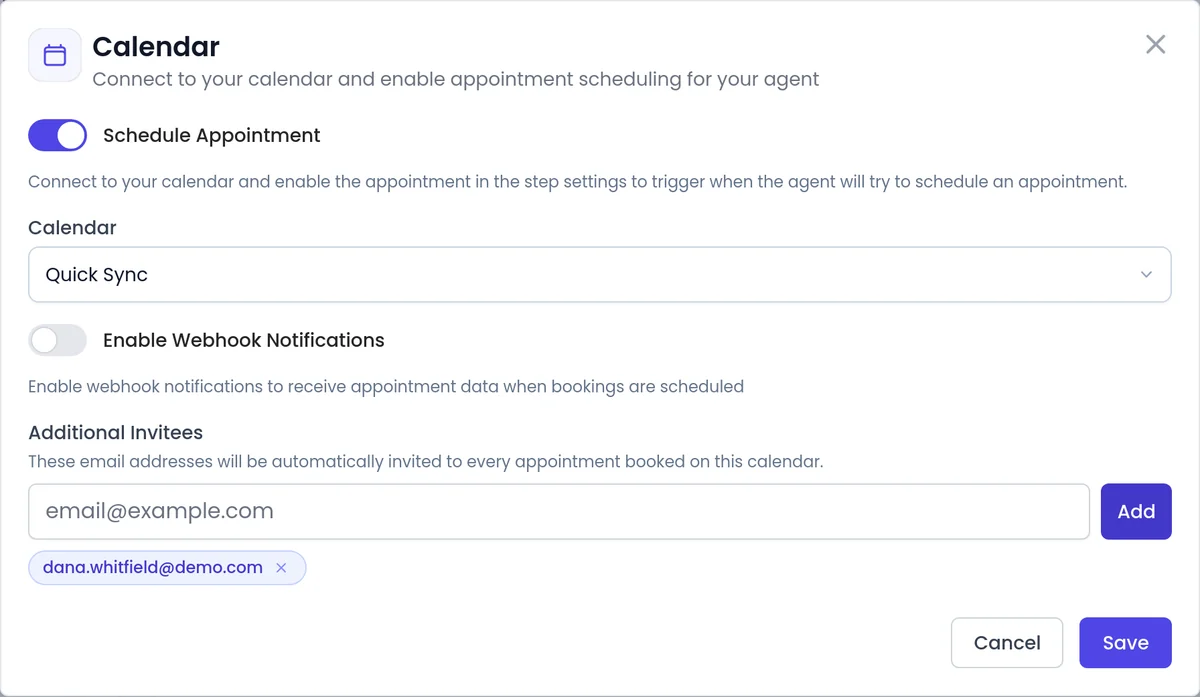
Open the agent, go to Manage Agent > Calendar and switch it on.
 3
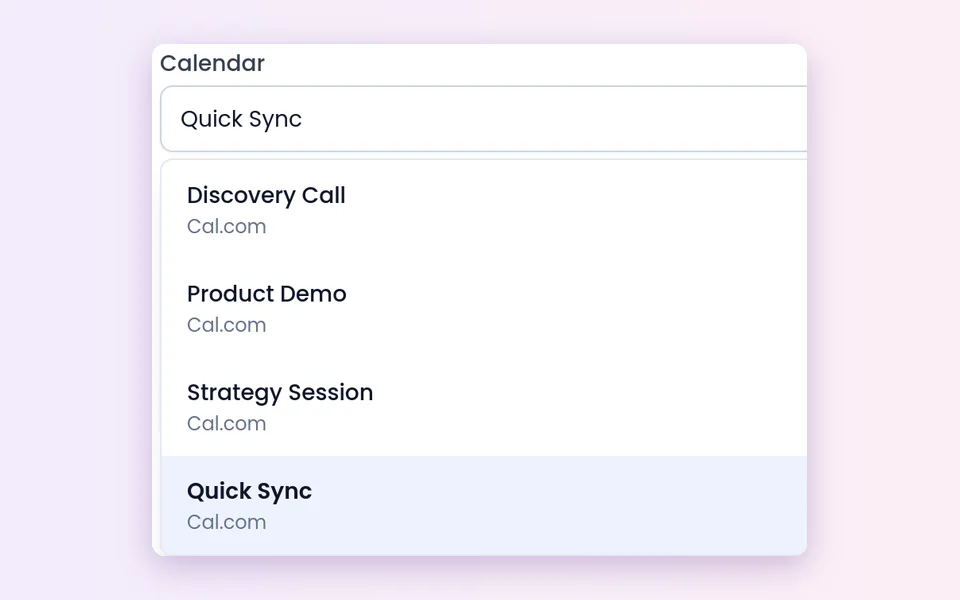
3Pick the calendar
Choose the event type the agent books into.
 4
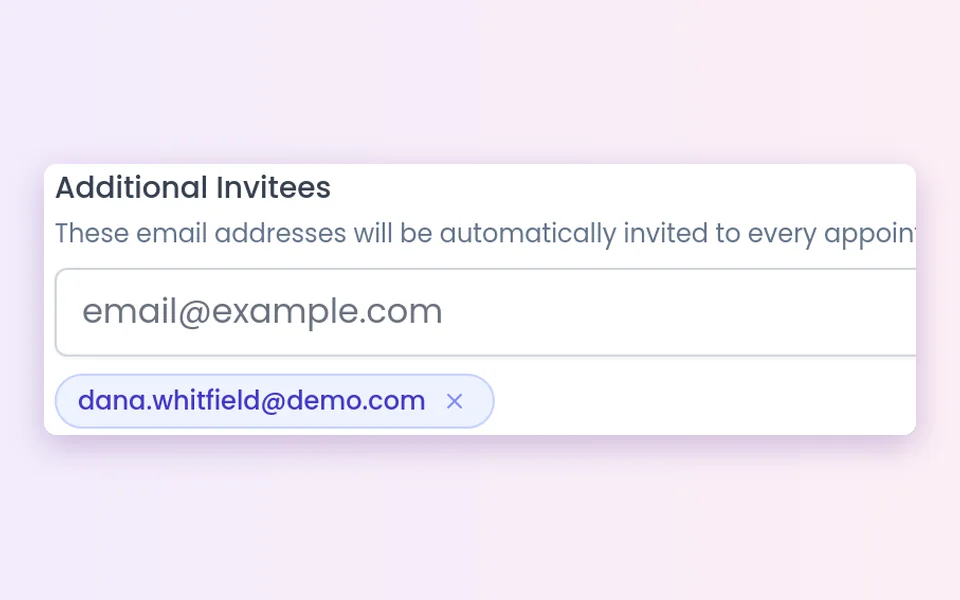
4Add teammates and test
List Additional Invitees, then test a conversation and check the booking.
Booking, callback or transfer: which happens when?
Three ways a conversation turns into a next step.
Calendar booking
The agent books a meeting on your Calendly, Cal.com or Cal.eu calendar.
- Works in conversations with your agent
Callback
The agent schedules a new call to the lead at the time they chose.
- See callbacks
Call transfer
The agent transfers the call to your team's number.
- Books the meeting first when a meeting is part of the next step
- See call transfer
What should I know before I turn it on?
Supported calendars
Calendly, Cal.com and Cal.eu, connected under Account Settings > Calendar.
Your calendar sets the rules
Times, event length and locations come from the event. Keep your availability up to date.
Meeting location
For a Calendly event with several locations (Zoom, Google Meet, Microsoft Teams or a phone call), you pick one when you attach the calendar.
Booking before a transfer
When a meeting is part of the next step, the phone agent books it before it transfers.
A clear record
Each call shows whether it connected and, separately, what happened, such as Appointment Booked.
Your other tools
A conversion event can go to Zapier, webhooks or Appmixer. See CRM integrations.
Best practices
Best practices for AI meeting booking
- Tell the agent when to offer a meeting. Describe a qualified lead in its instructions. See AI qualification.
- Use one event type per meeting purpose, such as a short intro call or a longer demo.
- Offer the locations you really use, so every booking uses the right one.
- Invite your teammates as Additional Invitees so they are on every booking.
FAQ
Still wondering about something? Ask us on the call. We'll build your agent while we talk.
Which calendars can SalesCloser book into?
Calendly, Cal.com and Cal.eu. Connect your account under Account Settings > Calendar, then turn on Schedule Appointment on the agent and pick the calendar.
Can other people be added to the meeting?
Yes, your own teammates. List them as Additional Invitees on the agent's calendar, and they are added to every booking.
Can meetings be on Zoom, Google Meet or Teams?
Yes. For a Calendly event that offers several locations (Zoom, Google Meet, Microsoft Teams or a phone call), you choose which one the agent books into when you attach the calendar.
What happens if a phone caller wants to talk to someone right away?
If a meeting is part of the next step, the phone agent books it first and then transfers the call to your team.
How do I know which conversations led to a booking?
Each call shows a Call Outcome such as Appointment Booked, separate from whether the call connected. You can also send conversion events to Zapier, webhooks or Appmixer.
See a meeting booked on a live call
Book a demo and watch an agent qualify a lead and put the meeting on the calendar before the conversation ends.