Natural voices: AI sales calls that sound like a good conversation
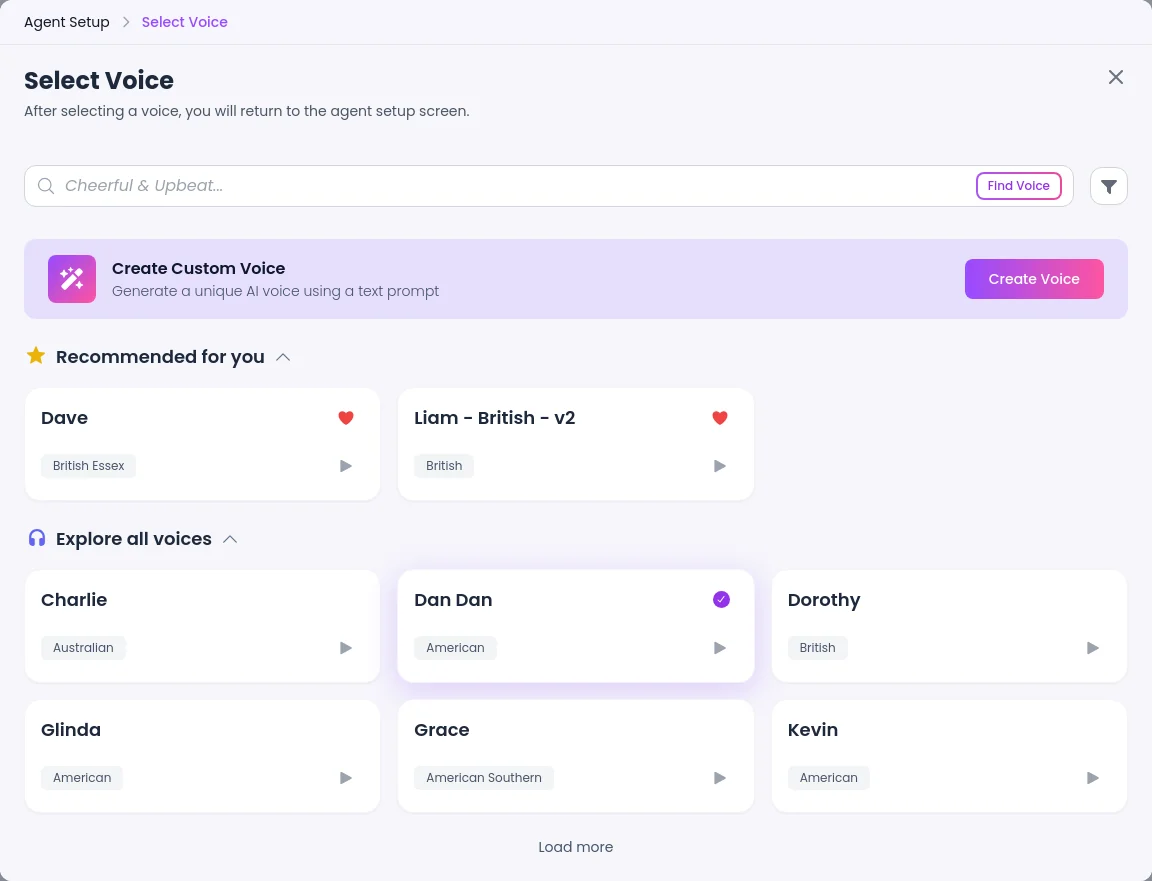
SalesCloser agents speak with a wide range of voices you can preview before you save. Speech-to-speech voices listen and reply in voice directly, for faster, more natural turn-taking that follows the caller's language. You choose how long the agent waits before it replies, and the classic setup adds a pronunciation dictionary.
- Preview every voice
- Speech-to-speech
- End-of-turn speed
- Pronunciation dictionary
What it is
What makes an AI voice sound natural?
On a sales call, a natural voice is less about the sound and more about the rhythm. SalesCloser gives you two voice setups and a few settings to get that right on phone calls and web calls. The agent should:
- Know when the caller has finished
- Let them interrupt
- Wait while they think
- Say your product names correctly
- Speak their language
Speech-to-speech or classic: which should you use?
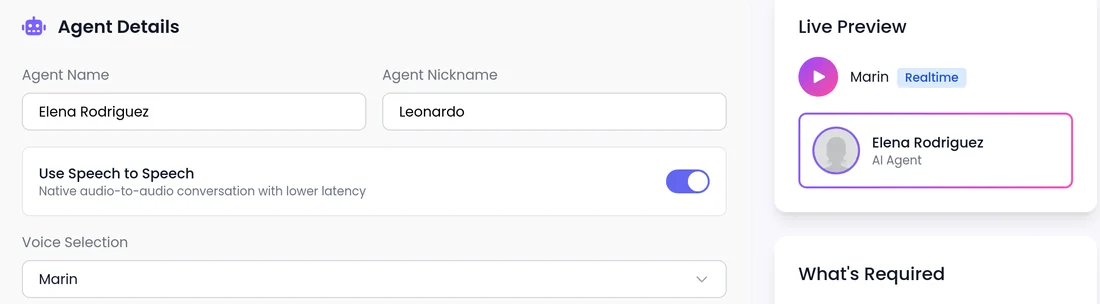
Speech-to-speech is opt-in per agent, so you can try it on one agent and keep the rest on the classic setup while you compare.
Speech-to-speech
The agent hears and speaks directly, for faster, more natural replies that follow the caller's language.
- Preset voices
- End-of-turn speed
- No pronunciation dictionary
- Prompt-based voice agents, on phone and web calls
Classic voice setup
The agent turns speech into text, decides what to say, then speaks, with newer voices across every supported language.
- Wide range of voices, plus custom voices from a text prompt
- Speed and stability sliders
- Pronunciation dictionary
- Prompt-based and flow-builder agents
How does a call feel for the lead?
- 1
The call starts
On your number, an outbound call, or a voice or video call on your website.
- 2
Replies at the right moment
When the lead has finished speaking, with a wait you set.
- 3
Room to think
A Patient setting gives a lead who pauses time to finish.
- 4
Follows their language
If the lead switches language, a speech-to-speech agent follows.
- 5
Your names, said right
On agents that use the pronunciation dictionary.
What is End-of-turn speed?
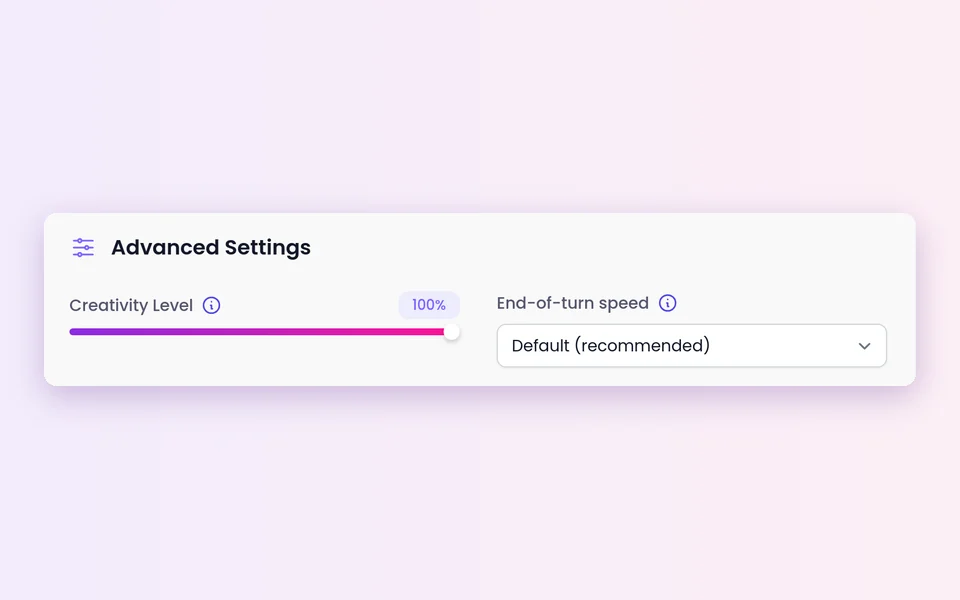
For speech-to-speech agents, it sets how long the agent waits after the caller stops speaking before it replies. If test calls show the agent cutting people off, move toward Patient. If callers wait in silence, move toward Fast.
Default (recommended)
Follows the platform's standard medium wait, the same as Balanced today.
- A starting point before you tune
Fast
Replies sooner, may cut in on pauses.
- Short exchanges, such as confirming details
Balanced
A medium wait.
- Mixed calls
Patient
Waits through pauses, replies more slowly.
- Discovery calls and buyers who think out loud
How do you set it up?
For a speech-to-speech agent.
- 1
Open the agent
Create a new agent, or open an existing one to edit it.
 2
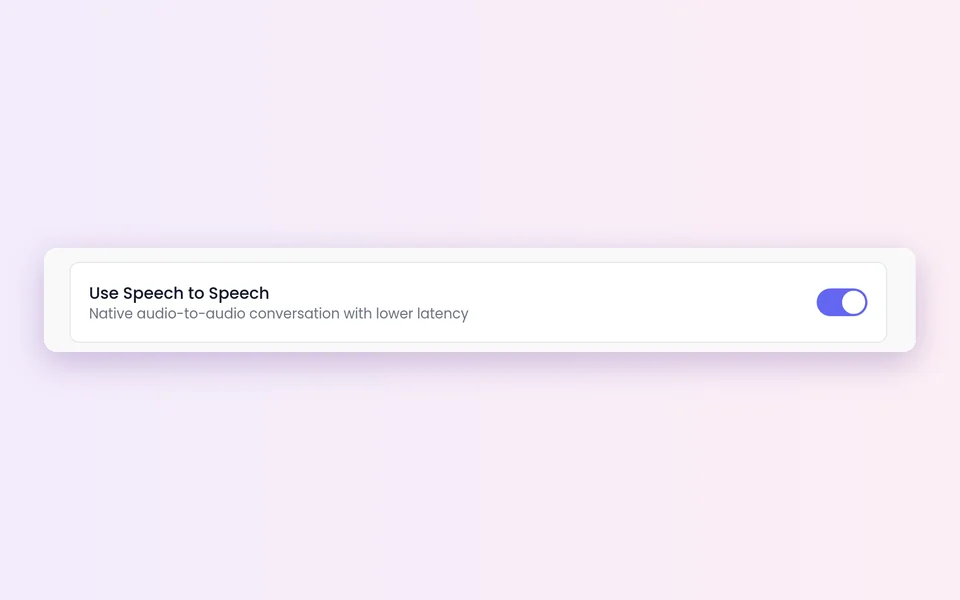
2Switch on Use Speech to Speech
In the agent's details.
 3
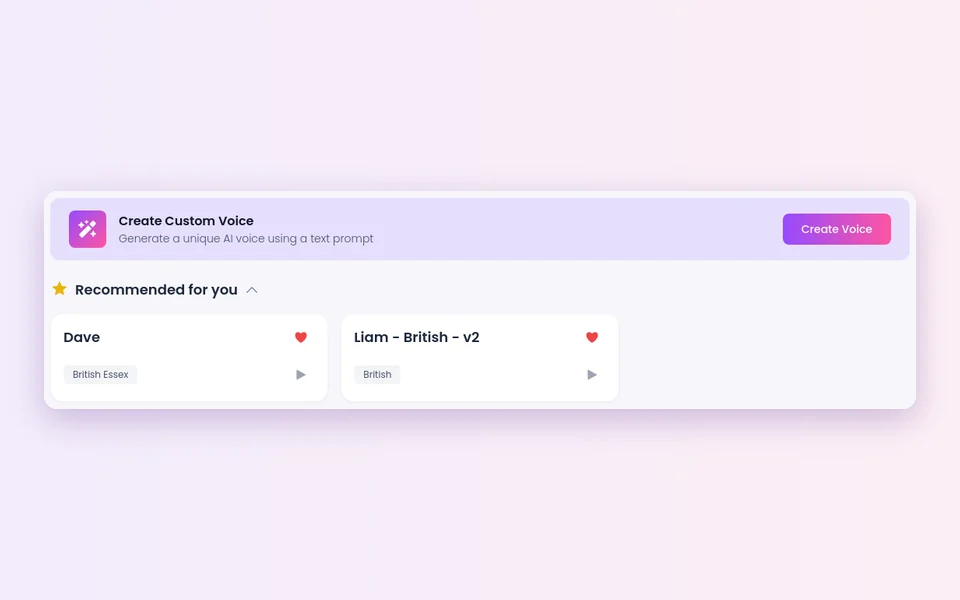
3Pick a voice
Play the preview before you choose.
 4
4Choose End-of-turn speed
Default (recommended), Fast, Balanced or Patient.
- 5
Save and test
Run a few test calls.
Other settings that shape the call
On the classic setup, pick a voice, preview it and use the speed and stability sliders.
Create Custom Voice
In the voice picker, generate a unique AI voice from a text prompt. Classic setup only.
Pronunciation dictionary
Add your brand, product and industry terms. Classic setup only.
Pauses
Turn off "Are you still there?" prompts to keep the agent quiet during pauses. The call still ends once the silence timeout is reached.
Office sound
On phone calls, add a light office background sound.
Typing instead of spelling
On web calls, when the agent asks for an email or phone number, the chat panel opens so the caller can type it.
What should you know before you switch?
Prompt-based voice agents only
Use Speech to Speech appears on prompt-based voice agents. Flow-builder agents stay on classic voices.
Preset voices, no sliders
Speech-to-speech uses preset voices only, and the classic speed and stability sliders are hidden while it is on. If an agent needs a custom voice, keep it on the classic setup.
Exact names matter?
The pronunciation dictionary works on the classic setup only. If exact names matter most, keep that agent on classic.
Test Fast first
Fast may cut in on pauses, so test it before using it on longer calls.
AI disclosure
A more natural voice does not change how the agent introduces itself. You control how the agent introduces itself, including whether it says it is an AI up front, and you can tell it to always answer truthfully when asked.
Outbound rules
On outbound calls, calling rules, consent and do-not-call lists remain your responsibility.
Best practices
Tune one step at a time
Start on Default, review real calls, then adjust.
Play different callers
A fast talker, someone who pauses and someone who interrupts.
Say your product names
On a test call, and listen to how the agent says them back.
Listen to real calls
Conversations are recorded and transcribed so your team can review them. Listen for cut-ins and long gaps.
FAQ
Still wondering about something? Ask us on the call. We'll build your agent while we talk.
What is speech-to-speech?
The agent hears the caller and speaks back directly, without first turning speech into text. This gives faster, more natural replies and lets the agent follow the caller's language.
Does speech-to-speech work on phone calls?
Yes. It works on both phone calls and web calls, on prompt-based voice agents.
Can I create my own voice?
Yes, on the classic setup. Choose Create Custom Voice in the voice picker and describe the voice in a text prompt. Speech-to-speech offers preset voices only.
Can I hear a voice before I choose it?
Yes. You can preview each voice before you save the agent.
How do I make the agent say my brand name correctly?
Add it to the pronunciation dictionary on an agent that uses the classic voice setup, then check it on a test call.
Hear a natural AI voice for yourself
Book a demo and talk to an AI sales agent tuned for the way your buyers speak.