AI qualification: ask your questions, your way
SalesCloser agents qualify leads with the questions and rules you give them. Set different instructions for different situations with conditional prompts, or have the agent follow your script word for word. The answers are recorded on the lead, so your team knows who fits before anyone picks up the phone.
- Your questions and rules
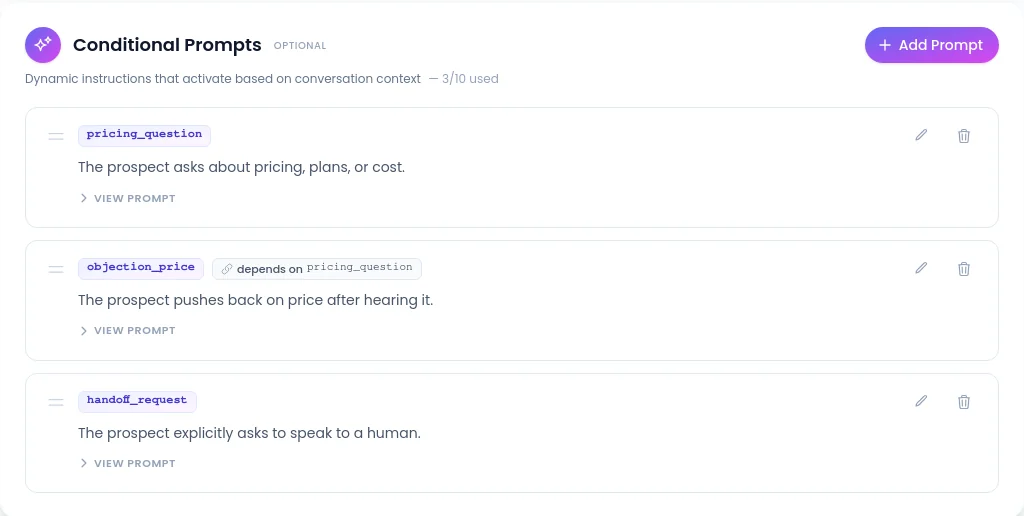
- Conditional prompts
- Casual, Formal or Scripted
- Answers saved on the lead
What it does
What does AI qualification do?
Every sales team has its own idea of a good lead. One team needs budget and timeline; another needs company size or location. Write those questions and rules into the agent, and it asks what you need to know on every conversation: website chat, browser voice and video calls, phone and WhatsApp.
The agent answers the buyer's questions from your own content as it goes, so qualification feels like a helpful conversation instead of a form. When a buyer fits, the agent can book the meeting onto your calendar during the same conversation.
How does it feel for the lead?
- 1
The conversation starts
On your site, on your number or on an outbound call.
- 2
Your first question
On the website and web calls, one-tap multiple-choice buttons let the lead answer with a click.
- 3
Side questions answered
From your knowledge base, then back to qualification.
- 4
Type, don't spell
On a web call, the chat panel opens for an email address or phone number.
- 5
Book or bring in your team
Leads who fit can book a meeting, and the agent can bring in your team when a buyer is ready.
Casual, Formal or Scripted: which style fits?
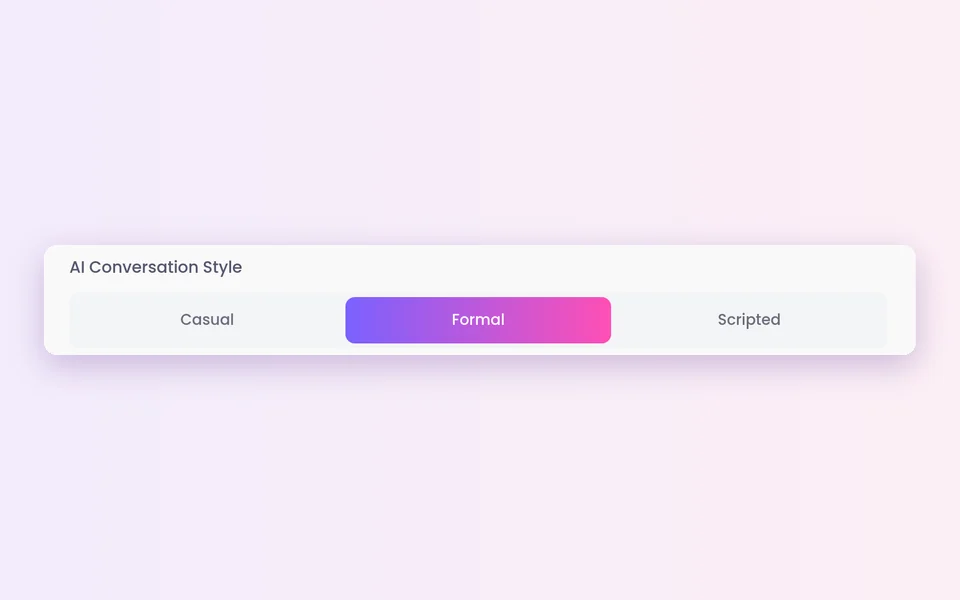
The AI Conversation Style setting decides how the agent speaks. Most teams keep Casual and switch only the agents that need exact wording to Scripted.
Casual
Asks your questions in its own words, in a relaxed tone.
- Discovery calls and inbound questions
Formal
Asks your questions in its own words, in a formal tone.
- Buyers who expect a formal register
Scripted
Says your lines word for word, then returns to its last question after a side question.
- Required statements, regulated wording, a tested script
How do you set it up?
Run a few test conversations yourself before you send real leads to the agent.
- 1
Write your questions and rules
In AI Agents, create or open a prompt-based agent. In its instructions, list the questions you want answered and what makes a good fit.
- 2
Add conditional prompts
For an existing customer, a lead outside your area or a product line. The built-in assistant can manage them from the chat, and asks before it changes anything.
 3
3Pick a conversation style
Keep Casual or choose Formal or Scripted. Hidden when Use Speech to Speech is on.
 4
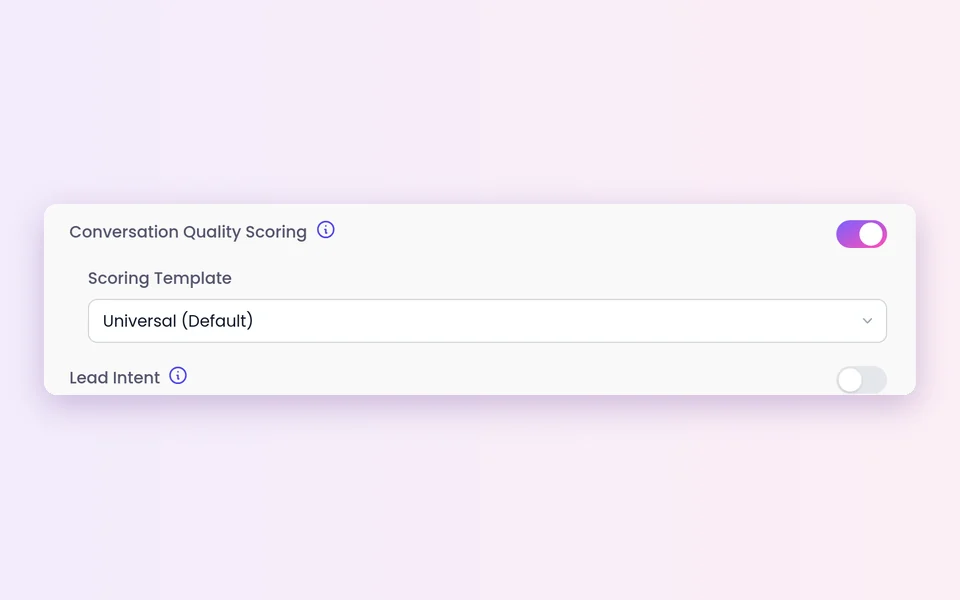
4Optional: Lead Intent
Turn it on under Advanced Settings to see a live score of how interested each lead is.
- 5
Book qualified leads
Connect your calendar under Account Settings > Calendar, then turn on Schedule Appointment on the agent and pick the calendar.
Where do the answers go?
On the lead
Alongside the recording and transcript. Conversations are recorded and transcribed so your team can review them.
In your CRM
SalesCloser connects with HubSpot, Pipedrive, Zoho CRM, Zendesk and GoHighLevel, so call outcomes land on the right contact.
In your other tools
Zapier and webhooks can send data during a conversation, when it ends or when a lead converts. Zapier sees every custom lead field you use.
In exports
Export calls and leads with your custom lead fields included.
What should you know before you start?
Your rules, your results
The agent qualifies against the questions and rules you write. Clear, specific rules give better results than vague ones.
Scripted is for prompt-based agents
You choose it agent by agent, and the style setting is hidden on speech-to-speech agents.
The intent score is a guide
It shows how interested a lead seems and why. Use it to decide which calls to join, alongside your own rules.
Compliance stays with you
If the agent calls leads, calling rules, consent and do-not-call lists remain your responsibility.
AI disclosure
You control how the agent introduces itself, including whether it says it is an AI up front, and you can tell it to always answer truthfully when asked.
Best practices
Most important question first
Ask it early, and keep the list short.
Plain statements
Who is a fit, who is not, and what to do in each case.
Buttons for fixed answers
Such as team size or timeline.
Read the first week
Tighten any question leads find confusing.
FAQ
Still wondering about something? Ask us on the call. We'll build your agent while we talk.
Can the agent ask different questions to different leads?
Yes. Conditional prompts let you set different instructions for different situations, so the agent changes its questions when it learns something that matters, such as the product a lead wants.
Can the agent follow my exact call script?
Yes, on a prompt-based agent. Choose Scripted under AI Conversation Style. The agent says your lines word for word and returns to its last question after a side question.
Where can I see the answers the agent collected?
On the lead in SalesCloser, in your connected CRM, and in any tool you send data to through Zapier or webhooks. Exports can include your custom lead fields.
Can the agent book a meeting once a lead qualifies?
Yes. Connect Calendly, Cal.com or Cal.eu and turn on Schedule Appointment on the agent, and it books the meeting during the conversation.
How do I know my instructions will work?
Run a few test conversations yourself before real leads reach the agent, playing the leads you expect. Then read the first week of transcripts and tighten any question or rule that does not work.
See your questions in action
Book a demo and watch an agent qualify leads with questions built for a business like yours.